Easy JTAG Plus Box Setup v3.8.0.26 – 2026 [Latest Version]
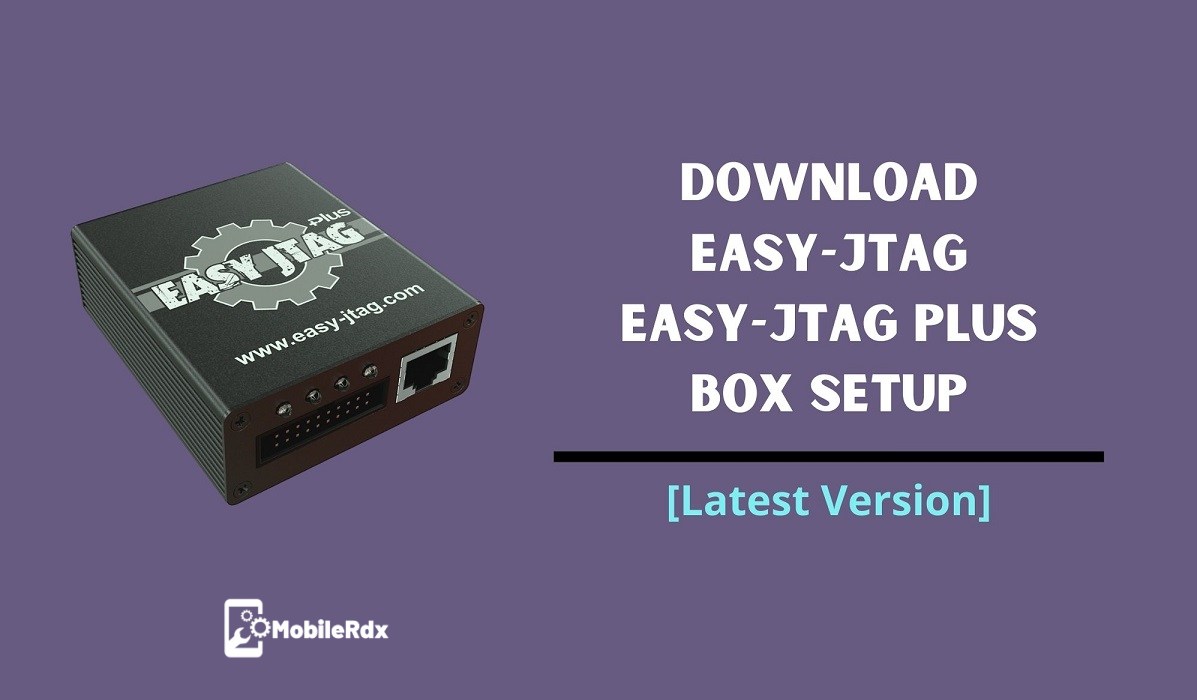
As a mobile technician and repair shop owner, you likely use various paid tools for repairing phones. Check UnlockTool or EFT Pro Dongle for other options. The Easy Jtag Plus Box is a premium option that allows you to flash, unbrick, unlock, reset FRP, and more. It is an advanced solution for memory programming and repairing and has been upgraded to support NAND, EMMC, and UFS (a new type of memory). Easy JTAG is widely regarded as one of the best solutions in the market for mobile phone repair.
The Easy JTAG Plus Box is a really useful tool for smartphone repair. It works with phones that have Intel, Qualcomm, MediaTek or Spreadtrum processors, so it fits many different brands such as Samsung, Xiaomi, Vivo, Oppo, Huawei, Nokia etc. You can flash phones, modify IMEI numbers, remove locks on bootloader and remove FRP locks. It can also revive dead devices.
You can buy this tool easily in shops or online from sites like AliExpress and GSM Server. If you need the newest setup for the Easy Jtag Plus Box, this is the right place to find it.
What Is an Easy JTAG Box?
Z3x Easy JTAG Plus is a hardware and software package for technicians who repair mobile phones. It supports NAND, eMMC and UFS memory. It does everything from reading to fixing broken memory chips. It lets you flash firmware, fix devices bricked, remove FRP locks, change IMEI numbers and much more. It works well with lots of brands and chipsets such as Samsung, Huawei, LG and HTC. For Samsung repairs see UnlockTool guide too.
Features Of Easy JTAG Box:
Easy JTAG Plus supports a wide range of mobile repair tasks:
- Direct eMMC Read/Write/Erase
- UFS Read/Write (latest update)
- NAND Memory Programming
- ISP Pinout-based Repair
- Dead Boot Repair
- FRP / Pattern / PIN Removal
- User Data Recovery
- Firmware Flashing (MTK, Qualcomm, Spreadtrum, Nvidia Tegra, Samsung)
Socket Features
- Combining the top-quality materials with the best engineering and elegantly designed hardware for the
- powerful eMMC socket.
- Made from high-quality materials
- Over 10K cycles of lifetime performance in your service centre
- Wide range of eMMC IC supported by BGA153/169, BGA162/186, BGA221, BGA529
- High-speed up to 30 MB per second over 8-bit bus.
- EMI-resistant design, low-noise components
- Integrated power logic. An additional power source is no longer needed.
- Surge protection – smart fuse driven (0.5A threshold)
Software Features:
- Dump and ISP Pinout Database: Regularly updated collections of device dumps and pinout diagrams to help with repair.
- Easy JTAG Tools: The main software to use all key features – deep repair, flashing and powerful for device programming.
- Easy JTAG Plus Tool: Designed for lightweight and mobile repair, especially for EMMC chip replacement and user data recovery.
- Easy JTAG SPI Flasher: Identify, read, verify, write, and erase flash chips to repair BIOS and routers.
- Single package repair: create your own repair package including partition layout and EMMC configuration files.
- Easy JTAG API: Use advanced tasks through code to create your own repair solution and equipment.
Download Easy Jtag Plus Box Setup
| File | Version | Link |
|---|---|---|
| EasyJTAG Plus Box Setup | v3.8.0.26 (Latest) | Download Pass: 12345678 |
| EasyJTAG Plus Box Setup | V3.8.0.15 | Download |
| Easy Jtag Plus Box Setup | V3.8.0.14 | Download |
| EasyJTAG Plus EMMC Plus | V2.1.0.0 – New | Download |
| EasyJTAG Plus Box Setup | V3.8.0.10 | Download |
| Z3X EMMC Manager | V1.34 | Download (Pass: 12345678) |
(Please run the software with the CTRL button on the keyboard.)
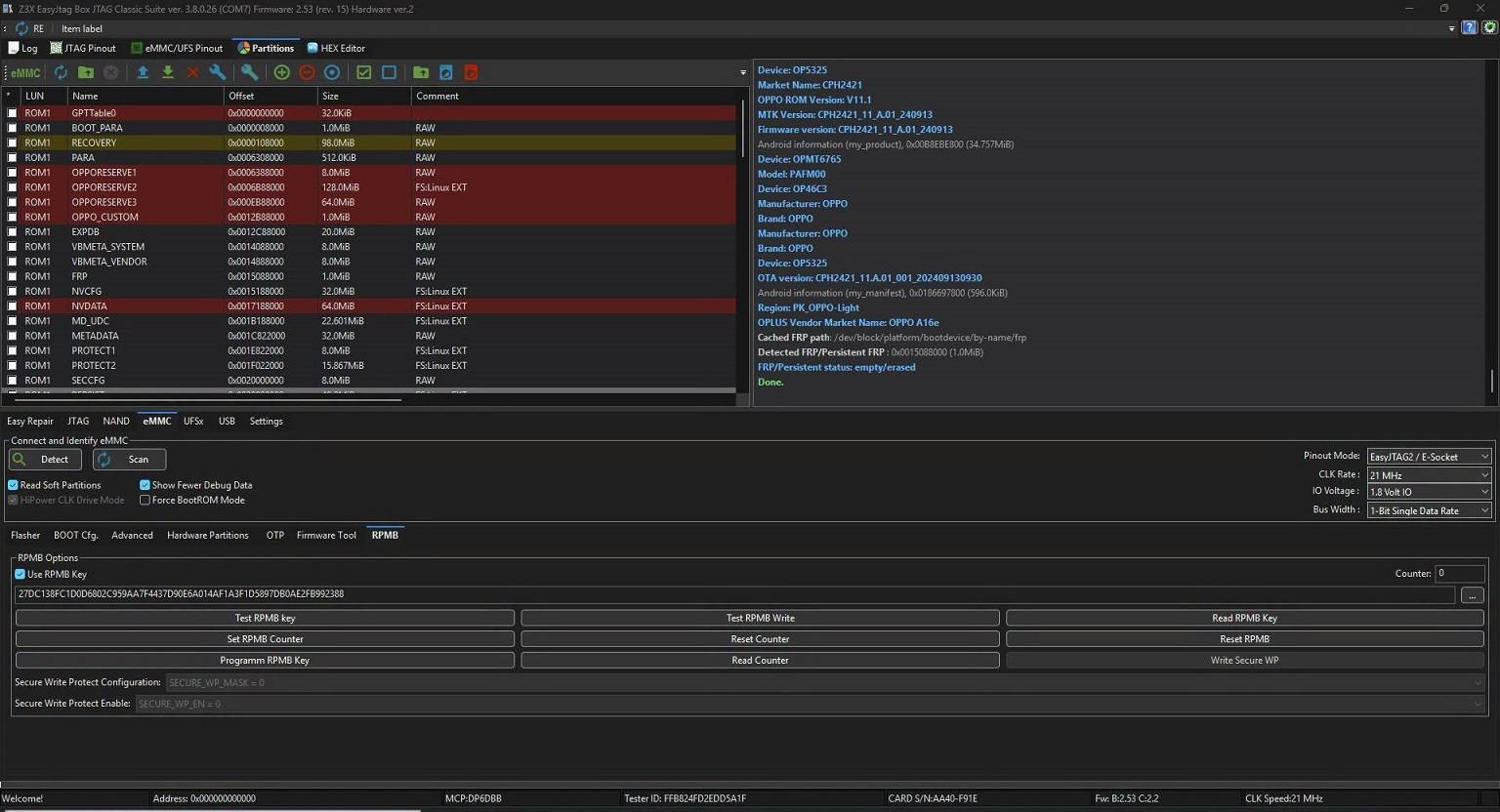
Whats New In Easy JTAG Box V3.8.0.26 Update
- Actual beta For All Users.
- Fixes and improvements in UI.
- Basic support of RPMB key reading and new FFU.
- It’s a beta version, so some bugs may still persist.
For a forced FW update, hold CTRL while the software is starting. - For EEPROM update(RED LED),) hold SHIFT while software starts.)
UI: Dark Mode skin.
UI: Added sizer over all controls so interface will fit on any desktop.
UI: Added HEX Editor.
UI: Added detailed descriptors view tables.
UI: Logs disk store bugs fixes.
eMMC: Force bootrom mode added
UFS: Extended features display support.
UFS: WriteBooster support ( r/w/edit ).
UFS: SSR for new Sandisk.
UFS: SSR for new toshiba.
UFS: YMTC8 series fixes.
UFS: YMTC9 series fixes.
UFS: SCSI VPD data display.
What’s New In Easy JTAG EMMC Plus V2.1.0.0 Update
UPDATE SUMMARY
✨ This EasyJTAG update significantly extends UFS service capabilities,
SoC coverage, and firmware handling tools for professional labs.✨
📱 New vendors and SoC support
Added vendor flashing for MTK (MediaTek) devices.
Added vendor flashing for Spreadtrum / Unisoc platforms.
Added vendor flashing for Nvidia Tegra based devices.
⚙️ Advanced UFS functions
UFS unlock configuration for a UFS of chips, supporting unlock commands.
UFS smart-report for selected ICs to quickly read health, configuration, and key diagnostic data.
UFS DataProtect removal for compatible models, allowing safe clearing of protection when hardware/firmware permits.
🗂 Filesystem and explorer improvements
Updated Explorer with support for EXT, FAT, NTFS, EROFS, and F2FS, allowing direct work with typical Android and embedded partitions.
🔧 EasyJTAG boxes eSIM firmware and activation
Added support for devices/boxes with eSIM handling (LX9 boxes activated after 09/2025).
Added firmware v14 for LX9 boxes
🆎 Qualcomm boot slot control
Active slot (A/B) switching for Qualcomm-based devices to simplify recovery, testing, and boot slot repair.
🔎 Partition table and ROM handling
Manual partition table scan for a selected ROM/LUN, helping to locate and map partitions on damaged or non-standard layouts.
🔐 Xiaomi and authorization handling
Improved authorization bypass logic for some Xiaomi models within current security limitations.
Fixed Xiaomi Mi Account–related patch routines, increasing reliability on supported firmwares.
📦 Parsers and firmware unpackers
Corrected and improved Preloader parser for better stability on various MTK images.
Updated firmware unpacking tools:
OFP unpacker (Oppo/Realme-style packages).
PAC unpacker (Spreadtrum/Unisoc firmware).
NB0 unpacker (NB0-format images).
LG firmware unpacker for compatible LG package types.
🎯 Always use the correct tools and follow proper procedures!
How to Install Easy Jtag Plus Box Setup
1. Download the Easy JTAG Plus Box version on your PC.
2. Now, extract the zip file using the WinRAR tool.
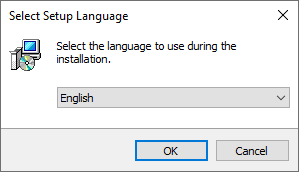
3. Open the extracted folder > Run the setup application (exe)
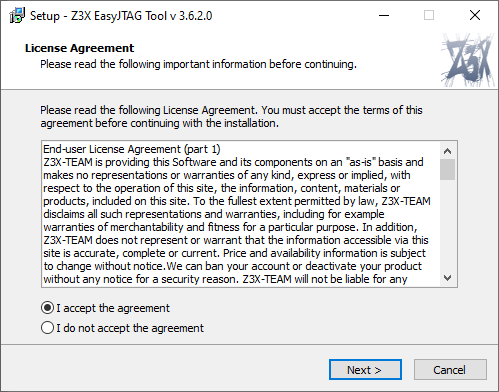
4. Tap on accept the agreement
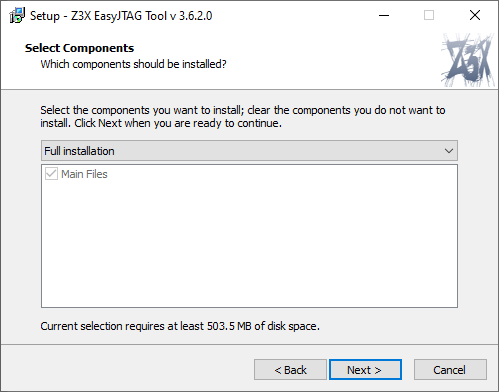
5. Tap Next button
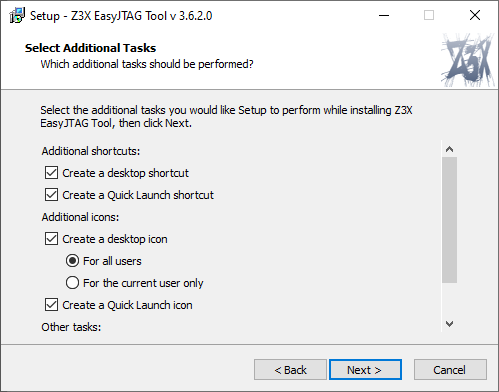
6. Click on Next
7. Click on Install
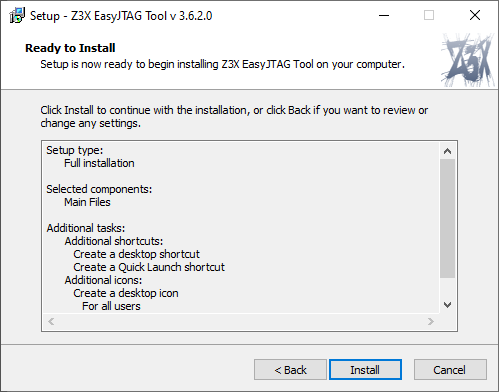
8. Click on Finish to finalize the installation.
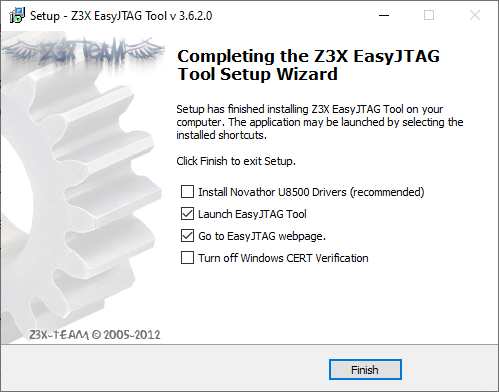
9. Finally, you will get a launcher on your desktop. Run as an administrator and start using it.
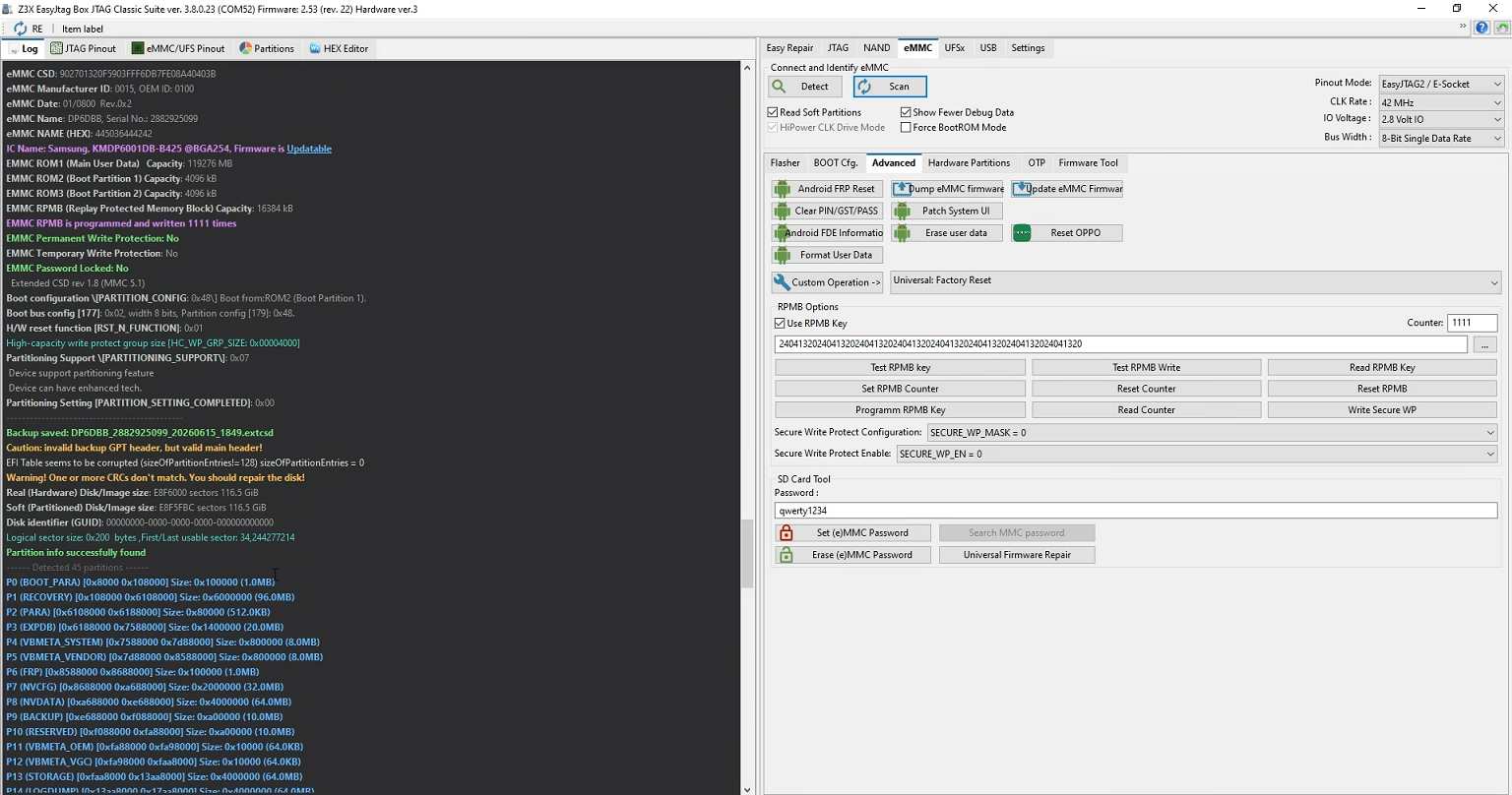
10 That’s it, guys. We hope you’ve found this guide useful. For any queries, feel free to ask in the comment section below.
Verdict
Easy JTAG Plus Box v3.8.0.26 is a must-have for eMMC, UFS, and NAND chip-level repairs. The new UFS functions, MTK vendor flashing, and Xiaomi Mi account fixes make this update worth it. This tool handles dead boot, FRP, and data recovery jobs that software-only tools cannot touch.
Frequently Asked Questions
A: As of 2026, the latest version is V3.8.0.26, released on 19.06.2026.
A: Yes, MTK (MediaTek) vendor flashing was added in the V2.1.0.0 update.
A: Yes, the latest version significantly extends UFS service capabilities including UFSConfig write and provisioning.
A: Yes, it is recommended to disable Windows Real-Time Protection before installing, as the tool may trigger false positives.
A: No. While the software setup files are completely free to download, the program will not run unless the physical Easy JTAG Plus hardware box (with a valid smart card) is connected to your computer.