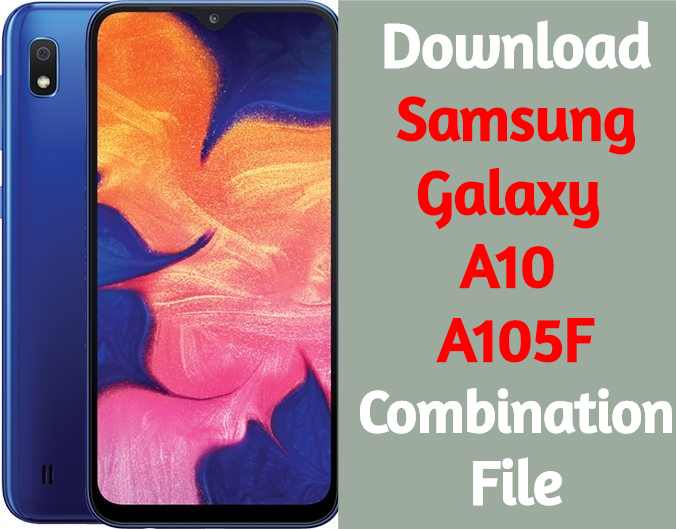
Download Samsung Galaxy A10 A105F Combination File
Are you looking to download Samsung Galaxy A10 A105F combination file? If yes then you have landed on right place.
If you are here to download free combination files for Samsung Galaxy A10 A105F that means you have enough knowledge about “Samsung combination files” or “Samsung Factory binary firmware”. But in case you are noob or want to learn more then follow the link to know “What is combination file and how to use to bypass Samsung FRP lock?”
Samsung combination files are pre-enabled usb debugging firmware ROM and combination files may be different for different Samsung devices according to their build number and region. So make sure you have download compatible Samsung combination file for your device. If you are sure, you have downloaded the correct combination file for your own frp locked Samsung device then go ahead and follow the combination file flashing procedure & unlock Samsung frp without any flash tool.
Please Note: Remember all the firmware and combination files on this post are only and only for Samsung A105F nougat android Smartphone. Download free Samsung combination for Samsung Galaxy A10 A105F and flash to bypass frp lock, please don’t try to apply these combination files on any other Samsung model.
Download Samsung Galaxy A10 A105F Combination File
COMBINATION_FAC_FA90_A105FXXU1ASB6 – Mirror
U1 = Binary / Bootloader Level 1
How to Flash Samsung Samsung Galaxy A10 A105F Combination File:
Make sure your device is atleast 30 percent charged to perform flashing.
• Switch off the mobile
• Press the Power + volume down + home button
• Android symbol will appear, now press volume up to enter into the download mode
• Now open the Odin flash tool and follow the steps as shown in the video
• Select Samsung Galaxy A10 A105F .
• Select the Odin tool and open it
• Click AP or PDA then select AP File
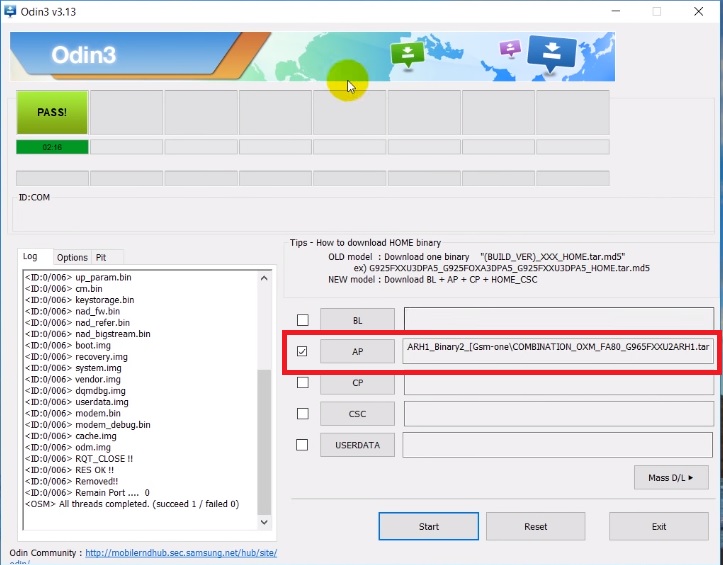
• After selection mobile will get detected automatically
• Now click start on system & installation is in process
• After installation mobile switch ON of its own.