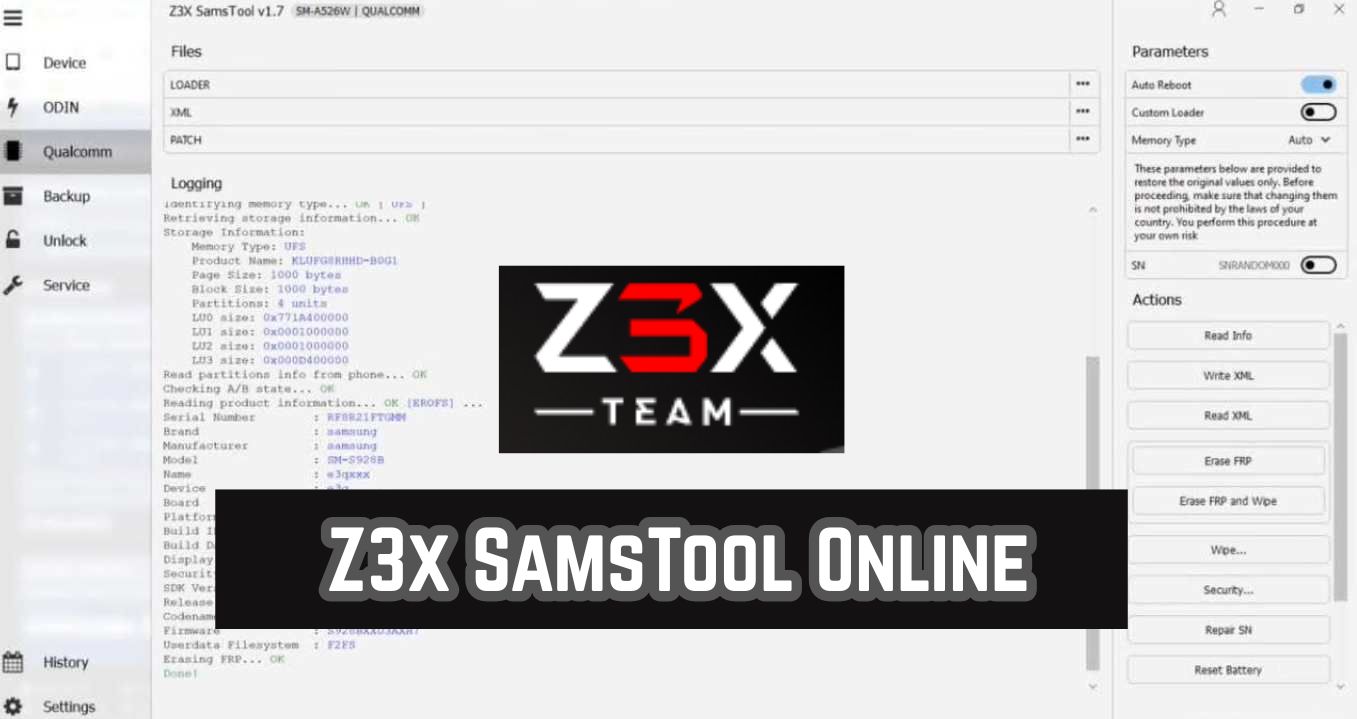
Z3x SamsTool v1.39 is the latest Samsung repair module developed by the Z3x team that can allow users to unlock FRP, remove MDM, remove KG lock, and perform operations for Samsung Mobiles. All operations are executed through the server. Additionally, it fixes: Read information, fix baseband, remove screen lock, enable diagnostics, unlock FRP, read and flash the Full flash/recovery, write EFS, and many more.
What Is Z3x SamsTool?
Z3x SamsTool Online is a server-based Samsung repair tool that connects to Z3x servers to perform FRP bypass, MDM removal, KG unlock, firmware operations, and baseband fixes on Samsung devices. It is not a standalone offline tool. The tool requires an active internet connection and a valid Z3x account or activation to function.
Developed specifically for Samsung smartphones and tablets, SamsTool supports models from the Galaxy S series, A series, J series, Note series, Tab series, and Z series. The V1.34 update brings improved Android 15 and Android 16 FRP methods, updated server protocols, and broader device coverage.
Key Features of the SamsTool Online Tool
- Remove FRP Lock—supports latest Android 15 and Android 16 security patches
- Remove MDM Lock — enterprise MDM bypass for Samsung devices
- Remove KG Lock — KG lock removal for Samsung Knox devices
- Read Device Information — model, IMEI, serial, firmware version
- Fix Baseband — repair baseband/IMEI issues
- Remove Screen Lock — bypass PIN, pattern, password, fingerprint
- Read and Flash Firmware — full flash and recovery operations
- Write EFS — restore EFS and NV data
- Enable Diagnostics — activate service mode and engineering menus
- Server-based operation — no dongle required, works via Z3x server
Supported CPU Platforms:
- Exynos — 7570, 7870, 7880, 7884, 7885, 7904, 850, 9609, 9610, 9611, 980, 9820, 9825, 990, 2100, 2200, 2400, 2500, 2600
- Qualcomm — Snapdragon 400 series up to 8 Gen 3
- MediaTek — supported through ADB and MTP modes
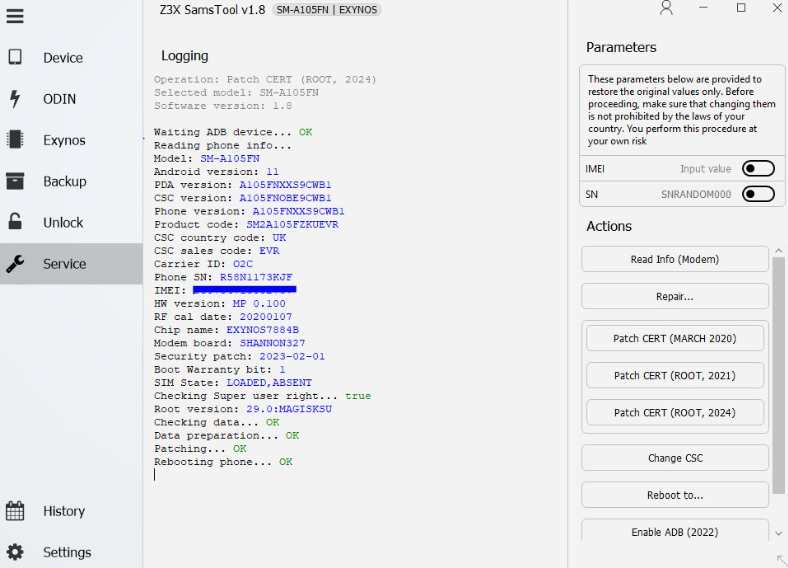
Whats New In Z3X SamsTool 1.39 Released Update
Added:
- Samsung Exynos FRP Reset
- Supports the latest security updates for July, August, and September 2026.
Added support for new BIT (EDL Loaders):
- SM-A236U — BIT_F
- SM-M556B — BIT_5
- SM-G9980 — BIT_J
- SM-S901N — BIT_9
- SM-S911B — BIT_A
- SM-S916B — BIT_A
- SM-S918U — BIT_8
- SM-X210 — BIT_C
- SM-F711N — BIT_E
- SM-F721B — BIT_C
- SM-F926B — BIT_I
- SM-F936N — BIT_8
- SM-F956B — BIT_4
- SM-A057F — BIT_F
- SM-A236E — BIT_G
- SM-F711B — BIT_I
- SM-F741B — BIT_4
- SM-G736B — BIT_C
- SM-S906E — BIT_E
- SM-S9280 — BIT_6
- SM-X210R — BIT_7
- SM-X816B — BIT_6
- SM-X916B — BIT_6
- SM-A057M — BIT_F
- SM-A236B — BIT_F
- SM-A236M — BIT_F
System Requirements for Z3x SamsTool Online
- Operating System: Windows 7, 8, 10, 11 (32-bit and 64-bit)
- Processor: Intel Core i3 or equivalent
- RAM: Minimum 4 GB (8 GB recommended)
- Hard Disk: 500 MB free space for installation
- Internet: Active broadband connection required for server access
- USB Port: USB 2.0 or USB 3.0
- Drivers: Samsung USB Driver installed
- .NET Framework: Version 4.6 or higher
- Activation: Valid Z3x account or server license
Download Z3x SamsTool Online Tool V1.39 [Latest Version]
Download Z3x SamsTool Online Tool V1.39 Latest Setup Version from the link below. It is exclusively a Samsung Module. The tool will work only if you have a valid Z3x Box activation. If you already have the Z3x Tool, you directly update it.
- File Name: Z3x_SamsTool_Online_V1.39_Setup.rar
- Size: ~321 MB
- Platform: Windows 7, 8, 10, 11
- Developer: Z3x Team
- Requires: Z3x Box or Server Activation
Subscription Price:
International Price (USD): Approximately $79.00 for a 1-year subscription.
Indian Resellers (INR): Generally ranges between ₹5,300 to ₹7,250, depending on the vendor (e.g., GSM 24seven or IndiaMart sellers) and current discounts.
No Physical Box Required: This is a 100% digital, server-based license.
How to Use the Z3x SamsTool Online Tool
Follow these steps to use Z3x SamsTool Online V1.36 on your Windows PC:
- Download and extract the setup file using WinRAR or 7-Zip.
- Install Samsung USB drivers on your PC if not already installed.
- Run the SamsTool Online setup file as Administrator.
- Complete the installation process.
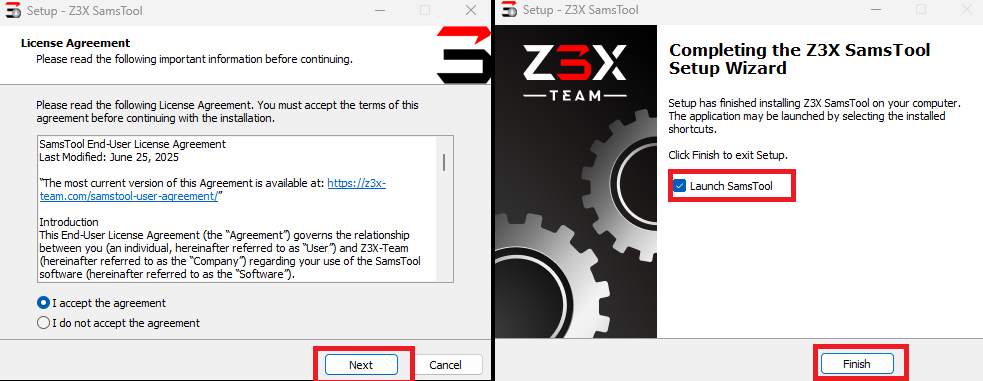
- Open the tool from the desktop shortcut.
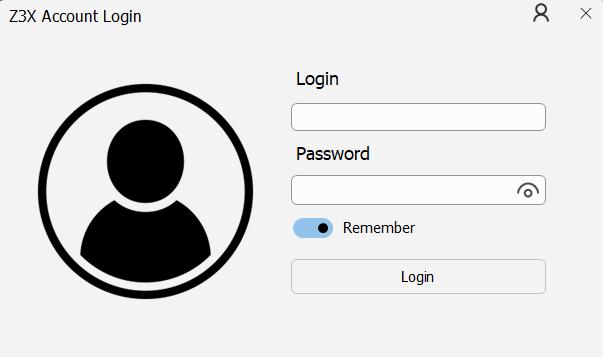
- Enter your Z3x server login credentials (username and password).
- Wait for the server connection to establish.
- Connect your Samsung device to the PC via USB cable.
- Select the desired operation from the tool interface (FRP, MDM, KG, etc.).
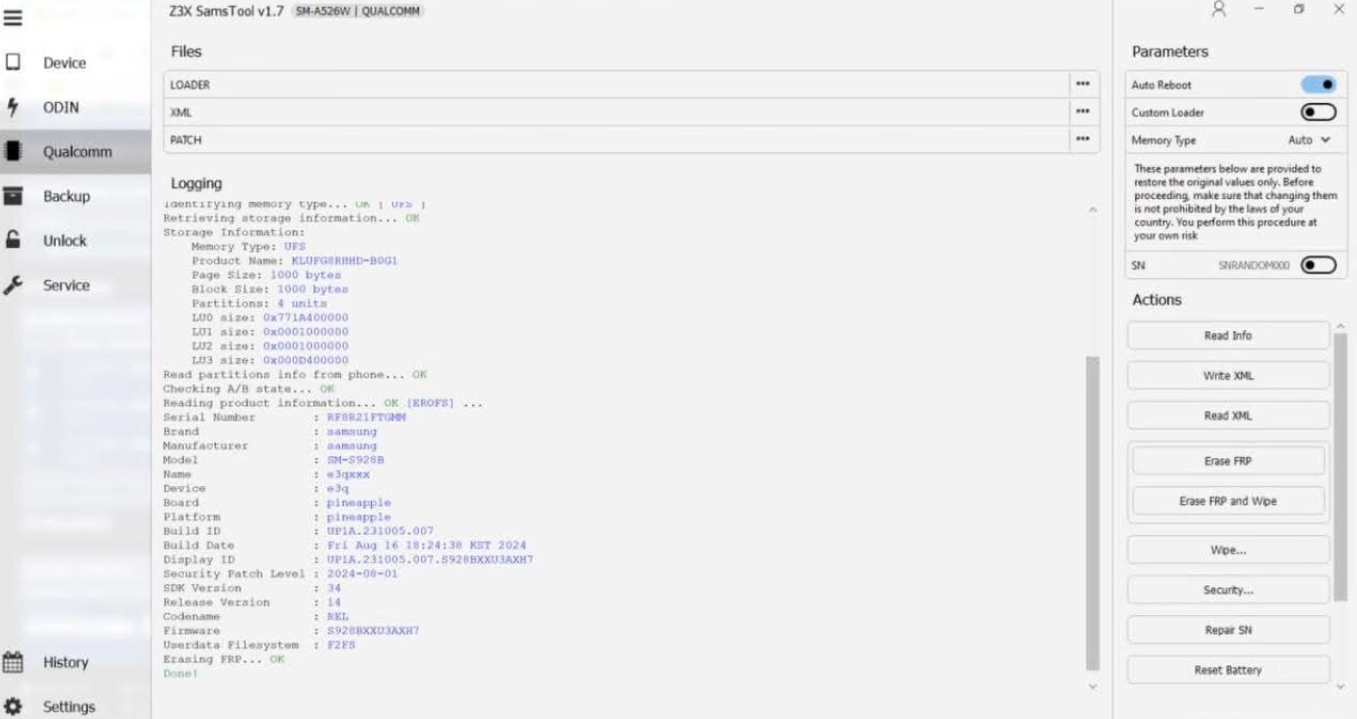
- Click Start and wait for the process to complete.
Troubleshooting Common Issues
Server connection failed: Check your internet connection and firewall settings. Z3x SamsTool requires a stable broadband connection. Add the tool to your antivirus exclusion list if it is being blocked.
Device not detected: Install the latest Samsung USB drivers. Try a different USB cable or port. Enable USB Debugging on the Samsung device before connecting.
Activation error: Verify your Z3x account credentials. If your activation has expired, renew your license through the official Z3x website or reseller.
Operation stuck at 0%: Restart both the tool and the device. Try switching between different connection modes (ADB, MTP, COM). Ensure the device is not in download mode when starting the operation.
FRP removal fails on Samsung Android 16: The V1.36 update supports most Android 16 patches. If you have a very recent firmware version, try the ADB-based FRP method instead of the direct server method.
Frequently Asked Questions
Z3x SamsTool Online is a Samsung-specific repair module that provides FRP bypass, MDM removal, KG unlock, firmware flashing, baseband repair, and screen lock removal through Z3x server connection.
Yes, V1.34 supports Android 16 FRP bypass and KG lock removal for Samsung Galaxy S24, S25, S26 series, Z Fold 6, Z Flip 6, and other recent models running One UI 7.0.
Yes, SamsTool Online requires an active internet connection to communicate with Z3x servers. It is not an offline tool. All operations are processed server-side.
Windows 7 or later, 4 GB RAM, 500 MB disk space, Samsung USB drivers, .NET Framework 4.6+, and a broadband internet connection.
Yes, Z3x SamsTool requires a valid Z3x Box activation or server license. The tool will not function without proper authentication through the Z3x server.