Download UnlockTool V2026.10.15.0 [Latest Version] New Update
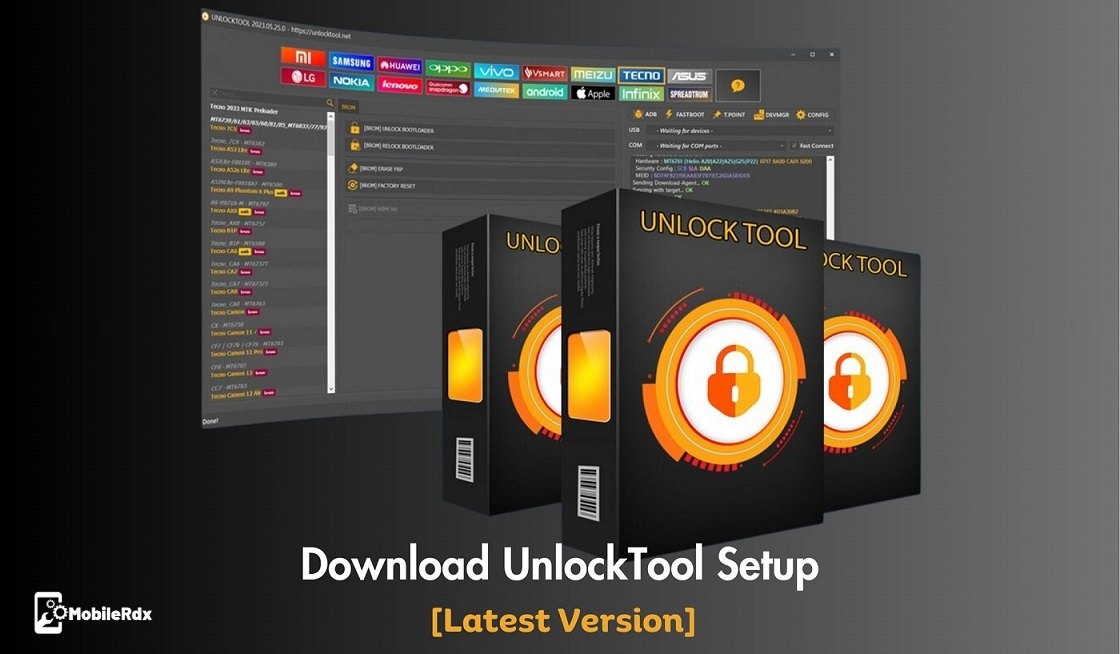
UnlockTool is a popular mobile repair and firmware flashing tool used by technicians to service a wide range of smartphone brands. In this post, we will guide you through the complete UnlockTool installation process on Windows, including Qualcomm, MediaTek (MTK), and supported Samsung Exynos devices. It offers useful features such as FRP removal, firmware flashing, bootloader operations, screen lock removal, factory reset, network repair, IMEI repair for supported devices, EDL mode servicing, Fastboot operations, ADB functions, device information reading, and boot repair.
The tool offers a simple interface to unlock FRP, remove PIN locks, and remove pattern passwords on all Android phones. Huawei, Xiaomi, Vivo, Oppo, Realme, Poco, Redmi, MI, Lenovo, Nokia, Tecno, LG, Samsung, Motorola, ITEL, Infinix, and more brands are supported. With this program, you can quickly perform these task on various phone models running Android 5 to Android 16.
It’s important to remember that UnlockTool offers the latest modules designed for particular chipsets present in Android handsets. In this user guide, we describe the latest version of the UnlockTool module. Download the UnlockTool setup, activate it, and repair your device with ease, with little to no technical know-how required.
What Is the Unlock Tool
UnlockTool is a Windows-based software application that successfully removes FRP (Factory Reset Protection), unlocks pattern, password, or PIN locks, and performs factory resets on many Android devices. It aims to provide a simple and affordable method for unlocking Android phones. Customers can access their locked devices and bypass security measures by using UnlockTool.
UnlockTool works with many different brands and chipsets. Consider Qualcomm, MediaTek (MTK), Kirin and Spreadtrum (Unisoc). For daily repair work you find it useful for major brands like Samsung, Xiaomi, Oppo, Vivo and Realme. The software organizes itself into separate modules for different brands and platforms. This allows you to deal with all sorts of software, FRP flashing and servicing for any device and chipset.
Please note that UnlockTool is a premium program that requires activation and a fee for usage.
Features Of UnlockTool
UnlockTool comes with powerful features for mobile technicians:
- FRP Bypass (Google Account Remove) without data loss
- Remove Pattern / PIN / Password Lock (Userdata safe & Format options)
- Flash Stock Firmware (Fastboot, EDL, MTK Preloader modes)
- Bootloader Unlock / Relock (Xiaomi, Samsung, etc.)
- IMEI Repair & Write (Supported models only)
- Factory Reset & Safe Format (No data corruption)
- Remove Xiaomi Mi Account (Anti Relock supported)
- Fix Bootloop / Soft Brick Devices
- Read & Write Firmware / Dump Files
- Enable ADB / Diag Mode Automatically
- Qualcomm EDL Mode Flashing (9008 Mode)
- MTK Auth Bypass (No need DA Auth file)
- BROM Mode Exploit (MediaTek advanced operations)
- SPD / Unisoc Flash & Reset Support
- Samsung FRP Remove (MTP / ADB / Download Mode)
- Samsung KG Lock / Prenormal Fix
- Huawei ID Remove (Limited models)
- Vivo Demo Remove & Secure Boot Bypass
- Oppo / Realme Secure Unlock Functions
- Reset Screen Lock without Data Loss (Supported devices)
- Partition Manager (Read / Write / Erase partitions)
- Backup & Restore Security Data (QCN / NV data)
- Network Unlock (Selected models)
- Auto Driver Installation (ADB, Fastboot, USB)
- One-Click Operations (Beginner friendly UI)
- Regular Updates with New Security Patches Support
Unlocktool V2026.10.15.0 Changelog
UnlockTool 2026.10.15.0 Released Update!
SAMSUNG EXYNOS
- Samsung Exynos: Auto 1-Click FRP Removal without enabling ADB.
- Remove FRP directly from Odin Download Mode using UnlockTool.
- Supports Android 15, Android 16, and Android 17, with One UI versions up to 9.0.
- Supports all listed Samsung Exynos chipset platforms.
- Expanded One UI 8.5 support on selected platforms.
- Tested with security patches up to September 5, 2026.
- Note: Android and One UI compatibility may vary depending on the device model, chipset, and firmware version.
Supported Exynos Chipsets:
- Exynos 850
- Exynos 880
- Exynos 980
- Exynos 990
- Exynos 1080
- Exynos 1280
- Exynos 1330
- Exynos 1380
- Exynos 1480
- Exynos 1580
- Exynos 1680
- Exynos 2100
- Exynos 2200
- Exynos 2400
- Exynos 2500
- Exynos 2600
- Exynos W920
- Exynos W930
- Exynos W1000
SAMSUNG QUALCOMM
- Qualcomm: New loader update.
- Supported operations: Erase FRP, Factory Reset, Readback, and Flash Backup.
Supported Models:
- Samsung Galaxy Tab A9+ SM-X216N (BIT-D)
- Samsung Galaxy A23 5G SM-A236B (BIT-H)
- Samsung Galaxy A23 5G SM-A236E (BIT-H)
- Samsung Galaxy A23 5G SM-A236M (BIT-H)
- Samsung Galaxy F14 4G SM-E145F (BIT-D)
- Samsung Galaxy Z Flip4 SM-F721N (BIT-8)
- Samsung Galaxy Z Fold3 5G SM-F926N (BIT-E)
- Samsung Galaxy Z Fold6 SM-F956N (BIT-4)
- Samsung Galaxy S21 FE 5G SM-G990B2 (BIT-K)
- Samsung Galaxy Tab A9+ SM-X216C (BIT-C)
Add a concise download introductionClarify the update compatibility note

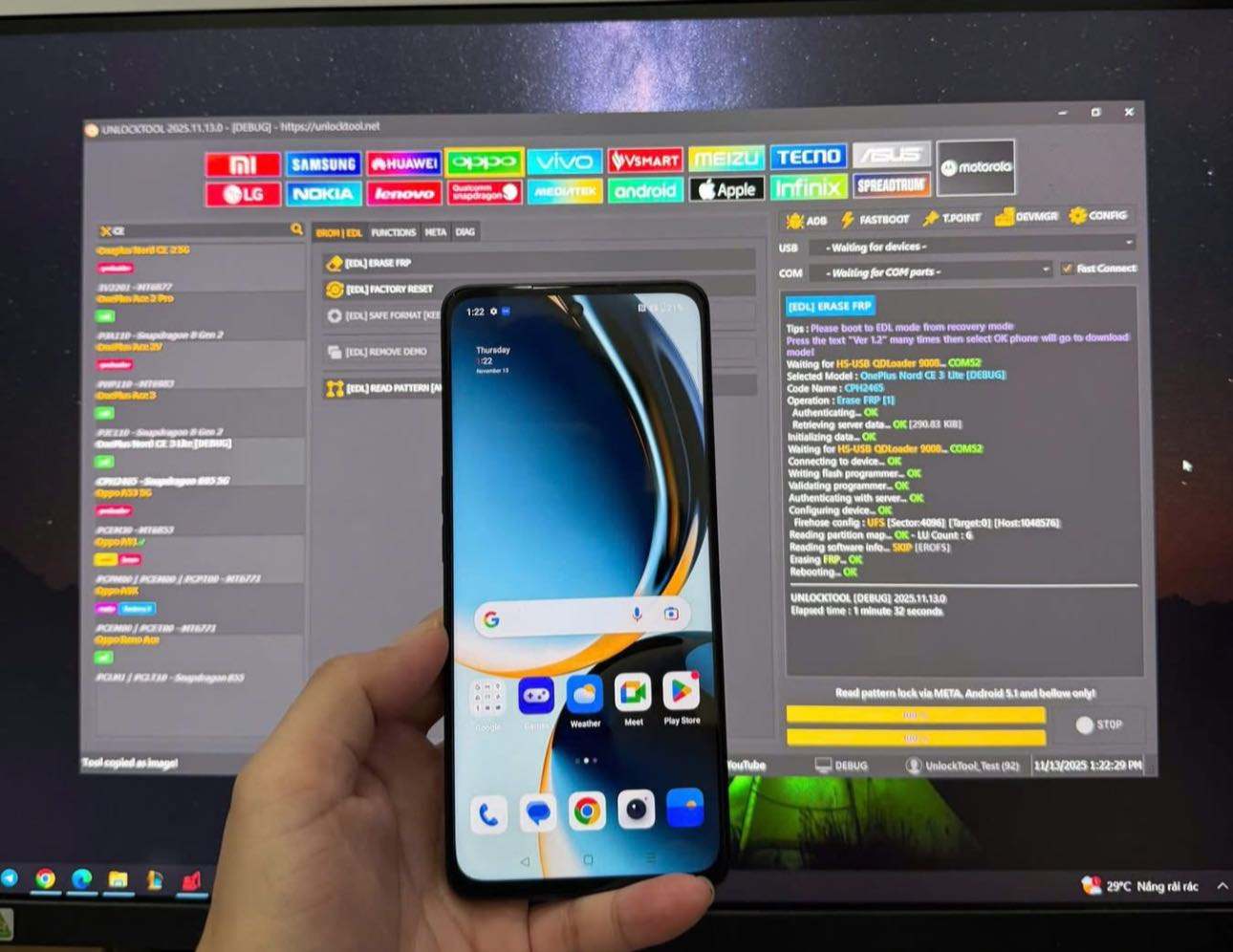
Download UnlockTool Setup [Latest Version]
Download UnlockTool V2026.10.15.0 Latest Version Setup from the link below. It is exclusively available on the Windows platform.
Update on 15 October, 2026
Tool Name: Unlock_Tool_v2026.10.15.0.rar
File Size: 211 MB
Type: exe
Compatible OS: Windows XP (32-bit), 7, 8, 8.1, Windows 10, Windows 11 (32-bit & 64-bit).
Free or Paid: Paid Tool
More Tools
UnlockTool Price
UnlockTool is available in different pricing packages depending on the duration of use:
| Months | Price |
|---|---|
| 3 Months (M3) | $19.99 |
| 6 Months (M6) | $29.99 |
| 12 Months (M12) | $49.99 |
Troubleshooting & Fix Driver Error:
If you are facing a driver error while using the tool, it may be caused by FlexiHub (EUsbHubFilter). Follow the steps below to fix the issue.
- Uninstall FlexiHub (EUsbHubFilter).
- Open Control Panel.
- Go to Programs and Features, find FlexiHub, right-click it, and select Uninstall.
- Delete the FlexiHub driver file from:
C:\Windows\System32\drivers - Press Win + R, type regedit, and press Enter to open Registry Editor.
- Navigate to:
HKEY_LOCAL_MACHINE\SYSTEM\CurrentControlSet\Control\Class{36fc9e60-c465-11cf-8056-444553540000} - Find the UpperFilters value and delete it.
- Restart your computer and try using the tool again.
How to use the UnlockTool
1. Download the latest setup version of Unlocktool from the above link.
2. Run the tool as an administrator.
3. Click on the “Register” or “Login” button.
4. You will be redirected to the official website: https://unlocktool.net.
5. Create an account by registering using your details.

6. Purchase the tool’s activation credit.
7. In the unlock tool, enter your registered email ID and password.
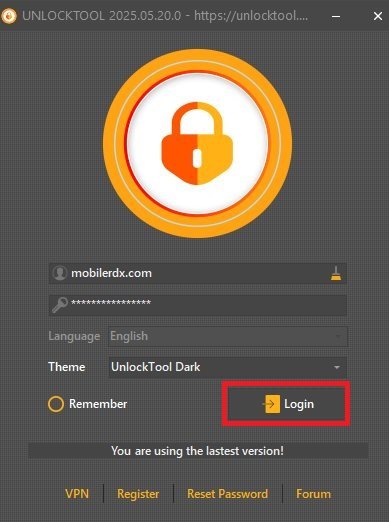
8. Click “Login” to access the tool’s features.
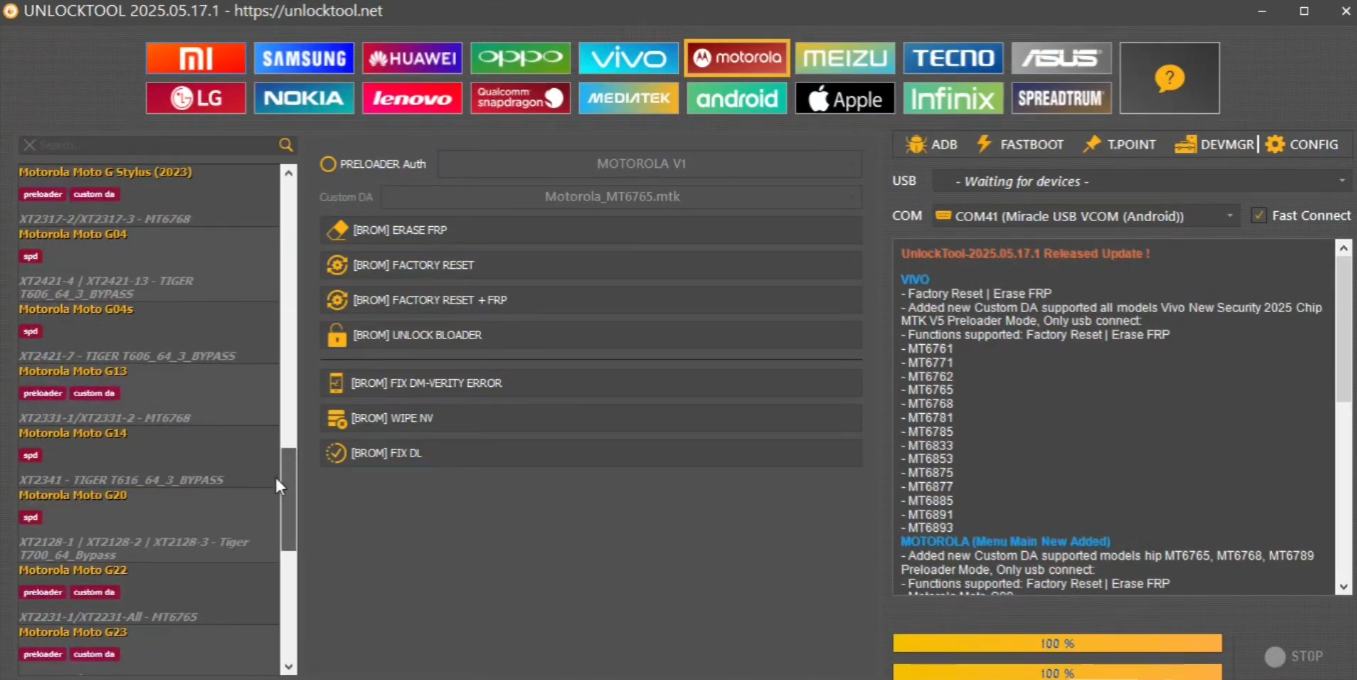
9. Now you can use the Unlocktool on your computer.
Frequently Asked Questions
It is paid Windows software that helps bypass FRP (Factory Reset Protection), remove screen locks, and unlock bootloaders on Android devices (Xiaomi, Samsung, Vivo, Oppo, etc.).
Yes, UnlockTool is generally safe to use, but caution is advised, as it may require disabling antivirus software and could result in data loss during the unlocking process.
UnlockTool is compatible with a wide range of Android devices, specifically those powered by Qualcomm, MediaTek (MTK), SPD, and UniSOC chipsets.
Yes, this update introduces FRP support for many Samsung devices running Android 16 via COM or MTP mode, although it is not yet available for all Samsung models.
You normally cannot pay directly on the website with a credit card. You must contact an official reseller listed on their website. They usually accept PayPal, crypto, or local bank transfers, depending on your country.