Tecno CA7 CA7 Flash File And Tool – How To Flash Tecno Camon X CA7
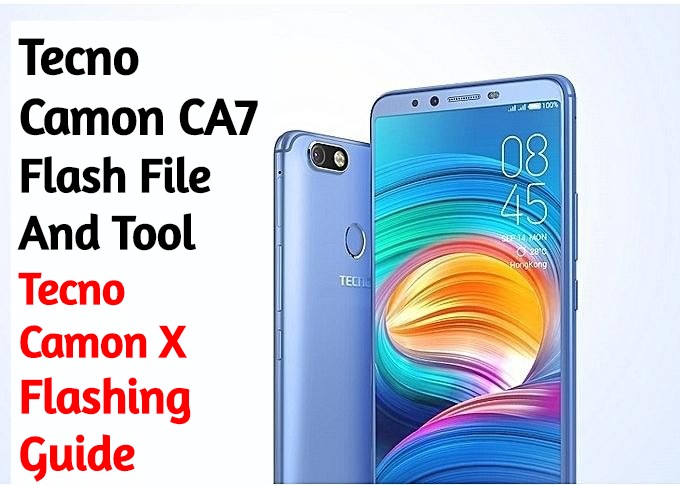
Tecno CA7 Flash File And Tool [Stock ROM]
Here we will guide on how to download and install Stock ROM on Tecno CA7. The guide is simple and easy!
Alright, so it looks like that you are someone who is using a Tecno Pop 2 B1. Great! Tecno Pop 2 B1 makes some of the best budget Android Devices. The device is running under the MediaTek Chipset. But, there is nothing in this world which is perfect, Right? Sometimes things do not go too well with Android Devices. It looks like
Download Tecno CA7 Flash File
If you facing any lag of your device, network issue, Screen freezing, unresponsive Touch and camera fail or any software related problem then you can download the Stock ROM or stock firmware for Tecno CA7. By installing this stock firmware you can solve Screen freezing, boot loop other software related issues. Also, you can use this firmware to unbrick Tecno Pop 2 B1. Stock firmware doesn’t void the warranty of your device. The Tecno Pop 2 B1 Stock Firmware is now available for all regions with play store. So let’s go the instruction to download the Firmware.
Download Tecno CA7 Firmware
Flash File – CA7-H633BCDK-O-V2-190108V228
Flash Tool – Tecno Flash Tool
Driver – MTK_USB_All_v1.0.8.zip
The Advantage of Stock Firmware
- Flash Stock To Unbrick your Tecno CA7.
- Flash Stock ROM to Fix the boot loop problem
- Upgrade and Downgrade Tecno CA7.
- Unroot or Fix Bugs on your phone
- To fix the lag or stutter on Tecno CA7.
- By flashing Stock ROM, you can solve software problems.
- Revert back to stock to gain your warranty.
How to Install Stock ROM on Tecno CA7 Using Tecno Tool:
If you are stuck at FRP, Flashing will Remove FRP.
1– Download & Unzip Tecno Flash tool Folder. Run SWD_AfterSales.
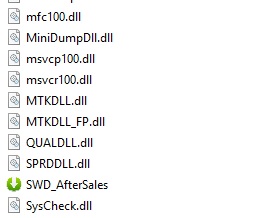
2- It will launch Tecno Flash Tool.
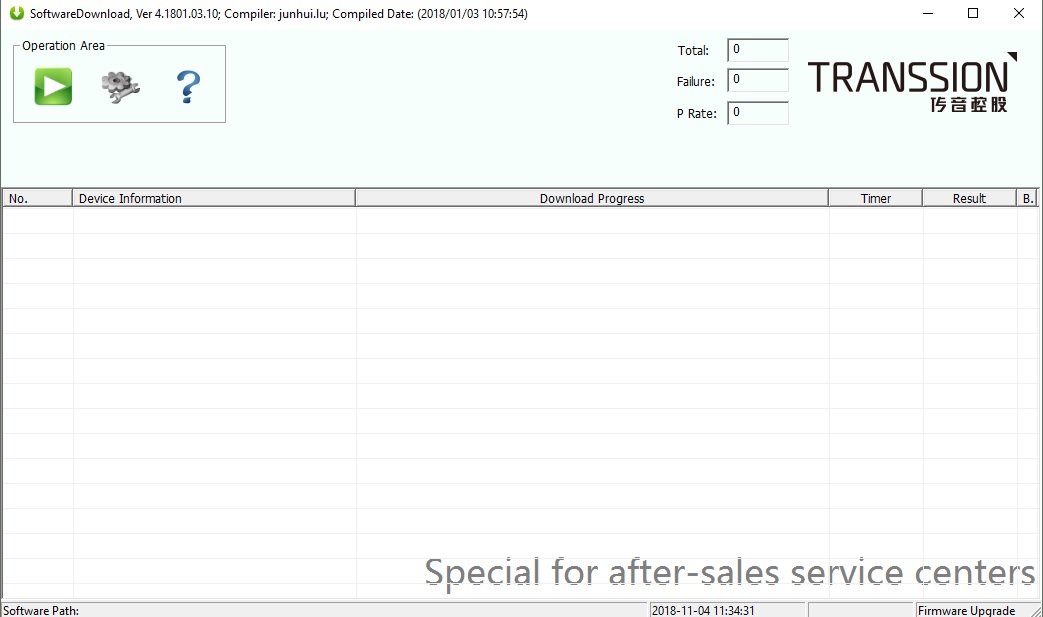
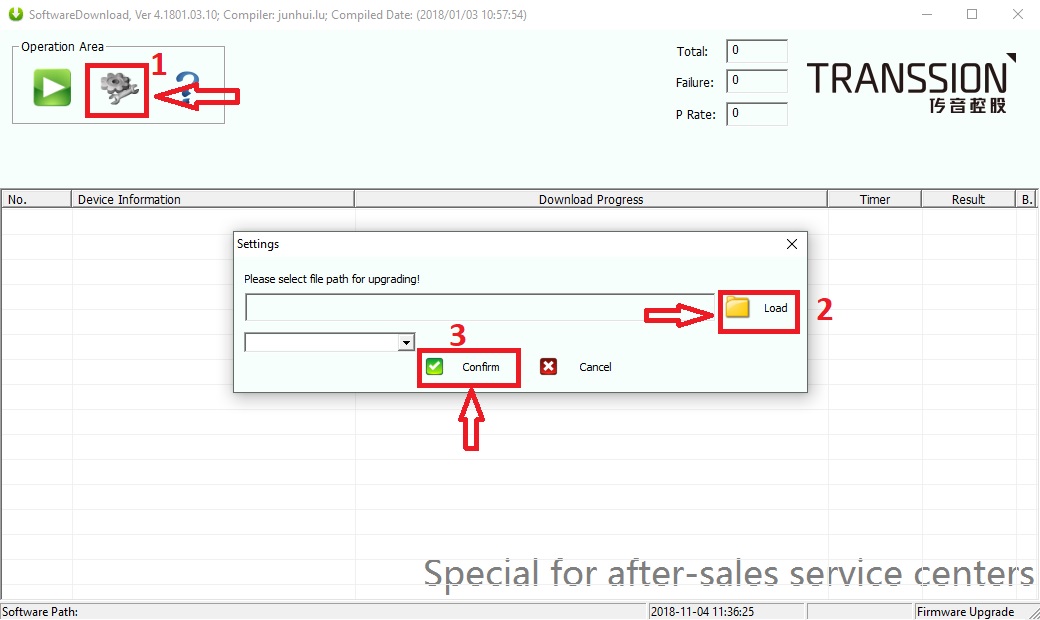
3- Click on Setting then on Load, Choose Firmware and Click on Confirm.
4- Click on Play Button. Switch off Phone & Connect it by Pressing Both Volume keys.
5- Flashing will Start.
Note: The first time it takes 5-10 minutes to boot.