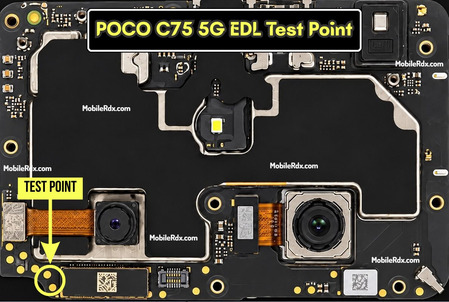
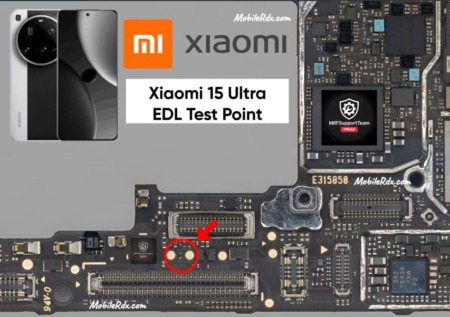
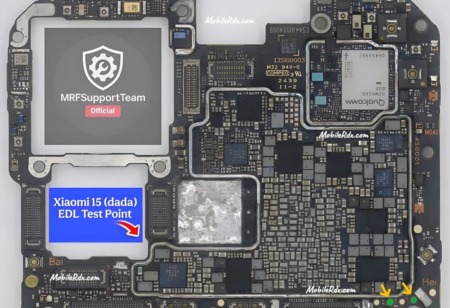
Here is the Motorola Edge 50 Pro (XT2403) EDL test point to enter Qualcomm 9008 mode. Short these two points on the motherboard to force the device into emergency download mode for flashing firmware, FRP bypass, dead boot repair, or pattern unlock.
The Motorola Edge 50 Pro runs on the Qualcomm Snapdragon 7 Gen 3 chipset. Like most Qualcomm devices, it has dedicated EDL test points on the PCB that let you bypass software locks and access the flash mode directly. This method works even when the phone is bricked, stuck on the logo, or FRP locked.
What Is EDL Mode?
EDL (Emergency Download Mode) is a low-level boot mode built into Qualcomm chipsets. When the phone enters EDL mode, the PC detects it as Qualcomm HS-USB QDLoader 9008 (or 900E). In this mode, you can flash firmware, repair IMEI, remove FRP, or unbrick the device using tools like QPST, QFIL, UnlockTool, or EFT Pro Dongle.
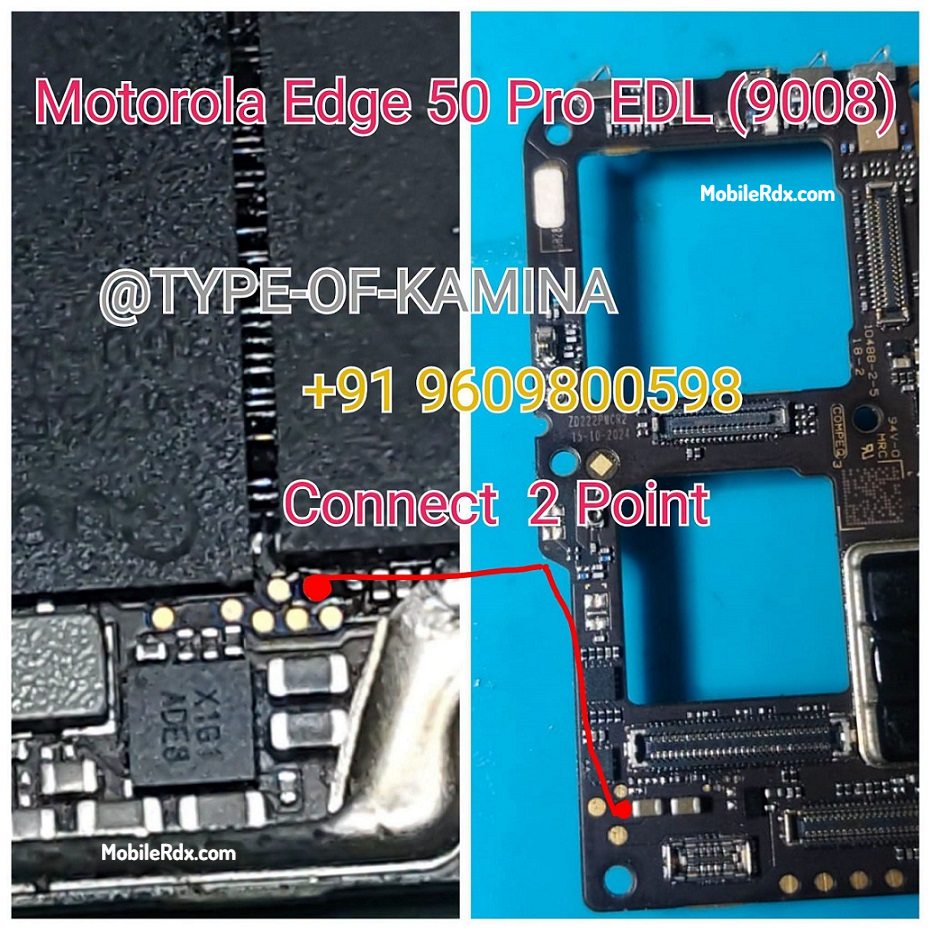
Motorola Edge 50 Pro EDL Test Point Image
Requirements
- Qualcomm USB drivers installed on your PC
- QPST / QFIL tool or any Qualcomm flashing tool
- A pair of tweezers or thin copper wire to short the test points
- USB data cable
- Fully charged battery (optional — EDL works even without battery)
How to Boot Motorola Edge 50 Pro into EDL Mode 9008
- Power off the Motorola Edge 50 Pro completely.
- Remove the back cover and locate the EDL test points on the motherboard (refer to the image above).
- Use tweezers or copper wire to short the two EDL test points.
- Keep the points shorted and connect the phone to your PC via USB cable.
- Release the tweezers after 5-7 seconds.
- Open Device Manager on your PC. You should see Qualcomm HS-USB QDLoader 9008 (or 900E).
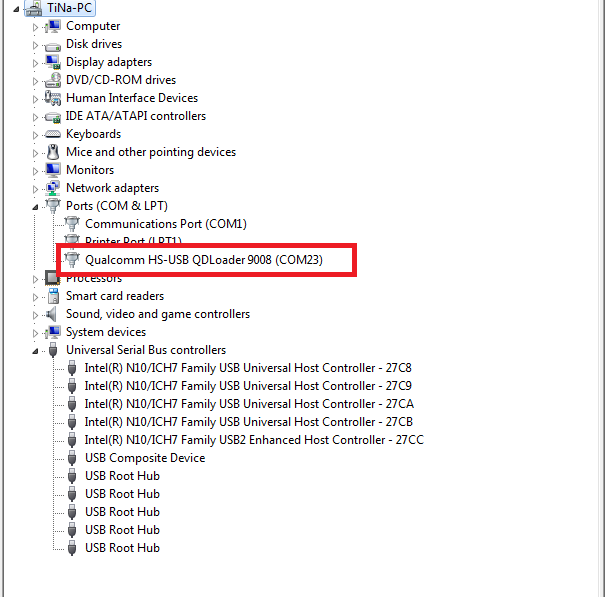
- Open QFIL or your preferred flashing tool and load the firmware programmer file.
- Start flashing — once done, disconnect and reboot the phone.
Uses of EDL Test Point
- Unbrick dead or soft-bricked Motorola Edge 50 Pro
- Bypass FRP (Google Account) lock
- Remove pattern, PIN, or password lock
- Flash stock firmware or custom ROM
- Repair IMEI or network issues
- Fix bootloop or logo stuck
Tools like UnlockTool and Easy JTAG Plus Box have built-in EDL boot functions. If the phone is detected in any Qualcomm mode, these tools can send the EDL command automatically.
Frequently Asked Questions
Yes, the Motorola Edge 50 Pro (XT2403) with Snapdragon 7 Gen 3 chipset supports Qualcomm EDL 9008 mode through the hardware test point method.
You can use QPST, QFIL, UnlockTool, EFT Pro Dongle, or any Qualcompatible EDL flashing tool that supports Snapdragon 7 Gen 3.
If you flash the correct firmware for XT2403, the process is safe. Flashing wrong firmware can cause boot issues. Always verify the firmware before flashing.
No. EDL mode works with or without the battery connected. However, keeping the battery connected during flashing is recommended to avoid power loss.
The model number is XT2403. It is powered by Qualcomm Snapdragon 7 Gen 3 and runs Android 14 (upgradable to Android 15).
Final Thoughts
The Motorola Edge 50 Pro EDL test point gives you full access to Qualcomm flash mode. Whether you need to unbrick the device, remove FRP, or flash stock firmware, this method works every time. Keep the test point location saved for future repairs.