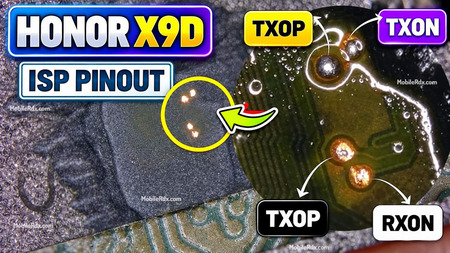
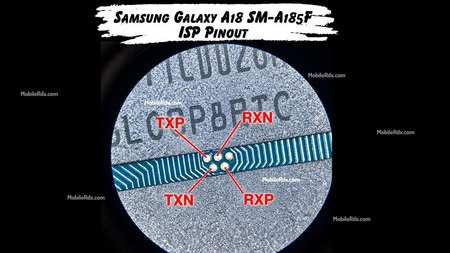
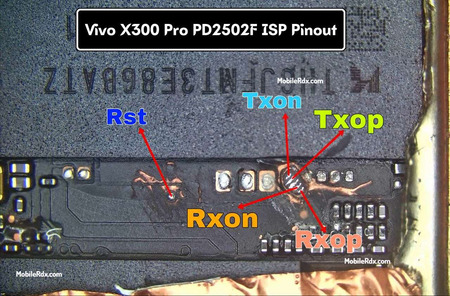
The OPPO A5x 5G UFS ISP pinout lets you connect the phone to an ISP box like Easy JTAG, UFI Box, or Flash64 box for FRP bypass, pattern unlock, and firmware repair without CPU drilling. This is a no-drill method using UFS test points on the motherboard.
OPPO A5x 5G runs on MediaTek Dimensity 6300 with 128GB UFS 2.2 storage. Like most MTK UFS devices, you can locate the ISP test points on the board and connect to your ISP tool for direct read/write access to the flash chip.
What Is ISP Pinout?
ISP (In-System Programming) pinout is a set of test points on the phone’s motherboard that gives direct access to the UFS flash chip. Through these points, tools like Easy JTAG or UFI Box can read, write, or erase the flash memory without removing the chip or drilling into the CPU.
For the OPPO A5x 5G UFS ISP, the test points on the board are labeled TXOP, TXON, RXOP, RXON along with VCC and GND. TXOP/N correspond to UFS data lane 0 (D0), and RXOP/N corresponds to data lane 1 (D1). Identify each pad using a multimeter before connecting.
OPPO A5x 5G UFS ISP Pinout Diagram
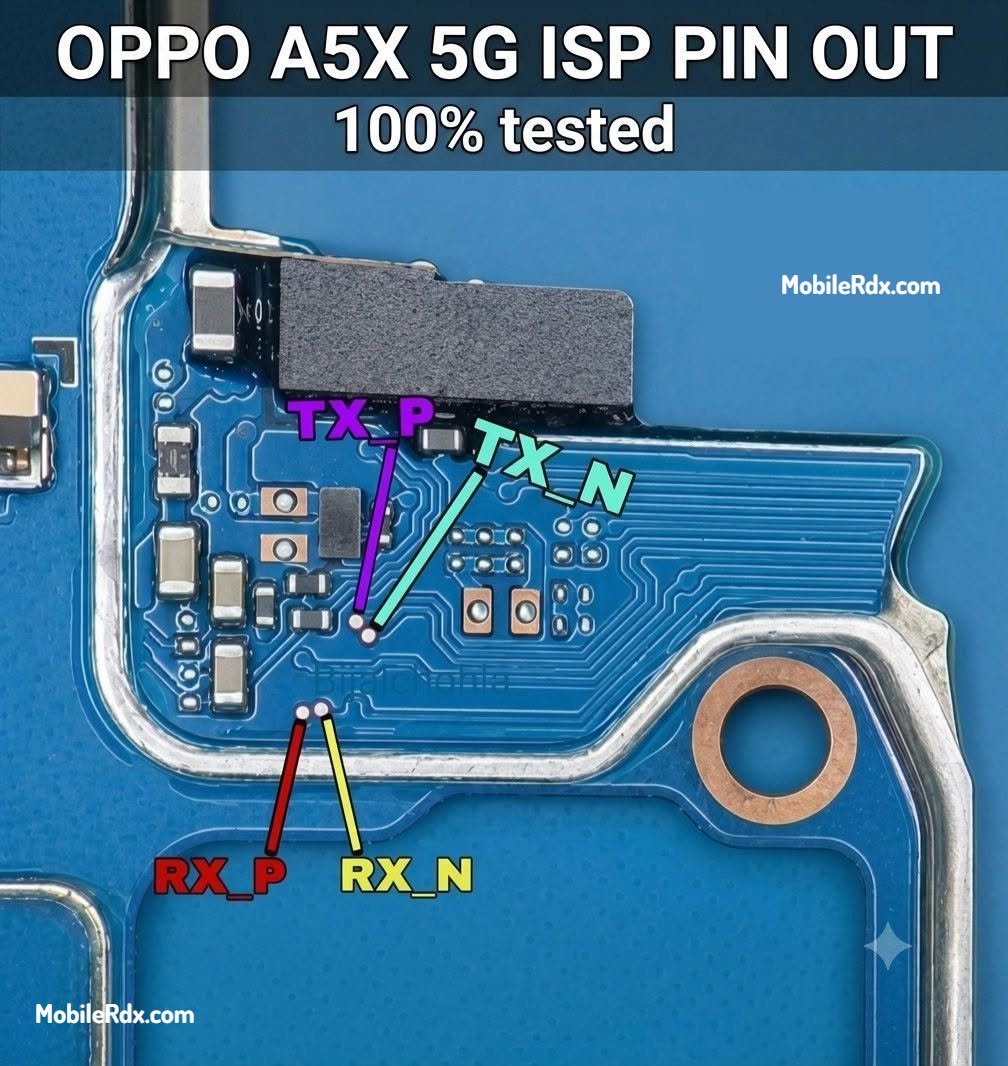
Pinout Details (Without CPU Drill)
- TXOP: Transmit positive signal
- TXON: Transmit negative signal
- RXOP: Receive positive signal
- RXON: Receive negative signal
- VCC: Main power supply (2.5V or 3.3V)
- VCCQ: I/O power supply (1.8V)
- GND: Connect to any ground point on the board
Note: Pin numbering and positions may vary depending on the motherboard revision. Always confirm with a multimeter before connecting.
Required Tools
- ISP Box (Easy JTAG Plus, UFI Box, Medusa Pro, or similar)
- ISP cable with pin connectors or spring probes
- Multimeter for continuity testing
- Magnifying glass or microscope (points are small)
- Screwdriver set to open the phone
- Flux and soldering iron (if pads need reinforcement)
How to Connect OPPO A5x 5G ISP to UFS Box
- Power off the OPPO A5x 5G completely and remove the back cover.
- Remove the motherboard shield can if it covers the UFS test points.
- Locate the UFS ISP test points on the board (refer to the diagram above).
- Connect your ISP cable to the test points — TX_P → White, TX_N → Brown, RX_P → Yellow, RX_N → Green, VCC → Red, GND → Black.
- Double-check all connections with a multimeter.
- Connect the ISP box to your PC via USB.
- Open your ISP tool software and select OPPO A5x 5G or compatible Dimensity 6300 profile.
- Apply 1.8V VCCQ (or as recommended by your tool) and start the ISP operation.
- Read, backup, or write the UFS as needed for your repair.
Uses of ISP Pinout on OPPO A5x 5G
- Remove FRP (Google Account lock)
- Remove pattern, PIN, or password lock
- Unlock bootloader (where supported)
- Read and backup full UFS dump
- Repair IMEI and network issues
- Fix dead boot by rewriting UFS
Frequently Asked Questions
OPPO A5x 5G runs on MediaTek Dimensity 6300 (6nm) processor with Mali-G57 MC2 GPU and 128GB UFS 2.2 storage.
Yes. Using Easy JTAG, UFI Box, or Medusa Pro with the correct UFS ISP pinout, you can read the UFS and remove FRP without CPU drill.
Yes, since it has a MediaTek Dimensity 6300 chipset, it supports BROM / preloader mode. But ISP pinout gives you direct UFS access for cases where EDL is not available.
VCC is 3.3V and VCCQ is 1.8V. Always confirm with a multimeter before applying power from your ISP box.
Easy JTAG Plus, UFI Box, Flash64 box, and most UFS-compatible ISP tools with Dimensity 6300 support will work.
Final Thoughts
The OPPO A5x 5G UFS ISP pinout gives technicians direct access to the flash memory for FRP removal, unlocking, and data recovery. The no-drill method is safe when connections are verified with a multimeter. Keep this pinout diagram saved for your repair jobs on this model.