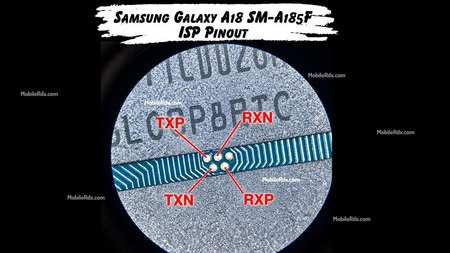
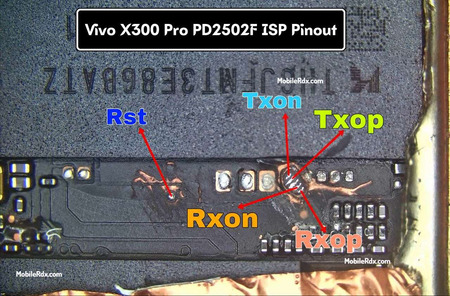
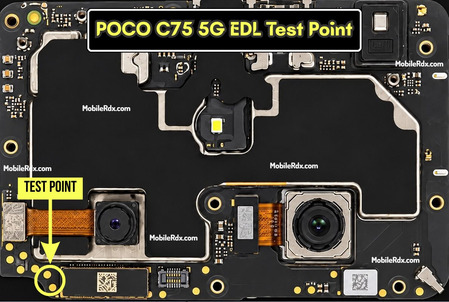
Hello technicians. This guide shows the working pinout for Honor X9d. Using the ISP Pinout, you can restore stock firmware, bypass FRP locks, remove MDM locks, and repair a dead boot directly with Flash64, UFI Box, Easy JTAG, or Medusa Pro.
If your Honor X9d is completely dead or FRP-locked, microsoldering technicians can connect directly to its UFS chip via an ISP connection and perform deep system repairs. This is very useful if the phone will not boot and fails to use standard service modes. The Honor X9d runs on the Qualcomm Snapdragon 6 Gen 4. Technicians therefore use Qualcomm EDL mode rather than MediaTek BROM or Preloader. If EDL is not available, connecting to ISP pinout directly is the final fallback to restore a device.
What is ISP (In-System Programming)?
With ISP technicians can work directly on UFS memory chips that are still soldered to the motherboard. Instead of taking out the chip, you connect jumper wires to correct ISP test points on the board. Depending on the device and service tool this can be used for programming firmware, boot repair, reading and writing storage and for certain tasks related to locking without removing the chip.
ISP Pinout is useful when:
- The device is completely dead and not detected on the PC
- You need to remove FRP, user data, or Honor account or FRP locks
- The stock ROM needs a direct restore through a UFS box
- The device is stuck in a boot loop after a bad flash
- Partition read, write, backup or repair is needed before risky work
Honor X9d UFS ISP Pinout Image:
Remove the back cover and motherboard shield to access the UFS chip area. Clean board and ISP test points very carefully with IPA to remove dust, flux or other residue. Before making any connections check the pinout image of ISP against actual motherboard and make sure that test points are correctly identified.
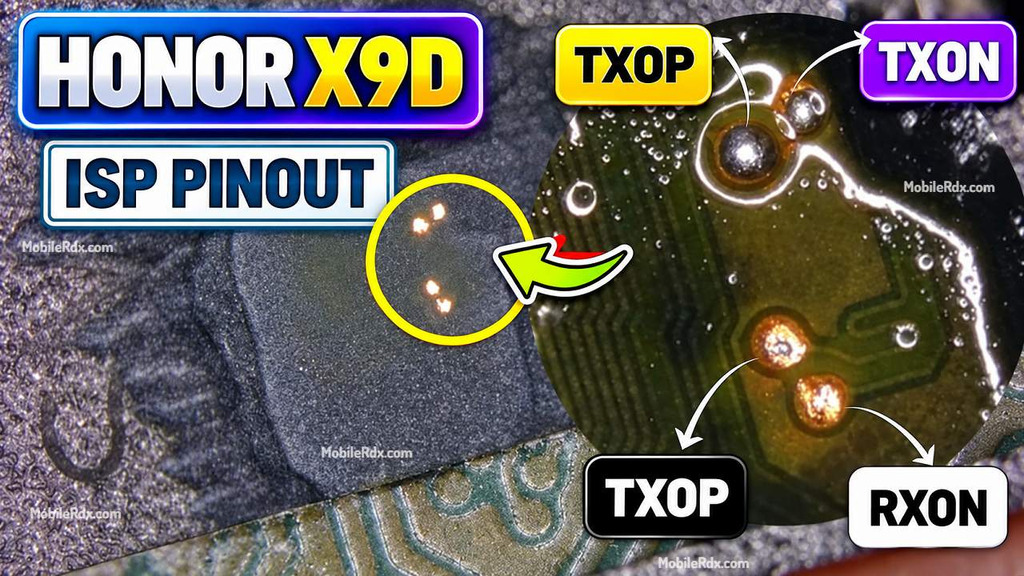
UFS ISP Pin Labels You Need:
| Pin | Function |
| RST | Reset line for the UFS chip |
| TXOP / TXON | Transmit differential pair — data out of the chip |
| RXOP / RXON | Receive differential pair — data into the chip |
| GND | Ground reference for the ISP connection |
Required Tools for ISP Pinout
- UFS Box — UFI Box, Easy JTAG Plus, or Medusa Pro
- Soldering iron with a fine tip and flux
- Enamel-coated copper wire (30 AWG or thinner)
- Tweezers and IPA (isopropyl alcohol) for cleaning
- USB data cable and a Windows PC with box drivers
Honor X9d Key Specifications
| Device | HONOR X9d 5G |
| Chipset | Snapdragon 6 Gen 4 (reported) |
| Storage | Confirm the installed UFS package before wiring |
| Display | 6.79-inch OLED, 1.5K resolution, 120Hz adaptive refresh |
| Battery | 8300 mAh |
| Camera | 108MP AI main camera |
| ISP Work | Storage reading, backup, firmware and supported repair tasks |
How to Connect Honor X9d ISP to the UFS Box
- Remove the battery first to prevent voltage conflicts.
- Clean the board area with isopropyl alcohol.
- Solder jumper wires to the RST, TXOP, TXON, RXOP, and RXON points.
- Connect the wires to your UFS/EMMC tool according to the pinout.
- Check all wires with a multimeter for shorts.
- Connect the device to UFI or Flash64.
- Open the software and select Identify UFS/EMMC.
- First Read/backup persist.
- Check the UFI’s Special Task / FRP operation.
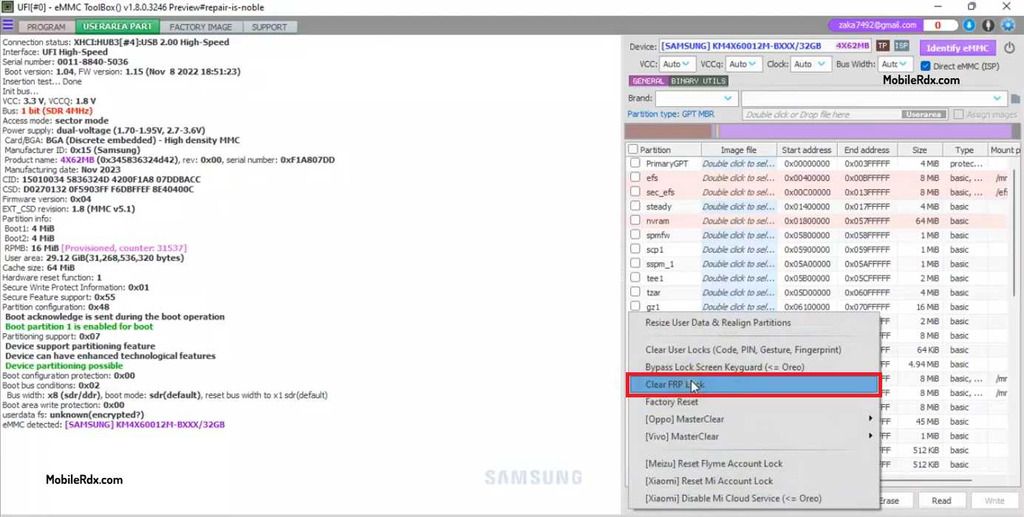
If the connection is right, you will see the UFS chip info appear in the tool window.