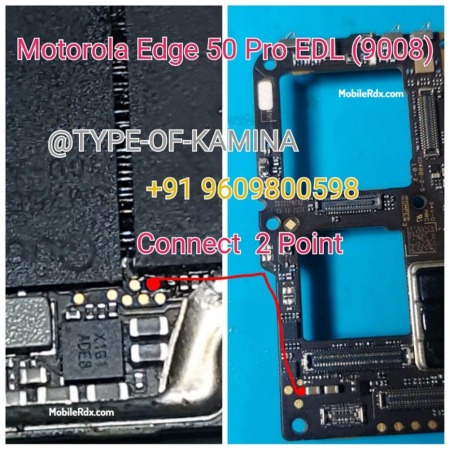
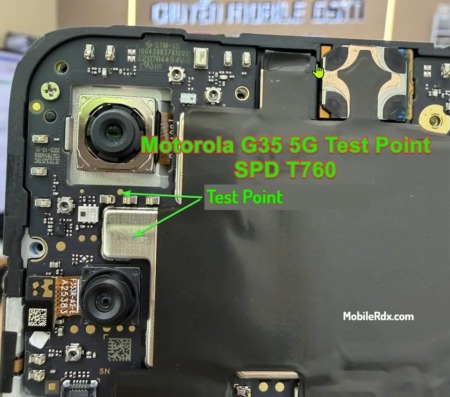
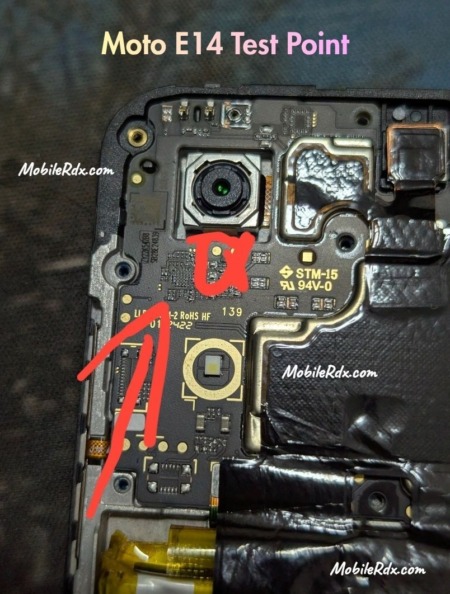
Samsung Galaxy A05s A057F EDL Point is a hardware-specific ISP pinout or Test point primarily used to enter the device into the EDL mode (9008) for flashing firmware, unlocking, or repairing. You can use the Samsung Galaxy A05s A057F Test Point to fix your Samsung Qualcomm phone if it has been bricked, lost pattern lock, or you are unable to unlock FRP.
Every phone has different developer options, such as Recovery mode, Fastboot mode, and EDL mode. These modes are used to perform different testing processes. Some can only be used by advanced Android users, developers, or mobile repair technicians, while regular Android users can use others.
What is Samsung Galaxy A05s A057F EDL Mode
The EDL mode (Emergency Download Mode) can connect Qualcomm Android phones to computers via the Qualcomm HS-USB QDLoader interface. To boot into the EDL mode, you must short two test points on the device’s motherboard or use a unique tool to which the device’s bootloader has granted permission.
Android devices manufactured by Qualcomm nowadays come with locked USB drives and bootloaders. Without authorization, the device cannot be boot into Download mode. To boot into the EDL (Emergency Download Mode), you must use the EDL Point.
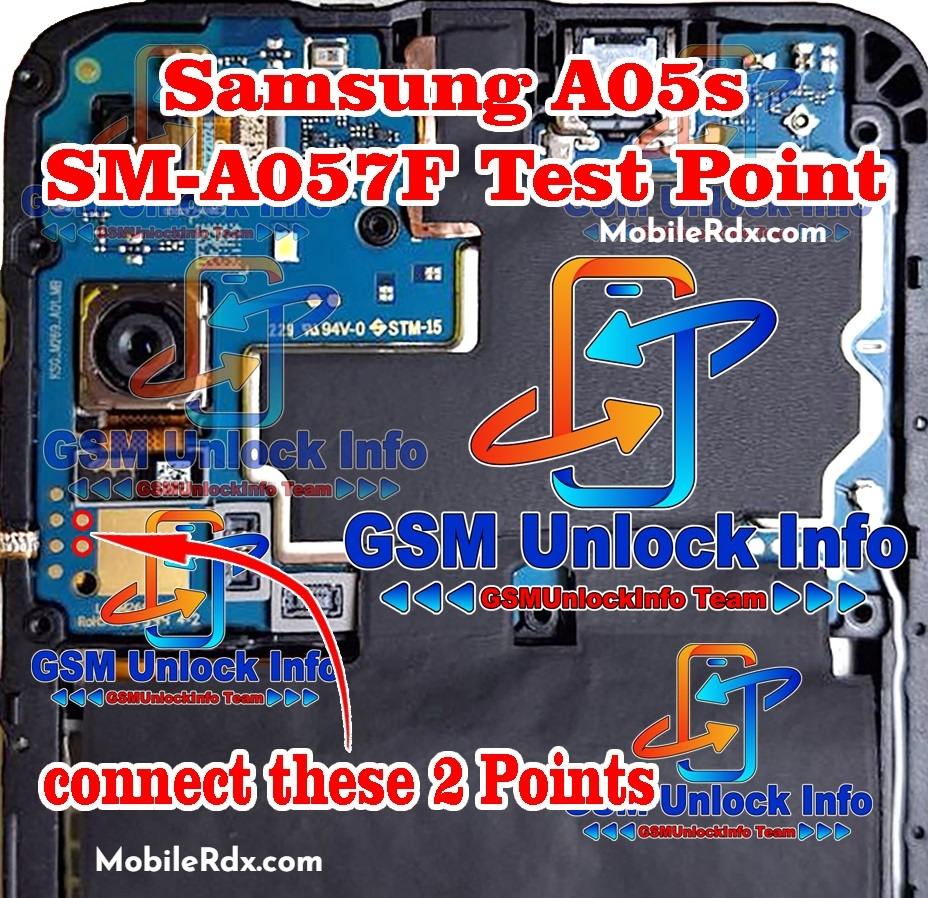
Samsung Galaxy A05s A057F EDL Point (Test Point) ISP Pinout Image
Rebooting Samsung Galaxy A05s A057F into EDL Mode 9008
- On your computer, download and extract the Qualcomm USB Driver
- Download and install the Qualcomm USB driver
- Turn off your Qualcomm Android device by pressing the power button
- Take off the phone’s back cover
- Check out the image above
- The EDL PinOUT/Test Point can be found on the circuit board of your phone
- To short that pinout, you need copper wire or tweezers
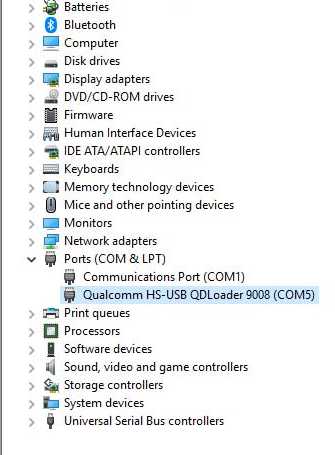
- Connect your smartphone to the PC using a USB cable once you’ve finished
- That’s it,
- You can now use any unlocking or flashing tool for Qualcomm to fix your phone.
Uses Of Samsung Galaxy A05s A057F Test Point
- Reviving a bricked device through firmware flashing
- Overcoming FRP lockout after factory reset
- Unlocking the device after forgetting the pattern lock
- Installing custom firmware for improved performance and customization
- Debugging and testing hardware and software for issue resolution by technicians and developers.
Note: This is to inform you that EDL mode flashing is universal for all Samsung devices. Different devices may have different booting processes for EDL. Sometimes, you can use the EDL boot command, but nowadays, EDL does not work with all the latest Samsung Galaxy A05s A057F Test Point (EDL Point) – EDL Mode 9008 Samsung smartphones. Test points are the easiest and best way to boot any Redmi phone into EDL mode.