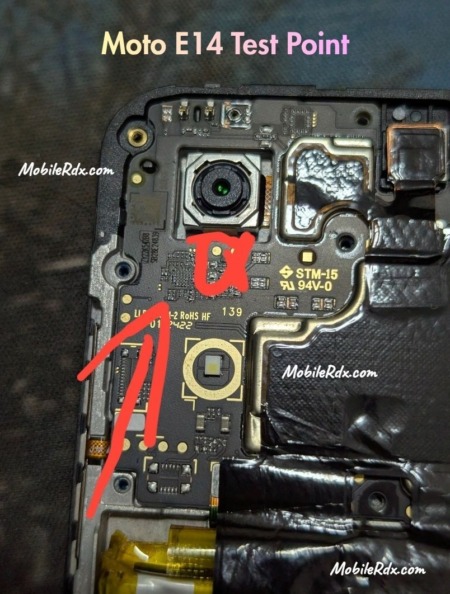
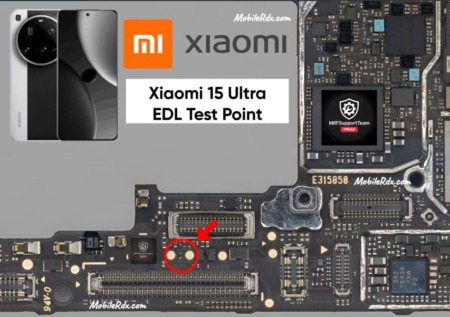
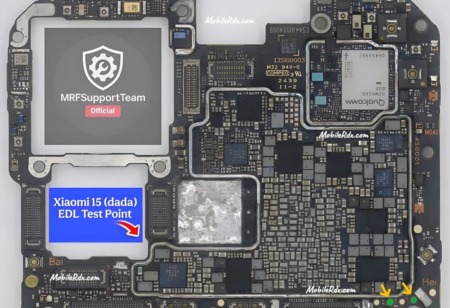
Here is the working Motorola G35 5G test point for the Unisoc T760 chipset. Short this test point to force the phone into download mode, bypass FRP lock, repair dead boot, or flash stock firmware using SPD tools. No need for authorized accounts or paid boxes for basic operations.
The Motorola Moto G35 5G (model XT2433-3 / XT2433-5) launched in August 2024. It is powered by the Unisoc T760 octa-core processor (6 nm). It runs Android 14 with Hello UI and packs a 5000 mAh battery. The device uses a Unisoc T760 chipset, which means you need SPD/Unisoc-compatible tools for chip-level operations.
What is a Test Point?
A test point is a small metal contact on the phone’s motherboard. Shorting it to ground forces the phone into download mode. This lets repair tools communicate with the device at a deeper level to fix software issues when normal boot methods fail.
Technicians use the Motorola G35 test point for:
- Unbrick dead or bootloop devices by forcing detection as SPD/Unisoc USB Download port
- FRP bypass and reset without Google account
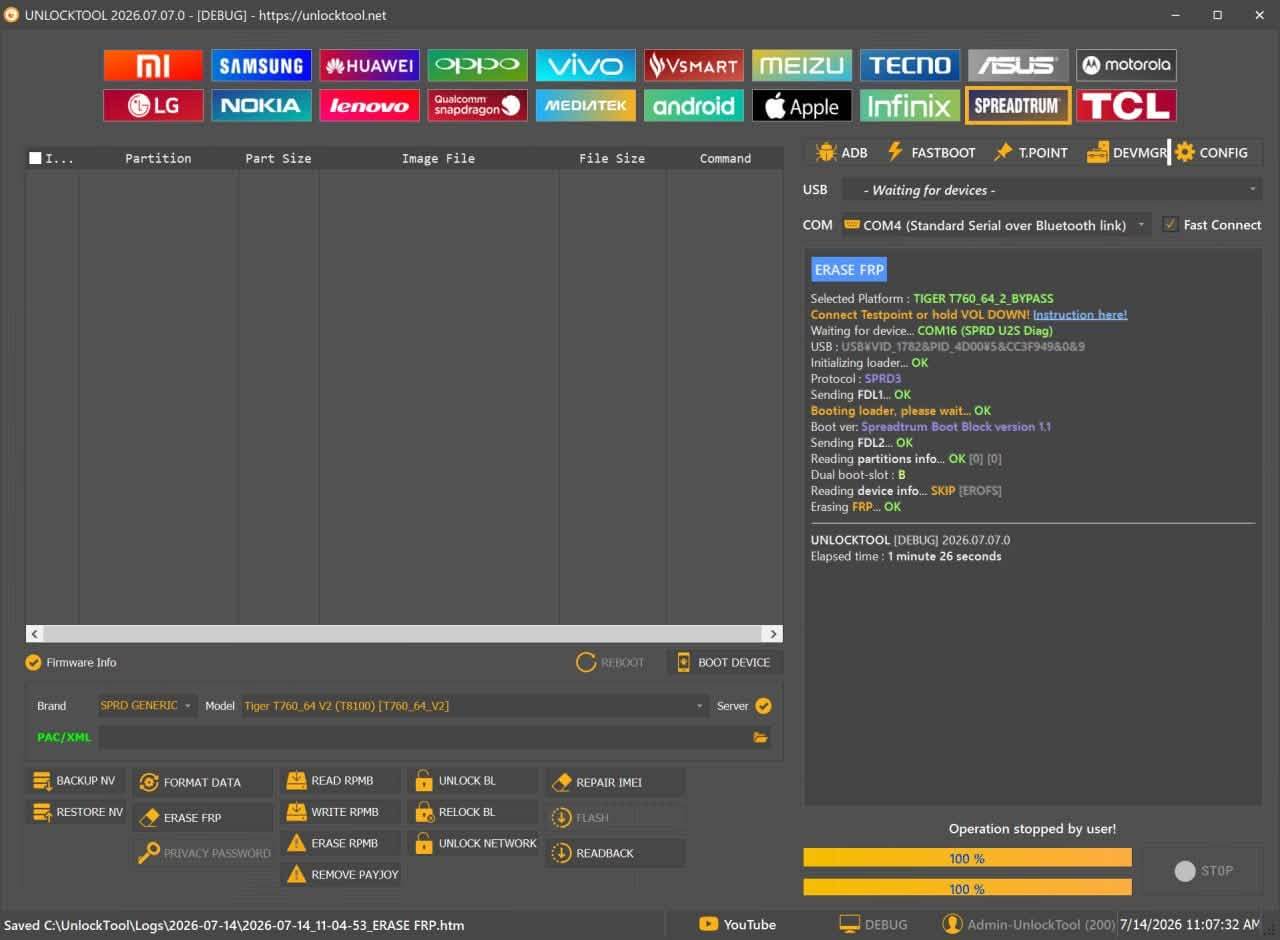
- Full firmware flashing using SPD Flash Tool or professional boxes (UnlockTool, Easy JTAG, UMT)
- KG lock removal and MDM unlock
Motorola G35 5G Test Point Image
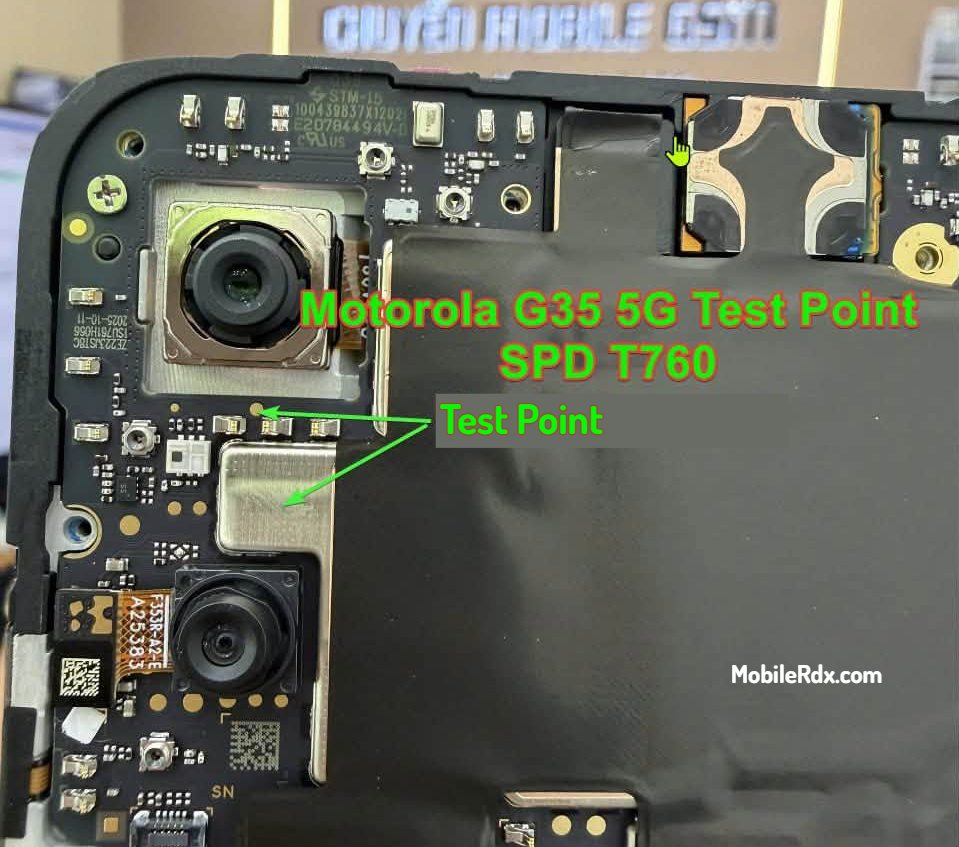
The image below shows the exact location of the test point on the Motorola G35 5G motherboard. The test point is located near the EMI shield area on the main PCB. Use the diagram below to locate it correctly.
Test Point Details
- Chipset: Unisoc T760 (ums9620_2h10)
- Models: XT2433-3, XT2433-5
- Mode: SPD Download Mode / BROM Mode
- Method: Short test point to ground, then connect USB
Required Tools
- Screwdriver set (Phillips #00)
- Plastic opening tool
- Tweezers or copper wire for shorting the test point
- Microscope or 10x magnifier to see the small test point clearly
- SPD USB drivers installed on your PC
- SPD Flash Tool, UnlockTool, or Easy JTAG with proper cables
- A Windows PC with a quality USB cable
Steps to Use Motorola G35 5G Test Point
Follow these steps carefully:
- Switch off the Motorola G35 5G completely.
- Remove the back cover and disconnect the battery connector for safety.
- Locate the test point on the motherboard using the image above. It is near the shielding area marked with an arrow in the diagram.
- Use a tweezer to short the test point to ground (the metal shield around the board).
- Keep the test point shorted and connect the phone to your PC via USB cable.
- Open the SPD Flash Tool or your preferred repair tool on the PC.
- The device should appear as a SPD/Unisoc USB Download port in the tool.
- Release the short once detected.
- Select the operation you need — FRP reset, firmware flash, or dead boot repair.
- Wait for the process to complete. Do not disconnect the USB cable during the operation.
Caution: Shorting the wrong pin can damage the motherboard. Use a microscope to identify the correct test point. Double-check the connection before powering up.
Frequently Asked Questions
It uses the Unisoc T760 (6 nm) processor, model ums9620_2h10.
SPD Flash Tool, UnlockTool, Easy JTAG Plus, UMT Tool, and Pandora Box work with this test point.
Yes. Short the test point, connect to PC, and use the FRP reset function in your SPD-compatible tool.
Basic operations like FRP reset and firmware flashing work without an authorized account on most SPD tools. Some advanced features may require auth.
Yes, if done carefully. The phone back cover is glued, so heat it gently before prying. Be careful with the flex cables.
Final Thoughts
The Motorola G35 5G test point gives technicians a reliable way to enter SPD download mode for FRP bypass, dead boot repair, and firmware flashing. Use the test point image above as a reference and always short the correct pad to ground. Proceed carefully to avoid damaging the motherboard.