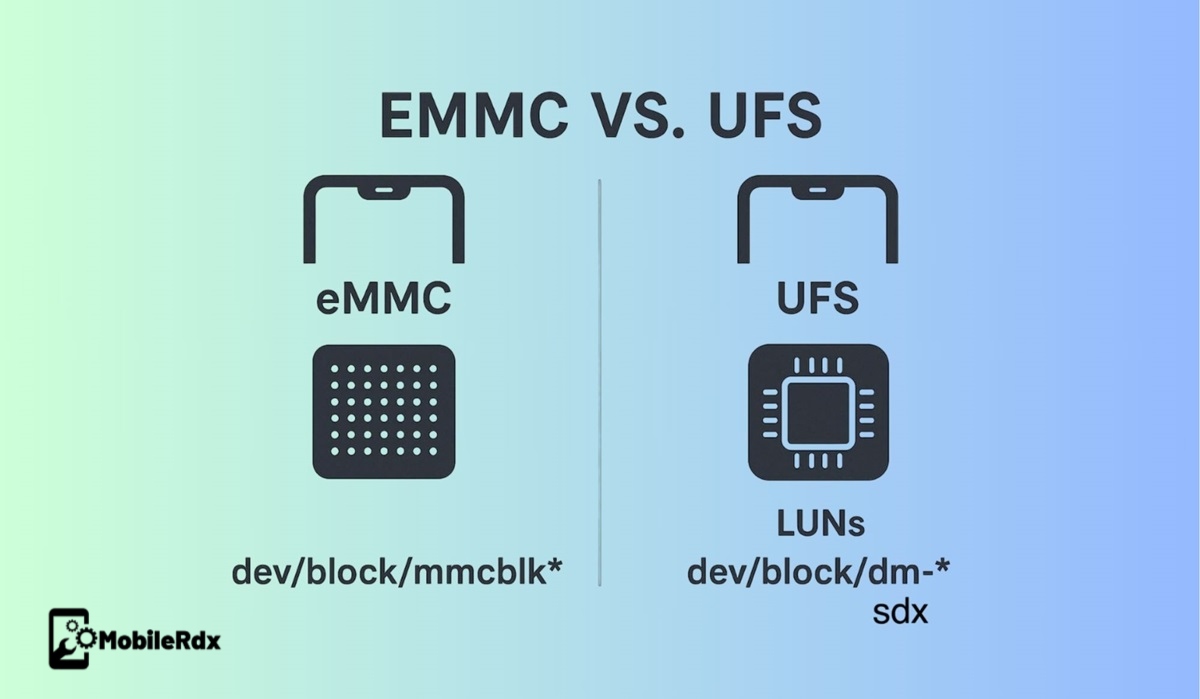
When it comes to mobile storage, one of the most confusing yet important topics for software technicians is the difference between eMMC (embedded MultiMediaCard) and UFS (Universal Flash Storage), especially when it comes to LUNs (Logical Unit Numbers).
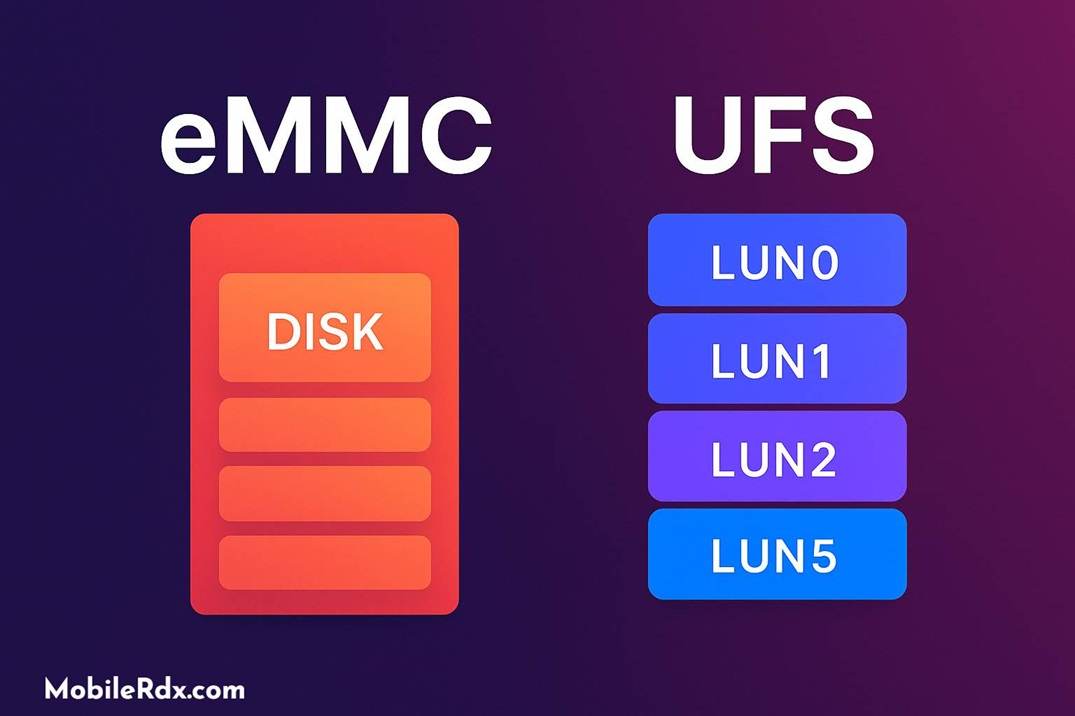
In eMMC, storage exists as a single disk, but in UFS, things are much more advanced. Instead of just one disk, UFS introduces multiple LUNs, each acting as a separate logical partition with its responsibilities. This design change has caused many technicians to wonder why the industry moved from one disk in eMMC to multiple LUNs in UFS. The eMMC and UFS Optimized for Android Device Speed Optimization by high speed data transfer. Let’s break it down.
Why eMMC has one Disk and UFS Has Multiple LUNs
The shift from EMMC to UFS was not only cosmetic – it was necessary to maintain hardware changes, display demands, and safety requirements.
EMMC: A disc, a division table, everything stored together.
UFS: Many LUNs, each with its own partition table, speed adaptation, and isolation for important areas.
This separation ensures rapid reading/writing operations, safety, and mistake tolerance. For example, if a division becomes corrupt, it is unnecessary to affect others.
LUNs in Qualcomm UFS Devices
In Qualcomm-based devices, each LUN serves a unique purpose:
LUN0 → Core partitions: boot, recovery, system, FRP, userdata.
LUN1 → Qualcomm bootloader (XBL) + backup A/B copies for safer updates.
LUN5 → Network-related files (modem, EFS, modemst1/2, OEM partitions like opporeserve).
last_parti → Empty alignment sector for size adjustments (helps with sector read/write stability).
This partition means that boot files, modem data, and user data remain isolated, reducing risks of total device failure.
UFS LUNs in MediaTek Devices
In MediaTek-based smartphones, the UFS system is little different:
LUN0 → Preloader (first bootloader segment).
LUN1 → Preloader backup (for redundancy).
LUN2 → All main partitions (similar to eMMC layout).
W-LUN → Security partitions like RPMB and Trusted Firmware Environment are accessible only via hardware keys.
Here, MediaTek uses fewer LUNs than Qualcomm, but the direction remains the same: divide and protect necessary data clusters.
Why Multiple LUNs Matter (Compared to eMMC)
In the old smartphone, which used EMMC storage, everything was stored with a partition table on the same disc. This meant that if an important area became corrupt, the entire system could become corrupt or crash, and entering recovery would be more difficult and risky.
With UFS storage, the approach is very different. Instead of a single disc, storage is divided into several LUNs (logical unit numbers). Each Lun has its own set of divisions and responsibilities, which brings many advantages:
- Faster boot times.
- Higher transfer speeds.
- Better protection against corruption.
- Easier updates with A/B partitioning.
- Isolation between system, modem, and user data.
This logical partition makes UFS the smarter, safer choice for modern smartphones.
In Simple Words:
eMMC = one disk for everything → powerless but straightforward.
UFS = multiple LUNs for speed, safety, and reliability → more creative design for modern Android devices.
This logical partition of partitions is why UFS has become the industry standard, replacing eMMC in almost all new smartphones.