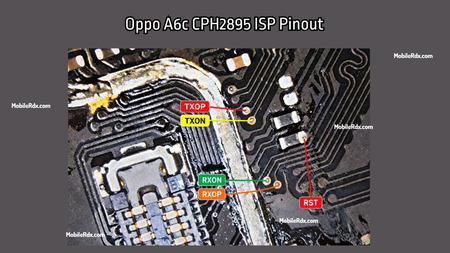
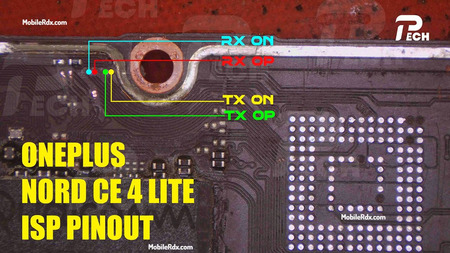
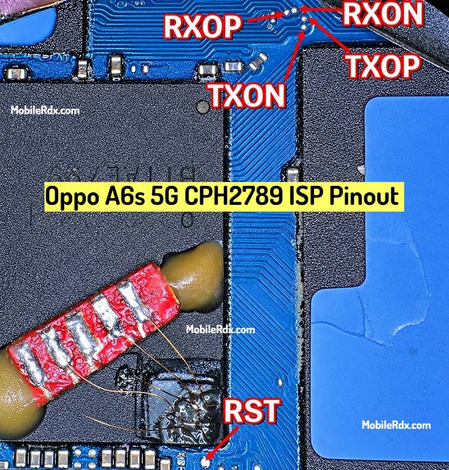
As a mobile technician working with Oppo A5 5G CPH2735 devices, it is essential to know the ISP (In-System Programming) pinout, as you will need it to complete more complex processes, such as unbricking, flashing, FRP bypass, and data recovery. Within this guide, I will provide the ISP pinout of the Oppo A5 5G CPH2735, accompanied by a diagram and some instructions.
What is ISP Pinout?
ISP (In-System Programming) pinout refers to the ability to directly interface a device’s eMMC or UFS storage with a professional tool for hardware-related processes. This is ideal, especially if the phone is not recognised in any other mode, or the device is dead, but the storage chip is still healthy.
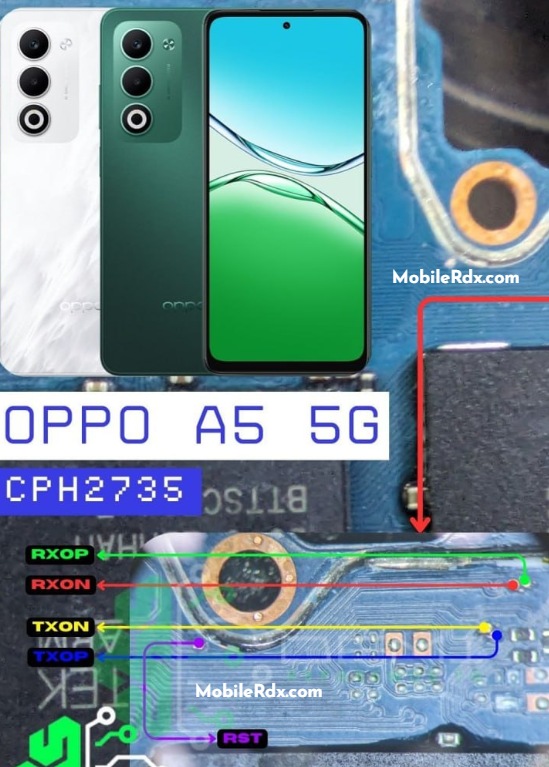
Oppo A5 5G CPH2735 UFS ISP Pinout Diagram
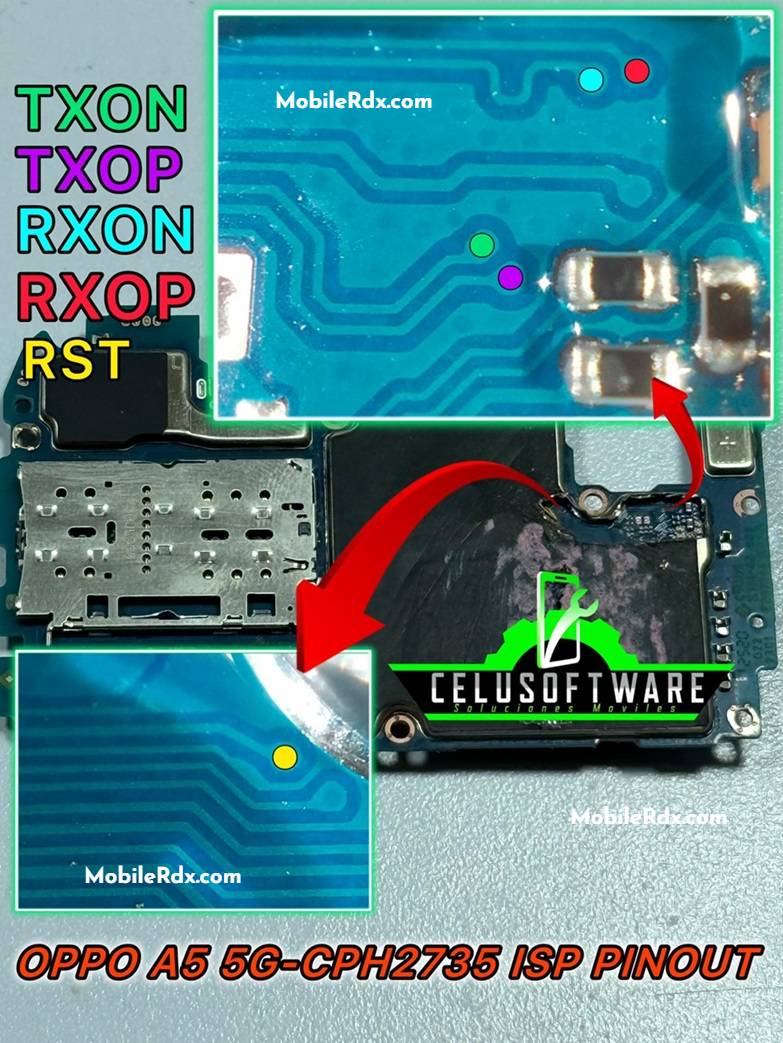
Here’s an actual image of the Oppo A5 5G motherboard with the ISP pinout clearly labelled :
Pinout Labels:
RXOP – Receive Out Positive
RXON – Receive Out Negative
RST – Reset
TXOP – Transmit Out Positive
TXON – Transmit Out Negative
How to Use Oppo A5 5G ISP Pinouts?
- Power off the phone.
- Open the back cover and disconnect the battery.
- Clean the pinout area on the motherboard.
- Solder fine jumper wires to the RXOP, RXON, TXOP, TXON, and RST points as shown in the image.
- Connect these to your UFS programmer or box.
- Follow your tool’s instructions for reading, writing, or removing security locks.
Tips for Mobile Technicians
- Use a good microscope and fine soldering tools.
- If you’re new to ISP, don’t rush—practice on scrap boards first.
- Always double-check pin connections before powering the tool.
- Document or snap a picture of your wiring for future reference.
When Do You Need the ISP Pinout for Oppo A5 5G?
- If you need to unlock FRP, and standard methods do not work
- When the device is dead and not detected by the PC (EDL not working)
- For reading or writing firmware directly to UFS
- In cases of user data extraction or dead boot repair
That’s it!
With these Oppo A5 5G ISP pinouts, you can easily perform UFS operations for repair or data work. For more ISP pinouts and mobile repair tips, keep visiting our blog!