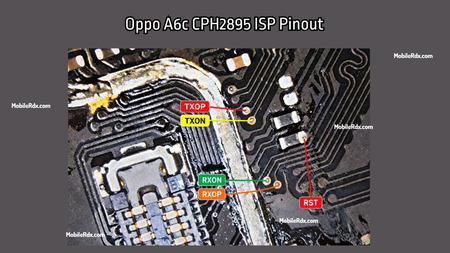
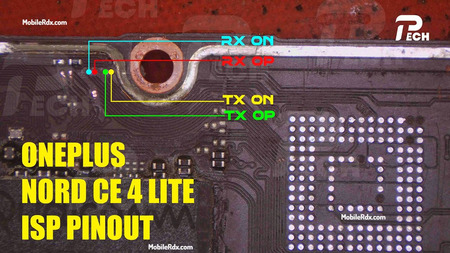
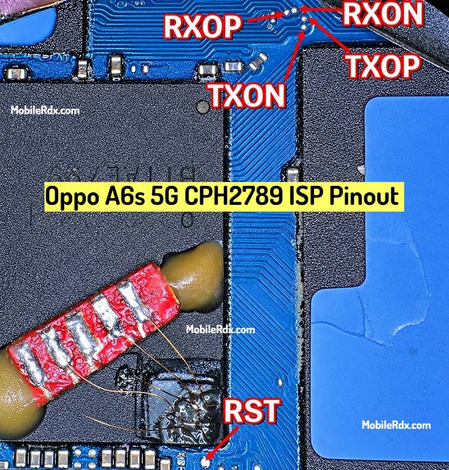
In this post, we will show you the tested and working image of the Motorola Moto G06 EMMC ISP pinout and test point. By using the ISP PinOUT, you can easily restore the stock ROM, bypass FRP lock, Remove MDM Lock, Repair Dead Boot, or reset user data on your device via UFi Box, Easy Jtag And Flash64 Box. In this guide, we will also guide you on how to connect the ISP pinout to any UFS programmer box.
Motorola Moto G06 has a MediaTek (MTK) chipset, with onboard UFS/EMMC storage, depending on the variant. In some boards, EMMC points are directly available on the backside of the PCB near the CPU section. These points help:
- Dead boot repairing
- Dump firmware reading
- EMMC data backup and restore
- FRP and MDM lock remove via ISP way.
What is ISP Pinout?
ISP (In-System Programming) pinout is the ability to directly interface a device’s eMMC or UFS storage to a professional tool for hardware-related processes. This is ideal, especially if the phone is not recognised in any other mode, or the device is dead, but the storage chip is still healthy.
EMMC Isp Pinout is useful when:
- Phone is dead (black screen, no boot, no charging)
- FRP is locked, and you can’t use ADB, fastboot, or OTG bypass
- You need to dump firmware from a working unit to repair a dead one
- You’re working on a boot repair or partition restore
- Phone is detected as “unknown” in PC (EDL not working)
Motorola Moto G06 ISP Pinout EMMC Ways Image:
Motorola Moto G06 has a hardware layout similar to other Realme and Vivo devices, but the ISP pinout can be slightly different. You can usually find ISP points near the EMMC chip, which is located below the metal shield.
- CMD – Command line
- CLK – Clock signal
- DAT0 – Data line 0
- VCC / VCCQ – Power supply for the EMMC (can be powered via USB)
- GND – Ground connection
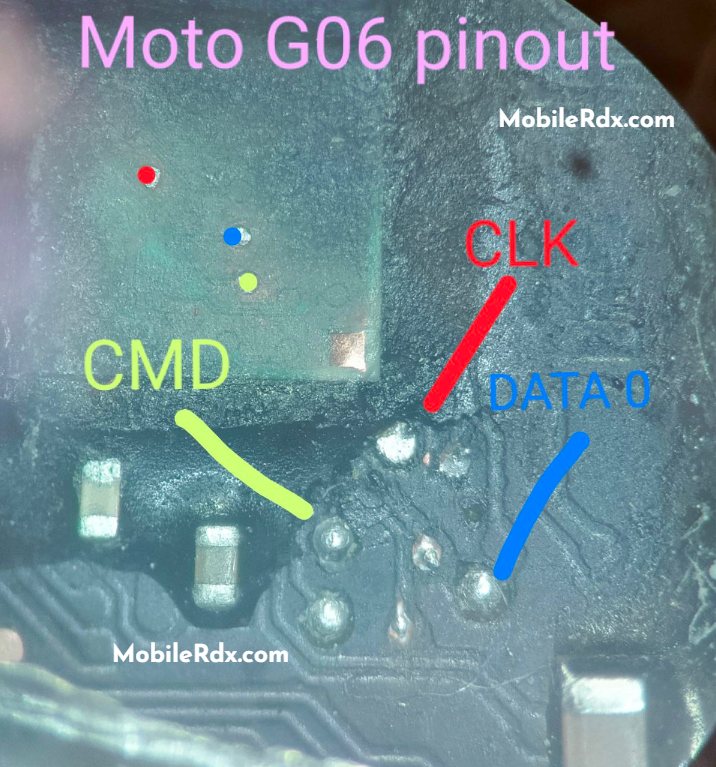
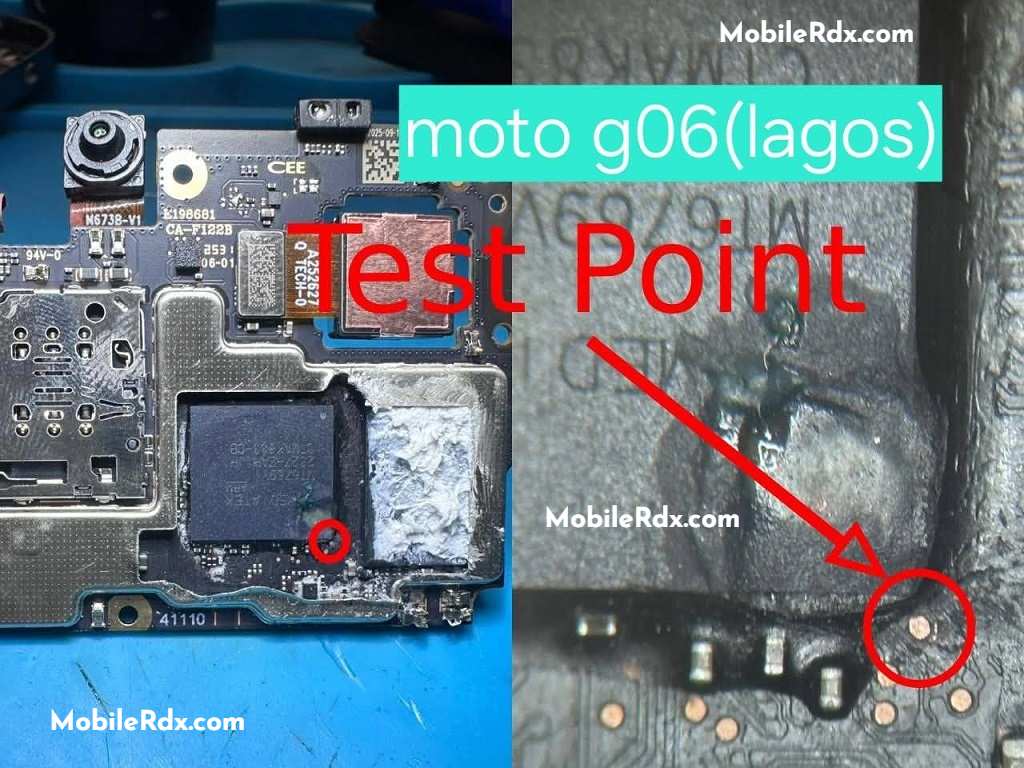
💡 Tip: Use a microscope or a 10x magnifier to identify the points correctly. Don’t rely solely on diagrams—confirm the layout visually.
To solve dead boot issues on Motorola Moto G06 devices, the best tools for the job are the Flash64 and UFI boxes. These tools are designed for professional repairs, to tackle the case where the phone keeps flashing during startup, does not display a boot logo, or does not turn on at all. They provide full access to the phone’s inside and, therefore, enable the solution of problems that otherwise cannot be repaired. These are tools that every technician should have to deal with serious boot problems or deeper system problems.
Required Tools for ISP Pinout:
- Make sure your bench is set up with the right tools before jumping in:
- UFI Box, Easy JTAG, or Medusa Pro
- 0.1mm – 0.3mm jumper wire
- Fine tip soldering iron
- Isopropyl Cleaner (IPA 99%)
- Soldering flux
- Multimeter (for checking continuity)
How to Connect Motorola Moto G06 ISP Pinout to the UFI Box
- Remove the battery from the phone – extremely important to prevent voltage conflicts.
- Clean the PC board area using isopropyl alcohol.
- Connect jumper wires to CLK, CMD, DAT0, GND, and VCC with care using solder.
- Connect the wires to your EMMC tool following the tool’s pinout.
- Double-check each wire using a multimeter to ensure there are no shorts.
- Turn on your EMMC tool and scan the chip in software.
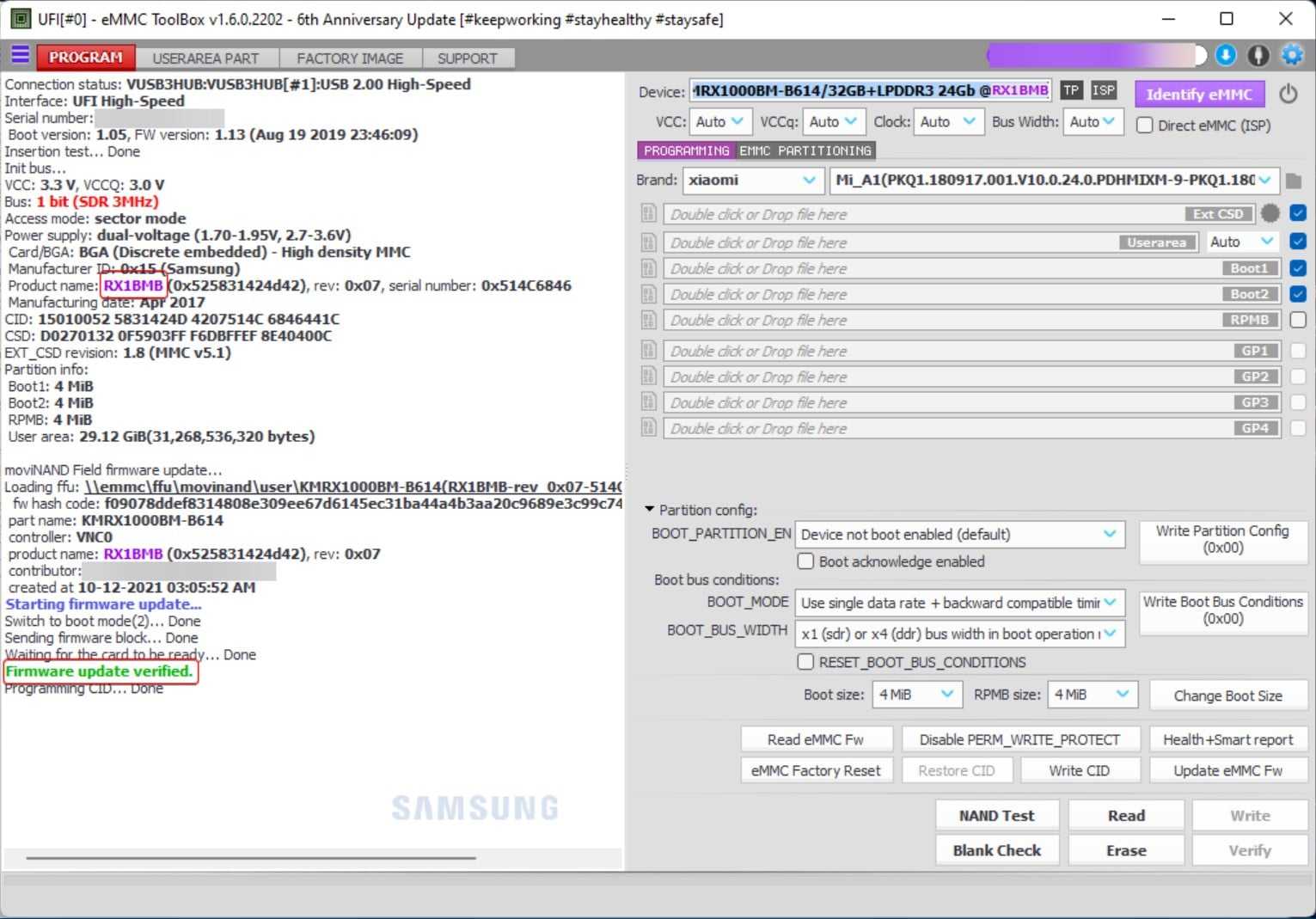
✅ If you have the right connection, you will see EMMC chip information in the tool window.