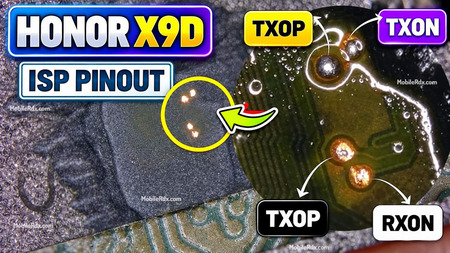
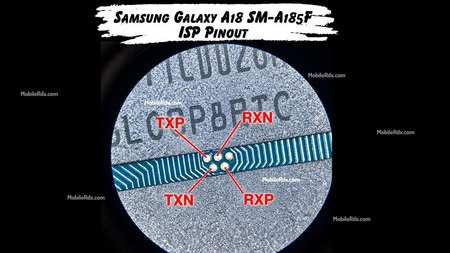
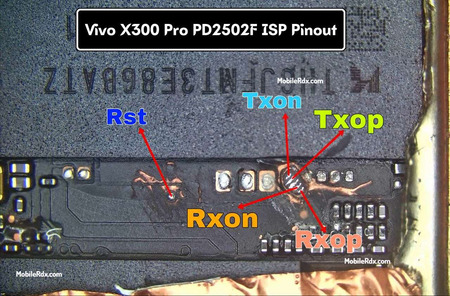
Here is the Oppo K13 Turbo 5G UFS ISP pinout. No CPU drill needed. Connect your UFI Box, Easy JTAG Plus, Medusa Pro II, or Flash64 directly to the motherboard test points to bypass FRP, write DUMP files, flash stock firmware, or fix dead boot.
The Oppo K13 Turbo 5G launched in July 2025 with a MediaTek Dimensity 8450 (4 nm) chipset. It runs Android 16 with ColorOS 16 and uses UFS 3.1 storage. Standard eMMC ISP methods will not work here. You need a UFS-compatible programmer box.
Model Specifications
- Model: Oppo K13 Turbo 5G
- Chipset: MediaTek Dimensity 8450 (4 nm)
- Storage Type: UFS 3.1
- Android: Android 16, ColorOS 16
- RAM/ROM: 8GB/128GB, 8GB/256GB, 12GB/256GB, 16GB/256GB, 12GB/512GB
What Is ISP Pinout?
ISP means In-System Programming. It lets you talk directly to the UFS or eMMC chip while it is still on the motherboard. No need to remove the chip. Just solder jumper wires to the test points on the PCB, connect them to a programmer box, and you can read, write, or erase data straight from the storage chip without going through the CPU.
Technicians use ISP for FRP bypass, dead boot repair, firmware flashing, MDM removal, and IMEI restoration on bricked or FRP-locked devices stuck in boot loops.
Without CPU Drill Method
The Oppo K13 Turbo UFS 3.1 chip supports direct ISP connection. No need to drill or expose the CPU package. The test points sit on the PCB traces near the UFS chip. You do not need to remove the EMI shield over the processor. Just find the four test points and solder your jumper wires.
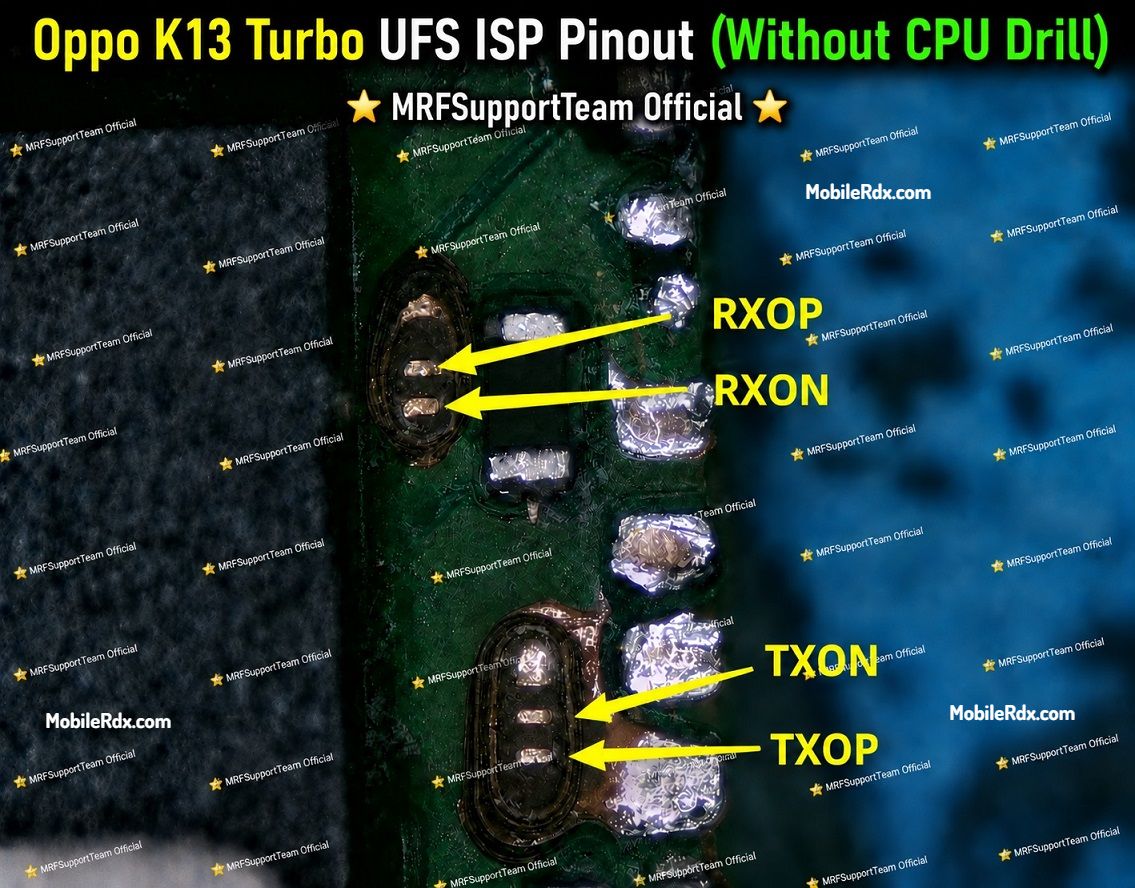
Oppo K13 Turbo UFS ISP Pinout Diagram
Here is the working ISP pinout for the Oppo K13 Turbo 5G. The test points are on the main motherboard near the UFS chip. You may need to scrape off a small section of the protective coating to reach them. Use a microscope or 10x magnifier to see the pin labels before soldering.
Pinout Details (Without CPU Drill)
- TXOP: Transmit positive signal
- TXON: Transmit negative signal
- RXOP: Receive positive signal
- RXON: Receive negative signal
- GND: Connect to any ground point on the board
Required Tools
Before you start, keep these tools ready:
- UFI Box, Easy JTAG Plus, Medusa Pro II, or Flash64 Ultra Box
- 0.1 mm to 0.3 mm jumper wires
- Fine-tip soldering iron
- Soldering flux
- Isopropyl alcohol (IPA 99%) for cleaning
- Multimeter for continuity checks
- Microscope or 10x magnifier
How to Connect Oppo K13 Turbo ISP to UFS Box
Follow these steps:
- Remove the battery from the phone first. This prevents voltage issues during soldering.
- Clean the PCB area around the UFS chip with isopropyl alcohol.
- Find the four ISP test points (TXOP, TXON, RXOP, RXON) on the motherboard using the pinout diagram above.
- Scrape off any protective coating carefully with a sharp blade under a microscope.
- Solder jumper wires to TXOP, TXON, RXOP, and RXON.
- Connect a separate ground wire to any ground point on the board.
- Connect the wires to your UFS programmer box as per its pinout.
- Check each connection with a multimeter. Make sure there are no shorts between pins.
- Connect the UFS box to your PC and open the software (UFI Tool, Easy JTAG, or Medusa).
- Click Identify UFS or Detect Device to confirm the connection.
- Once detected, go to User Partition > Special Task > Reset FRP to bypass FRP, or pick the operation you need.
If everything is connected correctly, the software will show the UFS chip details like vendor ID, storage capacity, and firmware version.
Caution: Shorting the wrong pins can damage the motherboard. Double-check every connection with a multimeter before powering up the UFS box.
Frequently Asked Questions
Does Oppo K13 Turbo support ISP without CPU drill?
Yes. The UFS 3.1 chip can be accessed directly from the motherboard test points. No CPU drill needed.
Which chipset does Oppo K13 Turbo use?
MediaTek Dimensity 8450 (4 nm) with UFS 3.1 storage.
How many test points are there?
Four data points (TXOP, TXON, RXOP, RXON) plus one ground.
What tools work with this pinout?
UFI Box, Easy JTAG Plus, Medusa Pro II, and Flash64 Ultra Box.
Can I bypass FRP using this ISP pinout?
Yes. Connect the pinout as shown and use the Reset FRP option in your UFS tool.
Is this the same as Oppo K13x ISP pinout?
No. The K13 Turbo has a different board layout and chipset. Do not use the K13x pinout on the Turbo model.
Final Thoughts
The Oppo K13 Turbo 5G UFS ISP pinout allows technicians to access the UFS 3.1 chip for FRP bypass, dead-boot repair, and flashing without a CPU drill. Solder TXOP, TXON, RXOP, and RXON carefully under a microscope. Always check ground continuity before powering up the UFS box.