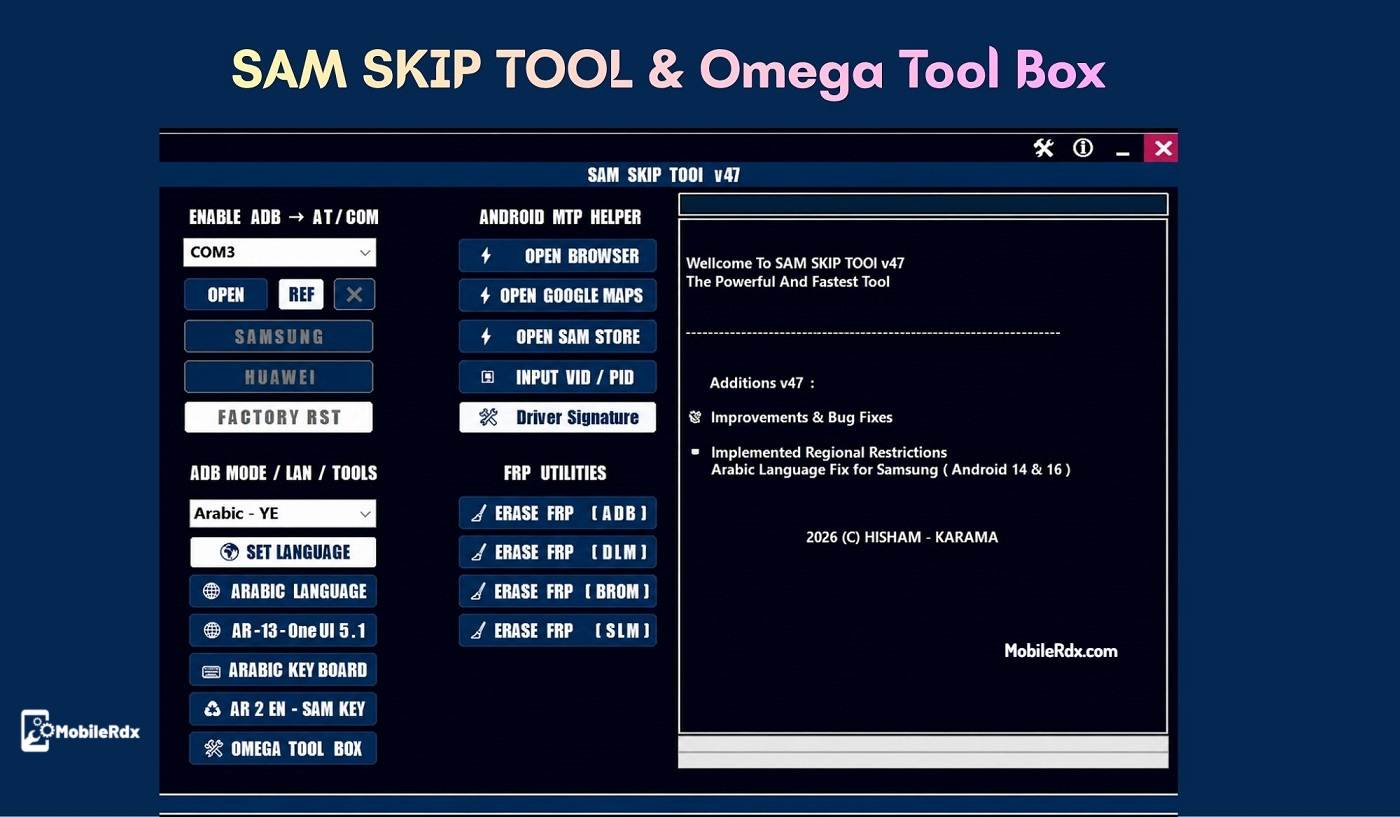
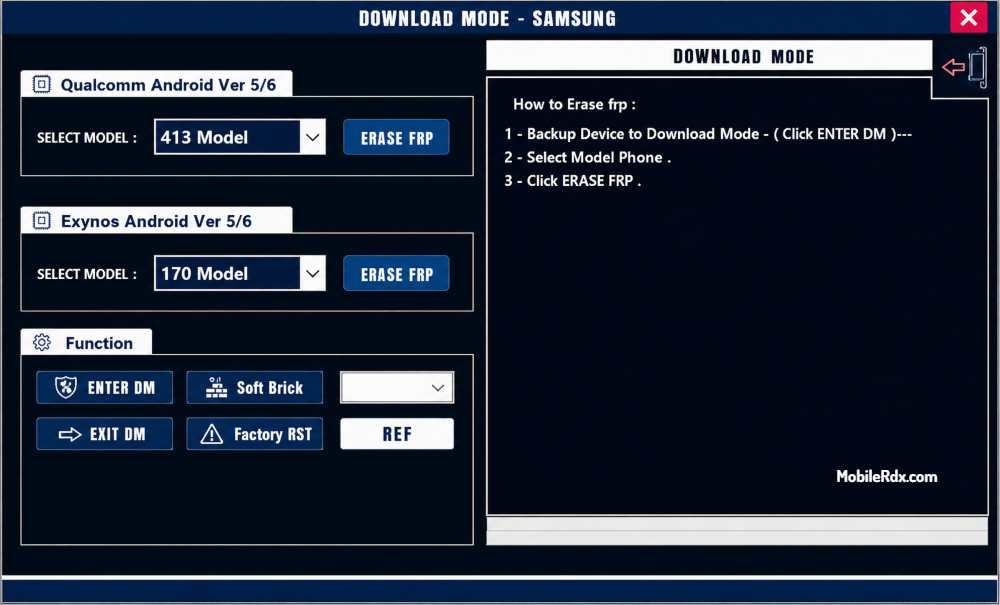
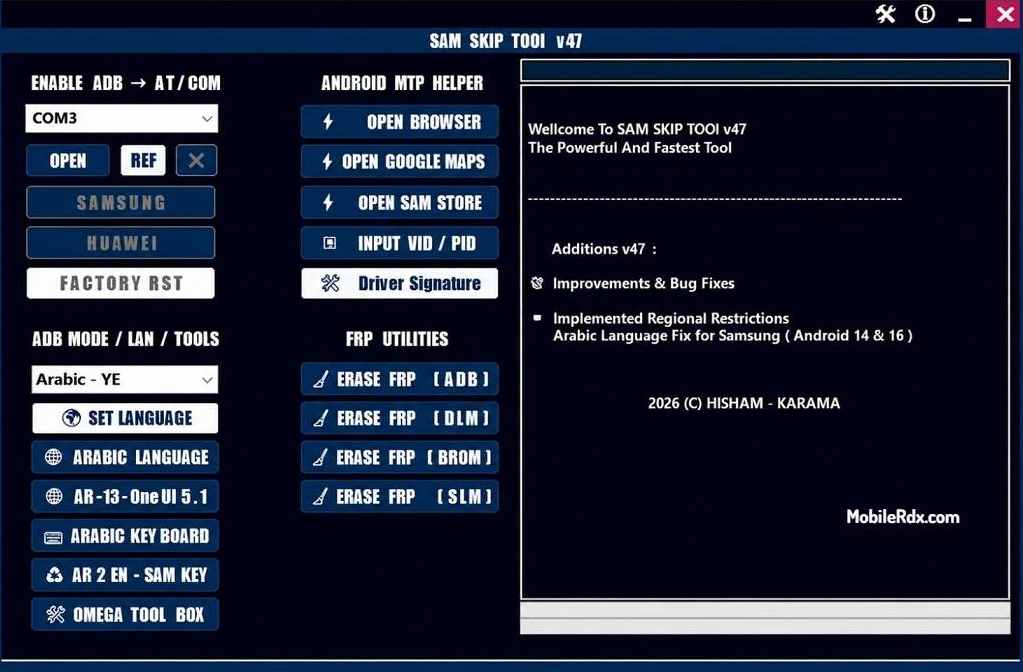
SAM SKIP TOOL v49 is a free & simple Windows program especially built for Samsung Galaxy smartphone and tablet that helps you to remove FRP via Qualcomm Edl mode, Odin download mode (MediaTek), etc easily.SAM SKIP TOOL is a free solution that bypasses this lock without needing expensive dongles or credits.
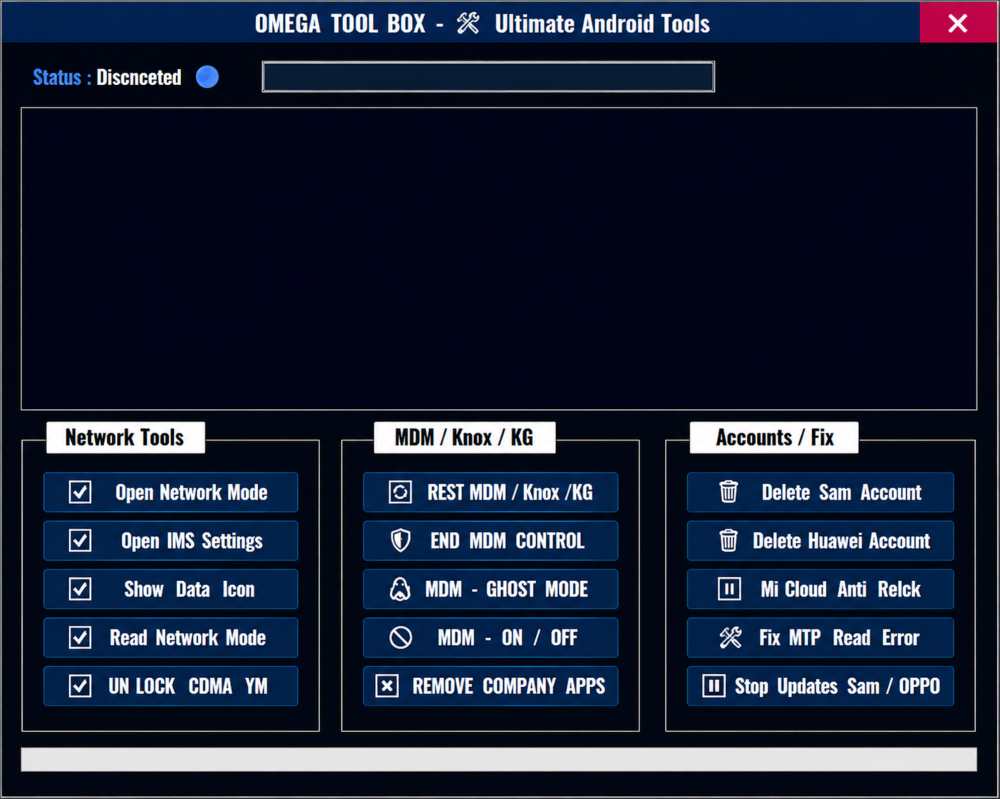
The tool is often bundled with Omega Tool Box and supports a wide range of Samsung models running different Android versions. In this guide, we will cover the features, supported devices, and step-by-step instructions to use the tool safely.
What is SAM SKIP TOOL?
SAM SKIP TOOL is a lightweight software utility designed to bypass Google’s Factory Reset Protection (FRP) on Android devices. It is especially effective on Samsung devices and can remove the Google account (FRP lock) from phones that have been reset without the previous account credentials. The tool works by exploiting certain security weaknesses in the Android OS and does not require any hardware dongle to operate.
Key Features of SAM SKIP TOOL v49:
- Free to use – no payment, no dongle, no credits
- Samsung Galaxy support – A series, S series, Note series
- Android 7.0 to 13/14 – old and new devices both covered
- Odin + Fastboot modes – dual flashing support
- Omega Tool Box included – extra features bundled
- Fast bypass – done in 5–15 minutes
- Data stays safe – user data preserved where possible
- Simple GUI – beginners can use it easily
- Regular updates – new Android versions supported
Supported Samsung Models:
| Model | Android Support |
| Samsung Galaxy A10 | Android 10, 11, 12 |
| Samsung Galaxy A10s | Android 10, 11 |
| Samsung Galaxy A11 | Android 10, 11, 12, 13 |
| Samsung Galaxy A12 | Android 10, 11, 12, 13, 14 |
| Samsung Galaxy A13 | Android 12, 13, 14 |
| Samsung Galaxy A14 | Android 13, 14 |
| Samsung Galaxy S8 | Android 9, 10, 11 |
| Samsung Galaxy S9 | Android 9, 10, 11 |
| Samsung Galaxy S10 | Android 10, 11, 12 |
SAM SKIP TOOL v49 Changelog
PFG Tool
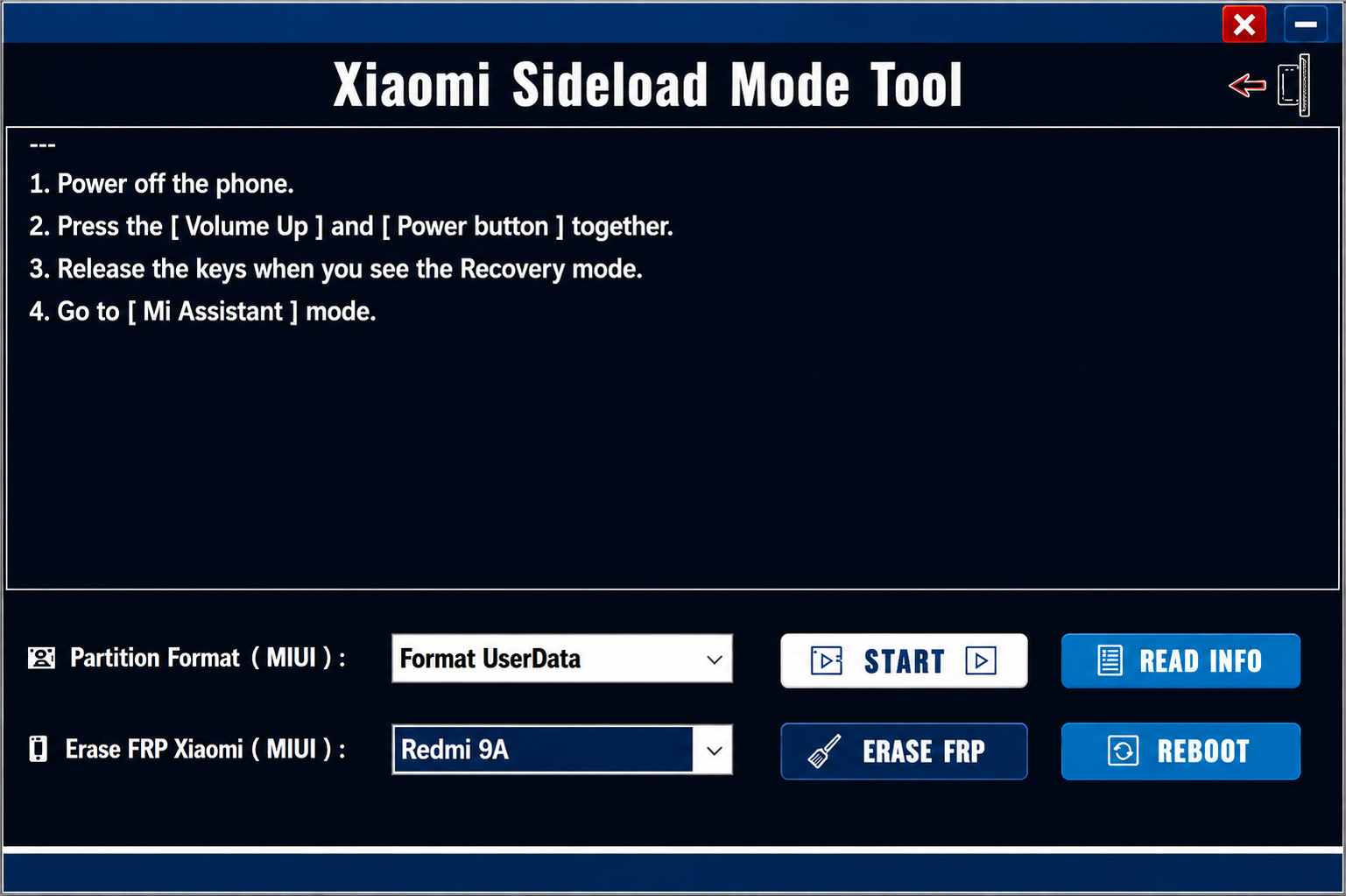
- Added Xiaomi Persist Partition Formatting.
- Added Mi Account erase option.
- Added Auth V6 / V7 support in the function UI.
- Fixed script bugs.
- Updated some UI text.

⚠️ Disclaimer: This page is provided for informational and educational purposes only. It does not promote or support unauthorized FRP bypass or removal. Always comply with Google and the device manufacturer’s terms & policies to deal with security or verification matters.
Download Link:
Below, I have provided the download link for the latest SAM SKIP Tool V49, along with clear instructions for downloading, installing, and using the tool on your computer.
| Tool Name | SAM SKIP TOOL v49 |
| File Name | SAM SKIP TOOL and Omega Tool_v49 .zip |
| File Size | 260 MB |
| Type | Free |
| Developer | Hisham Karama |
| Compatible | Windows 7/8/8.1/10/11 |
| Password | PFG123 |
How to Use SAM SKIP TOOL v47:
- Download SAM SKIP TOOL v49 and Omega Tool Box from the link below.
- Extract the ZIP file to a folder on your Windows computer.
- Enable USB Debugging on the Samsung device (if the screen is unlocked) or boot into Download Mode (volume down + power + home).
- Open the SAM SKIP TOOL application.
- Click the “Skip FRP” or “Remove Account” button.
- Wait for the process to complete – you will see a “SUCCESS” message.
- Disconnect the phone and complete the setup process.
Note: If the tool fails, try booting into Recovery Mode and performing a factory reset again, then retry the process.
Precautions and Warnings:
- Always back up your important data before attempting an FRP bypass,
- Use a genuine USB cable – poor connections can interrupt the process and potentially brick the device.
- Make sure the Samsung device battery is above 50% before starting the bypass process.
- This tool may not work on devices with the latest Android 14 security patches
- Do not disconnect the USB cable during the process – it may cause system instability.
Frequently Asked Questions:
The tool is completely free to download and use. No payment, dongle, or activation code is required.
The tool supports most Samsung Galaxy A series and S series models running Android 7.0 through Android 14. Check the full supported models list in the article.
The tool is designed to bypass FRP without data loss, but we always recommend backing up your important data before any operation.
No, SAM SKIP TOOL is a software-only solution and does not require any hardware dongle.