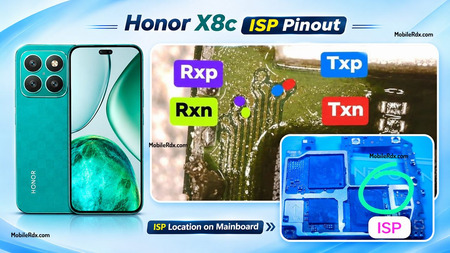
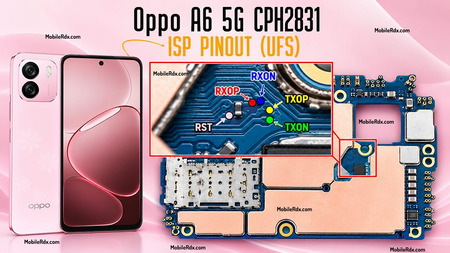
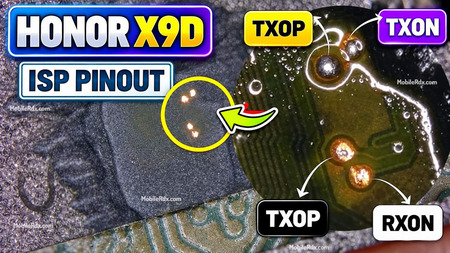
Hello technicians, in this guide, we will show you the working image of the Oppo A6c CPH2895 UFS ISP Pinout. By using the ISP Pinout, you can restore the stock ROM, bypass FRP lock, remove MDM Lock, repair a Dead Boot, or clear user data directly by Flash64, UFI Box, Easy, or EasyJTAG.
In this guide, you can find the Oppo A6c CPH2895 UFS ISP Pinout and the main UFS connection points used with supported professional repair boxes.
What is ISP (In-System Programming)?
ISP lets you reach the UFS/EMMC chip without desoldering it. You match the correct pinout on the board and attach a supported tool such as Flash64, UFI, or Easy JTAG.
ISP Pinout is useful when:
- The phone is dead (black screen, no boot, no charging)
- FRP is locked, and ADB, fastboot or OTG bypass is not working
- You need to dump firmware from a working unit
- You are doing a boot repair or partition restore
- The device shows “unknown” on PC and EDL is not working
Oppo A6c CPH2895 UFS ISP Pinout Image:
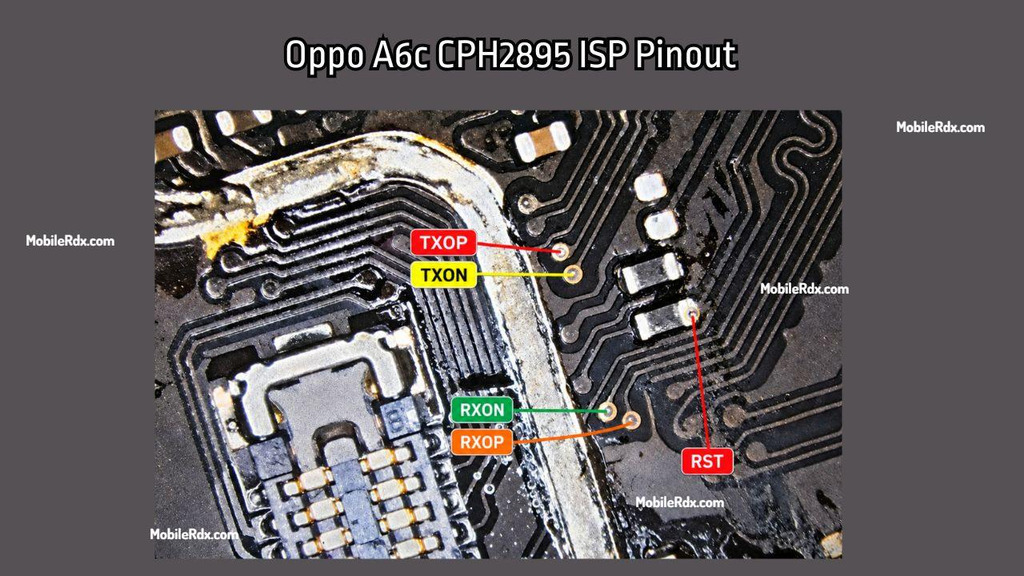
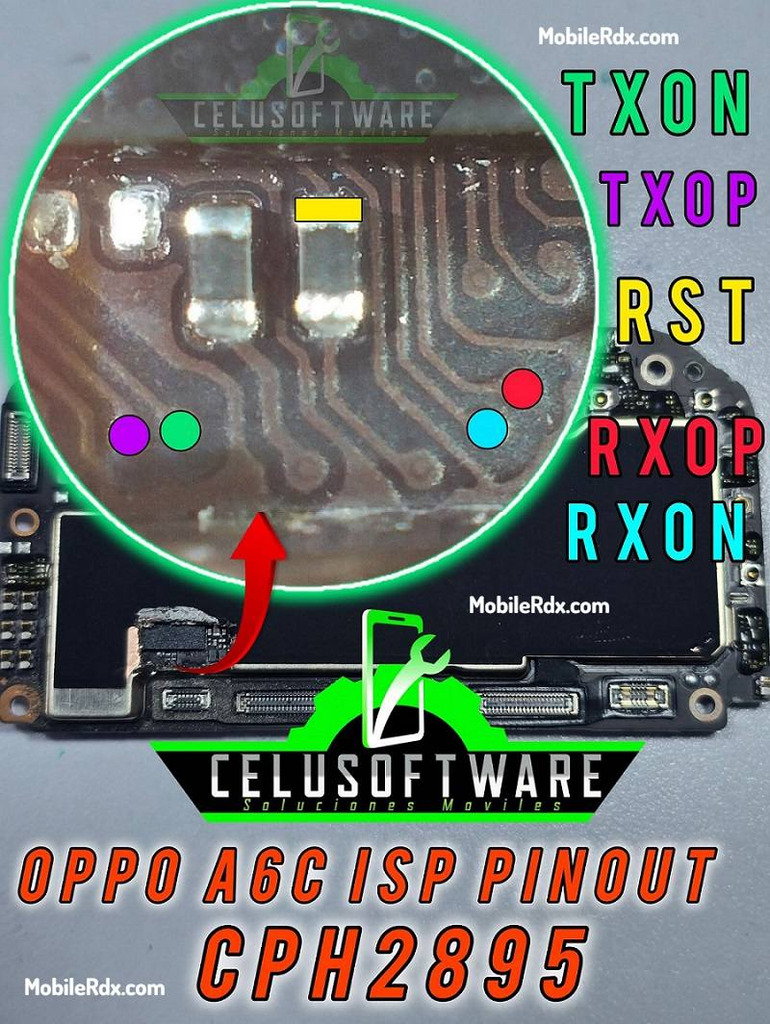
- RST – storage reset line
- CLK – clock line
- TXOP / TXON – transmit differential pair
- RXOP / RXON – receive differential pair
- GND – common ground reference
Required Tools for ISP Pinout
Set up your bench correctly before making any jumper connections.
- UFI Box, Easy JTAG, Flash64, or Medusa Pro
- 0.1mm – 0.3mm jumper wire
- Fine tip soldering iron
- Soldering flux
- Isopropyl alcohol (IPA 99%)
- Multimeter (continuity check)
Oppo A6c CPH2895 Specifications
| Device | Oppo A6c 4G |
| Model | CPH2895 |
| Chipset | Unisoc Tiger T615 (UMS9230E) |
| Storage | 64GB / 128GB |
| RAM | 4GB |
| Display | 6.75-inch IPS TFT, 120Hz |
| Battery | 7000mAh |
| Launch | January 2026 |
How to Connect Oppo A6c ISP to the UFS Box
- Remove the battery first to prevent voltage conflicts.
- Clean the board area with isopropyl alcohol.
- Solder jumper wires to the RST, TXOP, TXON, RXOP, and RXON points.
- Connect the wires to your UFS/EMMC tool according to the pinout.
- Check all wires with a multimeter for shorts.
- Connect the device to UFI or Flash64.
- Open the software and select Identify UFS/EMMC.
- First Read/backup persist.
- Check the UFI’s Special Task / FRP operation.
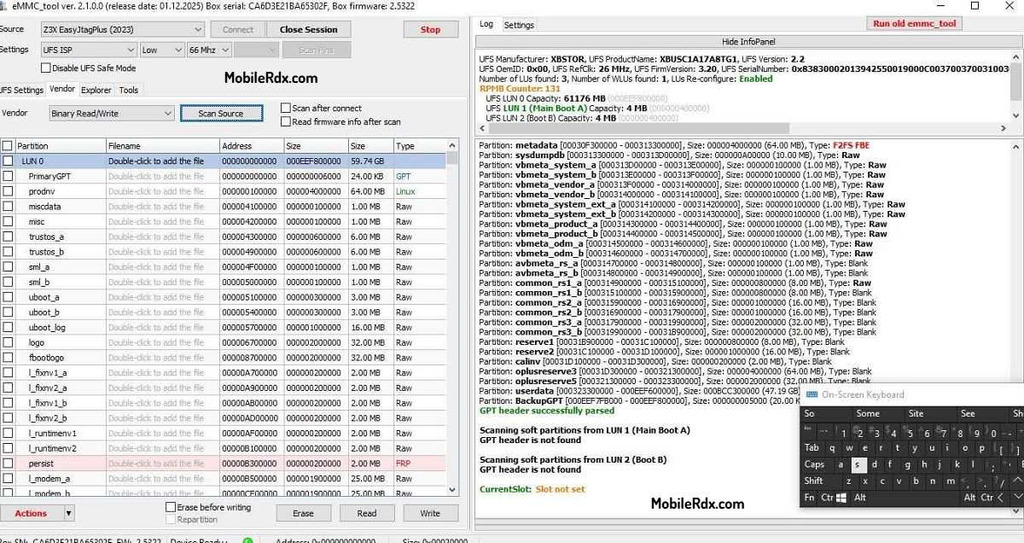
If the connection is right, you will see the UFS chip info appear in the tool window.
Common Issues & Solutions
- Tool not detecting UFS: Double-check the TX and RX connections. Try to change the TXOP/TXON with RXOP/RXON pairs.
- Short circuit detected: Clean the solder area and check for solder bridges with a multimeter.
- Wrong UFS detection: Use UFI v1.8.0.5 or higher for best compatibility with UnisocUFS chips.