Android Root Tool ART v7.0.5.0 Latest Version Download
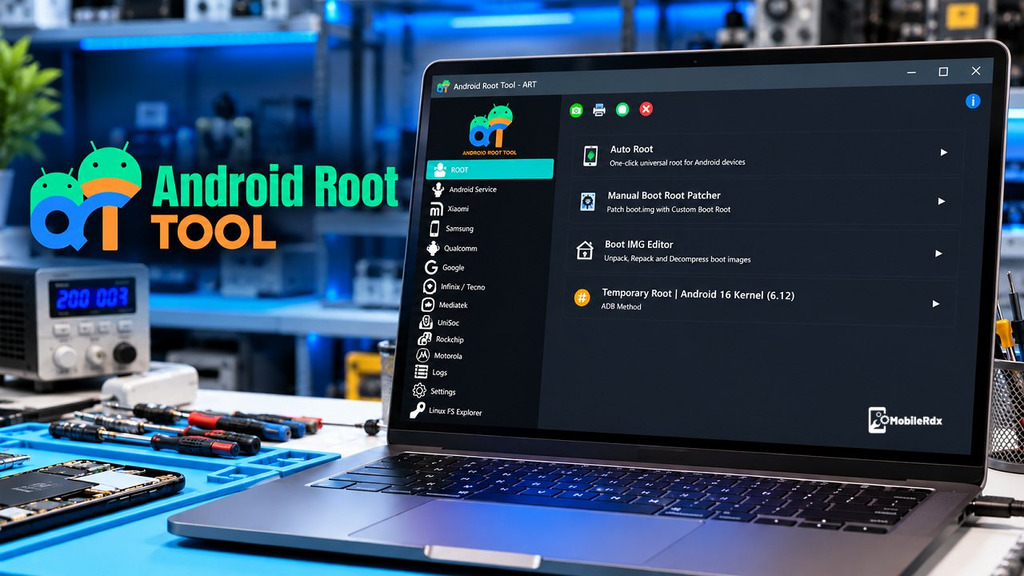
ART v7.0.5.0 is a premium window tool for technicians who repair mobile devices. It supports many functions, including rooting and unrooting, image patching, resetting FRP locks, repairing IMEI numbers, managing NVRAM, and performing selected bootloader operations. Android Root Tool ART supports various devices from brands and platforms such as Samsung, Xiaomi, Infinix, Tecno, Motorola, Rockchip, and Unisoc. Available features depend on the device model and supported operations.
ART Android Root Tool is much more than just an easy one-click rooting app. It is a professional tool for servicing mobile devices, with separate workflows for patching boot images, Meta Mode, Fastboot, and handling Exynos, Qualcomm, Rockchip, Unisoc, and NVRAM operations.
What is Android Root Tool ART?
ART is a Windows-based tool for technicians servicing Android mobiles and is designed to go beyond standard utilities like ADB. It supports workflows for Qualcomm, Rockchip, and Unisoc chips, as well as for Meta Mode, Fastboot, and Download Mode on compatible devices. Available functionality depends on the device model, the chip used, the connection method, and the supported features.
Technicians can use ART to read device information, prepare root or unroot tasks, handle supported NVRAM data and carry out selected FRP or bootloader operations.
Android Root Tool ART Features
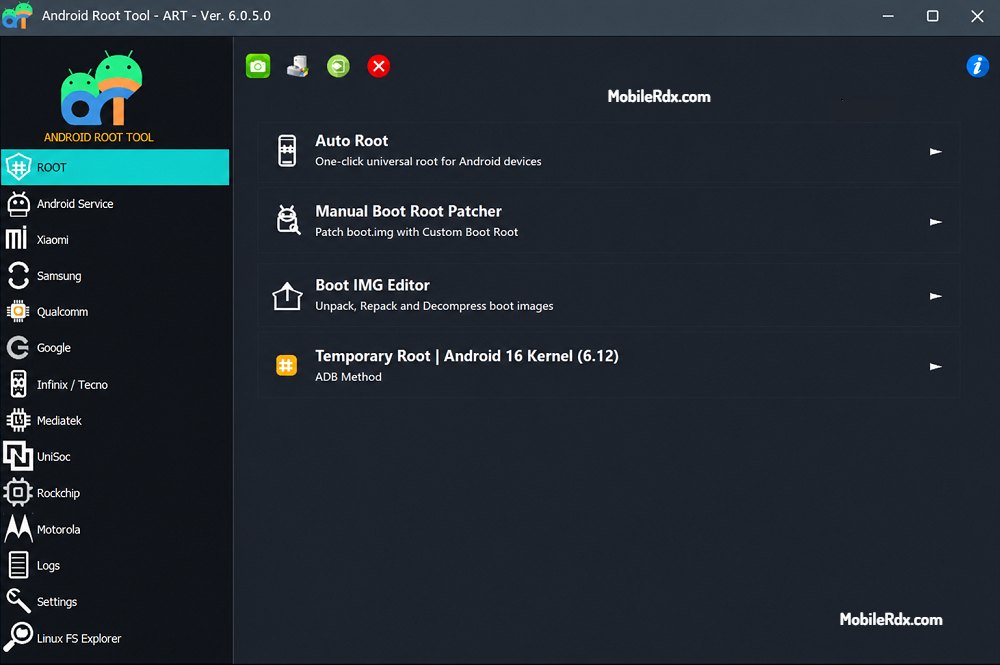
- One-click root and unroot on supported Android devices
- Patch, write, and restore boot images
- Magisk-based root preparation
- Bootloader unlock and relock on selected models
- FRP reset and factory reset functions
- IMEI repair on supported devices
- NVRAM read, write, and backup functions
- NVRAM Explorer with LID read, write, erase, and hex view
- MediaTek Meta Mode service
- Xiaomi MediaTek certificate and NVRAM operations
- Motorola Fastboot bootloader and firmware functions
- Samsung Exynos Download Mode service
- Rockchip and Unisoc support listed in current modules
- Device information and root-status checks
- Paid-license workflow with official version updates
For broader free Android flashing and FRP work, also check our Android Utility Tool download guide. ART’s functions still depend on the exact firmware, bootloader status, security patch, and license.
Download Android Root Tool v7.0.5.0 – Latest Version
- Tool Name: Android Root Tool (ART)
- Version: v7.0.5.0
- Platform: Windows 8/8.1/10/11
- License: Paid license
- Archive Password: ART
- Developer: Android Root Tool team
If you need Qualcomm, MTK, EDL, ADB, and Fastboot service in another Windows package, compare our Android Win Tool guide.
How to Install & Use Mysterious Dev Tool
- Download Android Root Tool ART V7.0.5.0 to your Windows computer.
- Extract the setup using 7-Zip or WinRAR.
- Run the ART tool Setup as administrator.
- Now the installation wizard will open; just complete the installation.
- Click Next > Next > Install > Finish
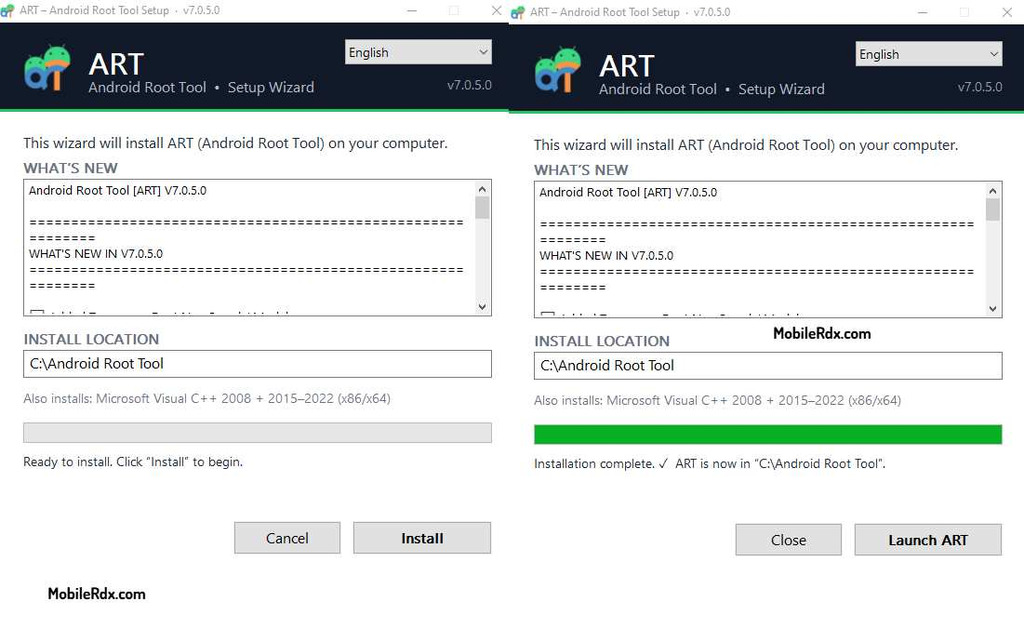
- Open the installation directory or check the desktop for the tool shortcut.
- Run the tool as Admin.
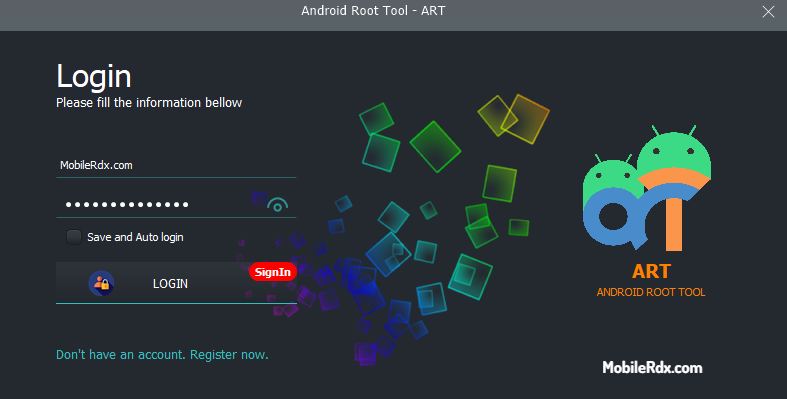
- Next, you have to register & purchase the activation.
- Purchase the activation fro offcial seller.
- Enter the login details & Click login.
- Select the device brand or chipset.
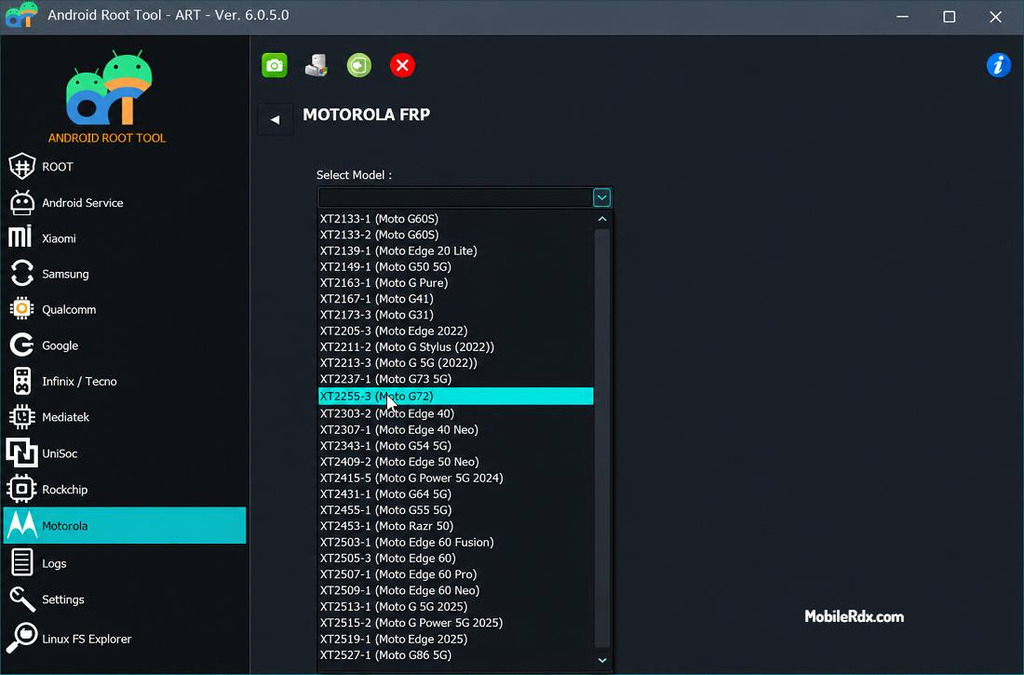
- Choose the function you want to use.
Root and IMEI Safety Notes
- Rooting can affect OTA updates, banking apps, warranty, and device security.
- Unlocking the bootloader often wipes userdata.
- Use only the original device identity and authorized repair data for IMEI work.
- Back up NVRAM before any MediaTek IMEI or network operation.
- Never write a boot image from another model.
- Use only legal and authorized devices.
Frequently Asked Questions
ART is a Windows GSM service tool for root, unroot, boot image, FRP, IMEI, NVRAM, and bootloader work on supported devices.
The official download listing shows Android Root Tool v7.0.5.0 as the current release. Confirm the version on the download page before installation.
Reported modules include Samsung Exynos, Xiaomi MediaTek, Qualcomm, Infinix, Tecno, Motorola, Rockchip, Unisoc, and generic MediaTek workflows.
The official listing identifies ART as a paid-license tool. Avoid unofficial keygen or loader versions.
The release notes list IMEI repair and NVRAM read/write functions for selected workflows from MediaTek, Xiaomi, Infinix, and Tecno. Compatibility varies by model.
Bootloader unlocking wipes userdata commonly, and some root or formatting operations can erase storage. Back up the device before starting.