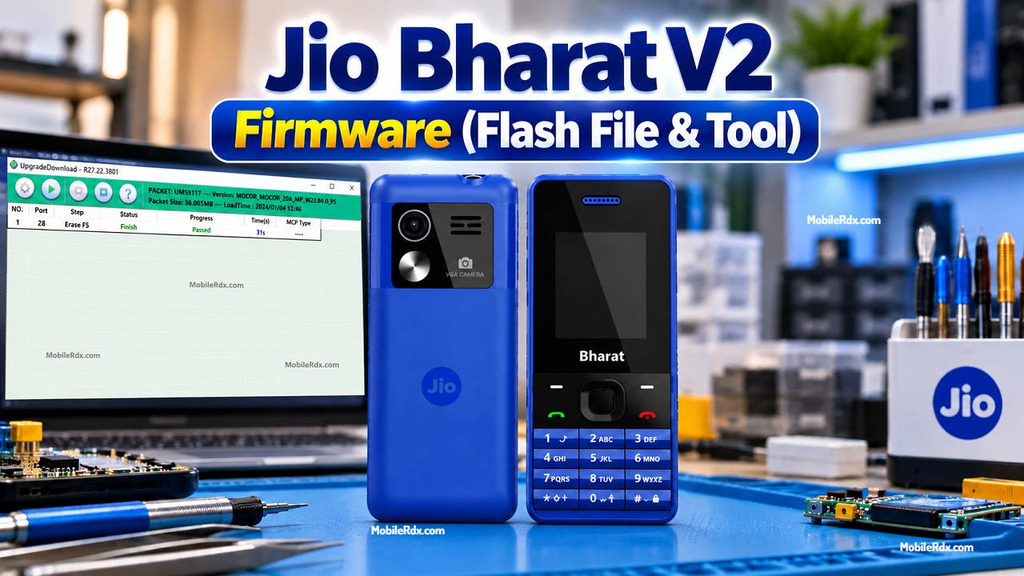
JBV161W1 firmware for Jio Bharat V2 is a stock software package that you can use to reinstall the operating system,repair the hang logo problem, fix boot loop issue, and restore a phone that got a software update failure. This is used with a suitable flash tool by Spreadtrum or Unisoc on a Windows PC.
Below you will find firmware information, required drivers and flash tool and a short method to flash Jio Bharat V2. Check the model before downloading because this package is for JBV161W1 and not for JBV162W1 or other Jio phones.
What Can This Firmware Fix?
- Phone stuck on the Jio logo
- Boot loop or repeated restart
- Failed software update
- Corrupt or damaged system software
- Forgotten password after authorised service
- Phone not starting after an incomplete flash
- Slow or unstable operating system
For other Unisoc and Spreadtrum firmware work, see our Unisoc Flash Tool guide.
Download Jio Bharat V2 JBV161W1 Firmware
| File Name | Jio_Bharat_V2_JBV161W1_000_02_09_121023_SPD.zip |
| Device | Jio Bharat V2 |
| Model | JBV161W1 |
| Firmware Build | JIO_JBV161W1_000_02_09_121023 |
| ROM Type | Stock PAC Firmware |
| File Size | 22.58 MB |
| Flash Tool | SPD Flash Tool |
| USB Driver | Spreadtrum/Unisoc USB Driver |
Some file hosts repackage firmware and display a slightly different size for the archive. Verify file name and model before loading into flash tool.
Required Files and Tools
- Jio Bharat V2 JBV161W1 firmware
- SPD Flash Tool
- Spreadtrum/Unisoc USB driver
- Good USB data cable
- Windows PC
- Stable USB port
- Backup of important data
Install correct driver first and then connect phone. If Windows fails to recognize the device remove old driver and reinstall Spreadtrum package again.
How to Flash Jio Bharat V2
- Download and extract the JBV161W1 firmware with WinRAR or 7-Zip.
- Install the Spreadtrum/Unisoc USB driver.
- Open the SPD Flash Tool as Administrator.
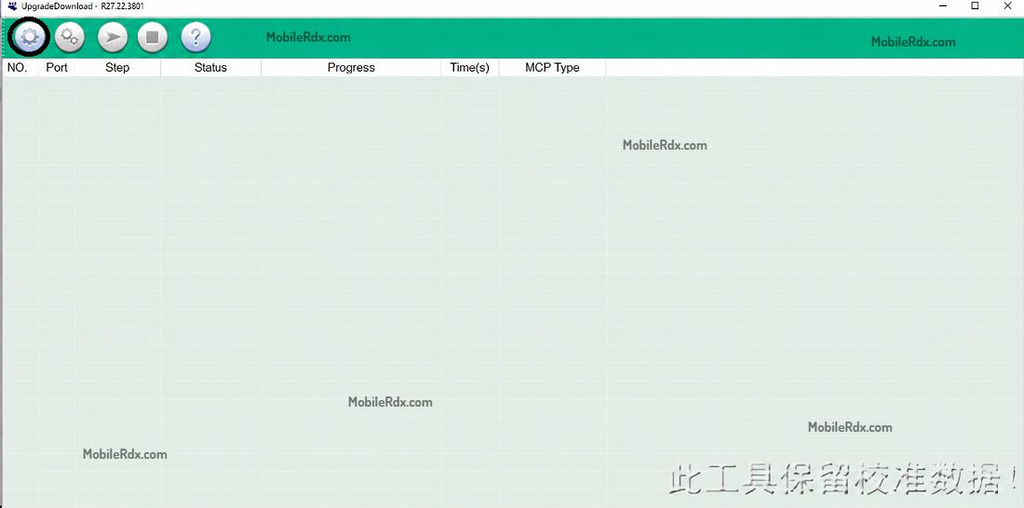
- Click the Load Packet or gear button.
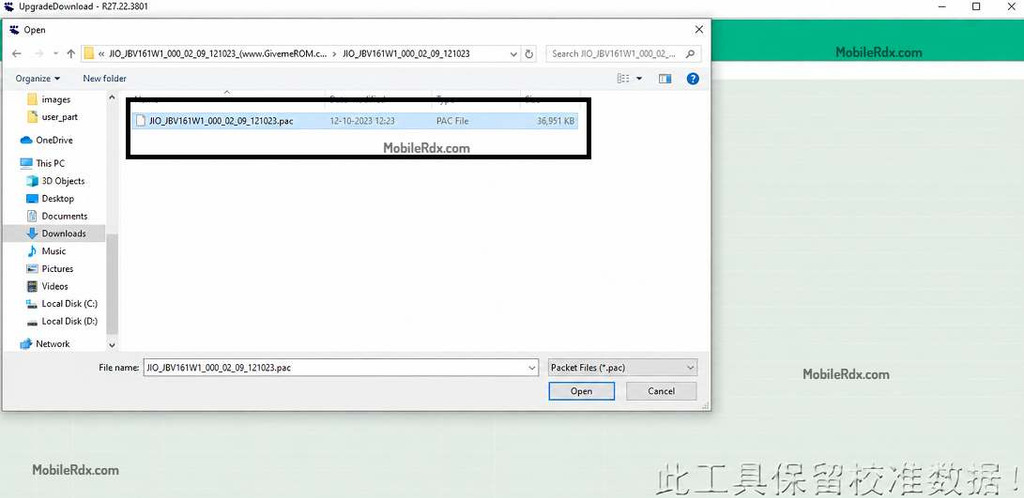
- Select the PAC file from the extracted firmware folder.
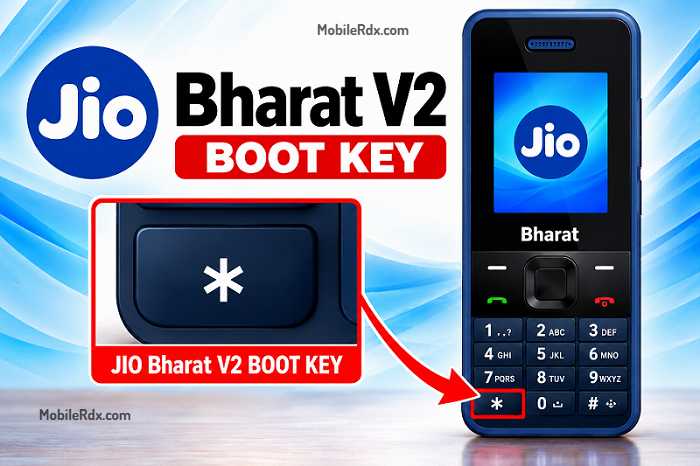
- Power off the Jio Bharat V2 completely.
- Press and hold the Star * key.
- Connect the phone to the PC using a USB data cable.
- Wait for the SPD port to appear in the tool.
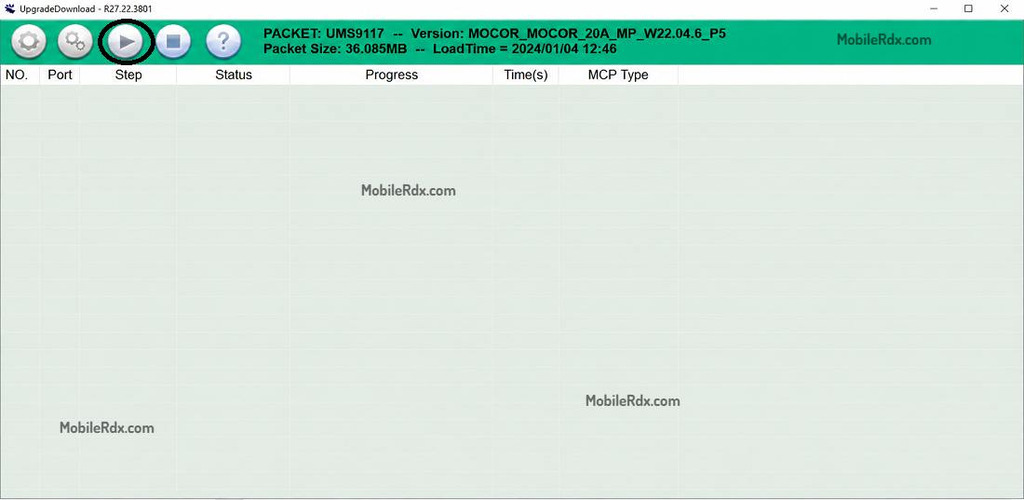
- Click Start, Download, or the play button.
- Wait for the “Passed” or “Download Complete” message.
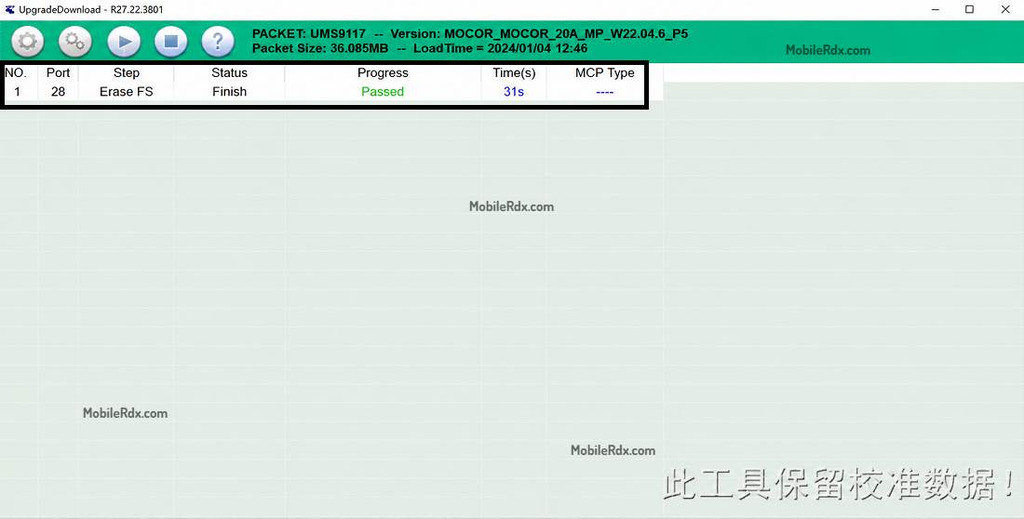
- Disconnect the phone and power it on after the process finishes.
It takes the first boot several minutes after flashing. Do not disconnect phone while firmware is written.
Important Notes
- Confirm the model from the label or device information before downloading.
- Flashing can delete contacts, messages, and other user data.
- Use only firmware made for JBV161W1.
- Do not use JBV162W1 firmware on this phone.
- Keep the battery and USB connection stable during flashing.
- Use a test point only when normal download connection does not work and the board diagram is verified.
For another professional firmware setup, read our UMT Tool guide. You can also compare our Android Win Tool guide for Android devices.
Disclaimer: Firmware flashing should only be done on your own or authorized device. We are not responsible for data loss, interrupted flashing or damage from using incorrect files or tools.
Frequently Asked Questions
It is stock PAC firmware used to reinstall the software and repair supported JBV161W1 problems, such as hanging on logo, boot loop, and failed updates.
Use an SPD Flash Tool or a compatible Spreadtrum/Unisoc PAC flasher with the correct USB driver.
The commonly listed package is Jio_Bharat_V2_JBV161W1_000_02_09_121023_FSPD.zip.
It can help when the problem is caused by damaged software on a supported JBV161W1 phone. It cannot fix hardware faults.
Yes. Stock firmware erases user data, so make a backup whenever the phone still allows access.
No. Use firmware that matches the exact model printed on the phone or its board. JBV161W1 and JBV162W1 packages should not be mixed.