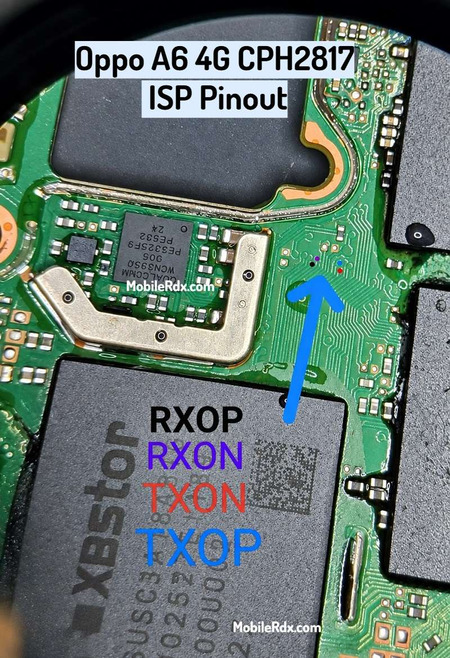
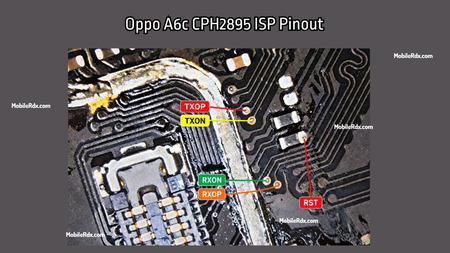
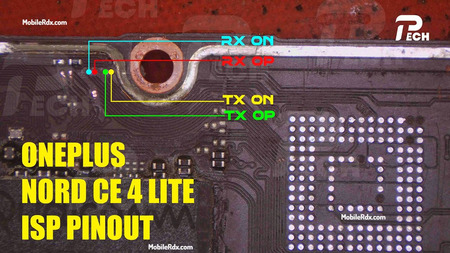
The POCO C75 5G EDL test point is a hardware-specific pinout used to enter the device into EDL mode (9008) for flashing firmware, unlocking, or repairing. So, if your Xiaomi Qualcomm phone is bricked and the customer forgets the pattern lock, or you are not able to unlock FRP, then the POCO C75 5G (warm)Test Point can help you fix it quickly.
This mode used to be called Qualcomm EDL download mode on the POCO C75 5G. You can use this test point in any box, such as Unlock Tool, UFI, UMT, or Chimera. It’s as simple as shorting the gold point to the ground and connecting the USB cable. Some individuals continue to utilize it as a sophisticated method to bypass the bootloader’s unlocking requirement.
What is the EDL Test Point?
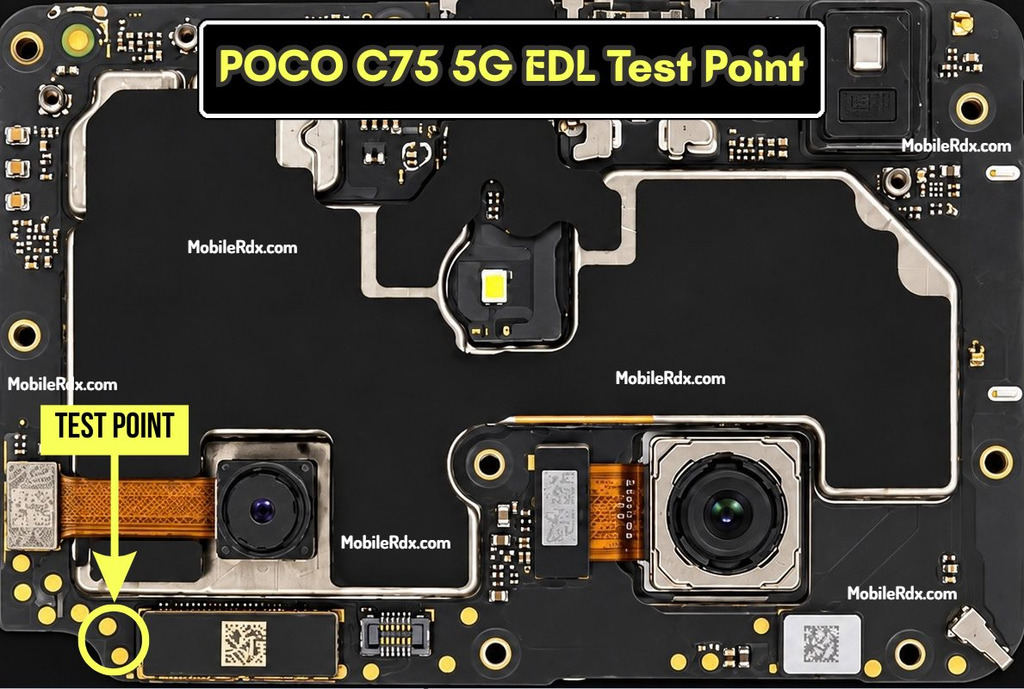
The EDL Test Points consist of two copper pads near the battery connector of your motherboard (PCB). Just add these 2 points: use tweezers or a jumper wire when you plug your phone into a computer; it lets you enter 9008 Flash Mode, the only place where you can make repairs that require going beyond what you can do with fastboot or recovery mode.
POCO C75 5G EDL Test Point Image:
Below is the test point image for the POCO C75 5G to boot your phone into flash mode. By shorting the two points, you can force the device into Qualcomm QDLoader 9008 mode. A test point connection is required to flash stock firmware, bypass the FRP lock, or reset user data if the phone is bricked or dead.
Required Tools
Before proceeding, please ensure you have the following tools and drivers ready:
- PC/Laptop: Running Windows OS.
- USB Cable: A high-quality or original data cable.
- Conductive Tool: Tweezers or a piece of copper wire to short the test points.
- Opening Tools: A heat gun, removal tool, and screwdriver to disassemble the back panel.
- Drivers: [Qualcomm HS-USB QDLoader 9008 Driver] is installed on your PC.
- Software: UnlockTool, DFT Pro, Chimera, or your preferred FRP unlock tool.
Steps to Use POCO C75 5G Test Point
- Turn off the phone completely and unplug it from the computer.
- Remove the back cover to expose the motherboard.
- Unplug the battery connector from the motherboard (this is often necessary for the device to enter EDL mode correctly).
- Identify the two specific EDL copper pins on the motherboard.
- Use metal tweezers or a copper wire to bridge (touch) both test points simultaneously.
- While holding the tweezers in place (keeping the points shorted), plug the USB cable into the phone and PC.
- Remove the tweezers once the computer produces a sound or detects the device. Immediately reconnect the battery flex cable (some devices will exit EDL mode if the battery isn’t reconnected quickly).
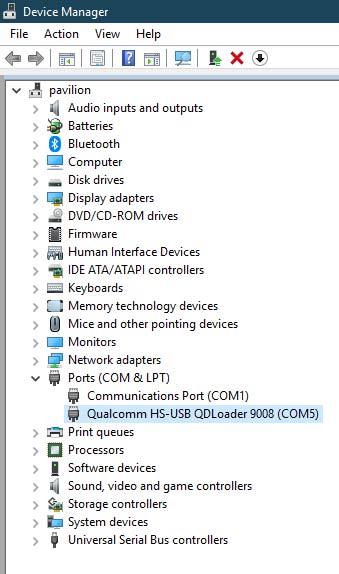
- Check Device Manager on your PC. The phone should be listed under Ports (COM & LPT) as “Qualcomm HS-USB QDLoader 9008.”
- You are now ready to use your flashing or unlock tool.
Remove POCO C75 5G FRP Using Unlock Tool
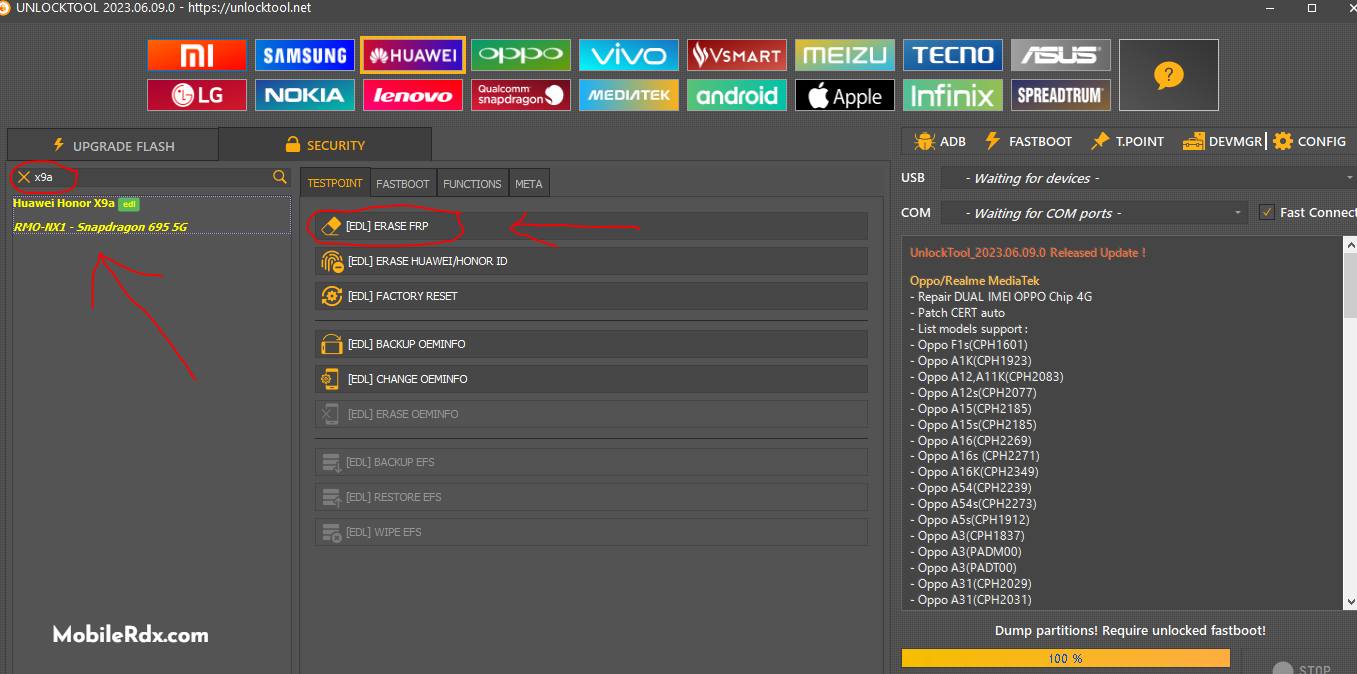
- Start up the UnlockTool software.
- Click on the Xiaomi Tab.
- Select the SECURITY tab.
- Choose the model POCO C75 5G.
- Navigate to the BROM/EDL option.
- After that, press BROM ERASE FRP.
- Use the test point above to connect the phone.
Frequently Asked Questions
The POCO C75 5G uses the lake board code (Warm). The same board is shared by Redmi 14C, Redmi A3 Pro, and Redmi 17C 5G, so the test point applies across these models.
The POCO C75 5G runs on the Qualcomm Snapdragon 4s Gen 2 platform, which supports EDL 9008 flashing.
Yes, for the test point method. If the phone still boots to Fastboot, you can try the fastboot oem edl command or a tool-based Fastboot-to-EDL function without opening the device.
Install the Qualcomm HS-USB QDLoader 9008 driver on your Windows PC. Without this driver, the phone will not appear correctly in Device Manager.