
Download Infinity CM2MT2 V3.20 Latest Update
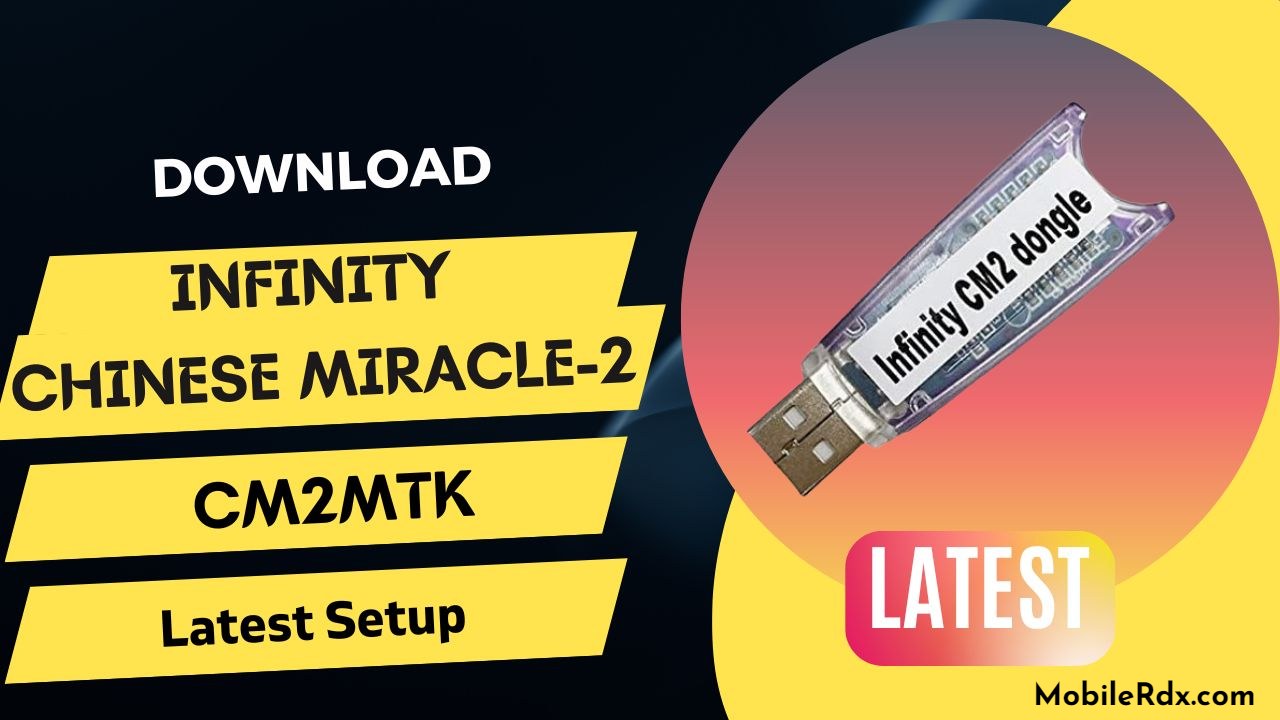
You can easily download the Infinity Chinese Miracle-2 MTK Dongle by simply clicking on the link below. This tool is extremely beneficial for addressing many issues on Android devices, including flashing, repairing IMEI numbers, unlocking SIM networks, and resetting FRP on all MTK Android devices. Once you have downloaded this tool, follow the instructions within the program to resolve any issues with your device.
Follow the steps outlined below to download and install the Chinese Miracle-2 MTK tool. Infinity Chinese Miracle-2 MTK is a module of the Infinity Chinese Miracle-2 software specifically designed for MTK-based devices. This module offers a range of functions, including flashing firmware, unlocking, and repairing the IMEI of MTK-powered devices. It supports various MTK chipsets and is compatible with a wide range of mobile devices, including smartphones, feature phones, and tablets.
What is Infinity CM2MT2?
The Infinity Chinese Miracle 2 (CM2MT2) module is a special software tool developed by the Infinity Team for repairing MediaTek (MTK) Android devices. It helps technicians easily fix all problems on MTK-based android phones and tablets with a simple and clear user interface.
One of its best features is its speed and efficiency. It lets users quickly read device info, remove FRP locks, reset user accounts, and clear passwords safely. The tool can even unlock bootloaders without needing Auth files or paid credits, making it a very affordable and useful option for mobile repair shops.
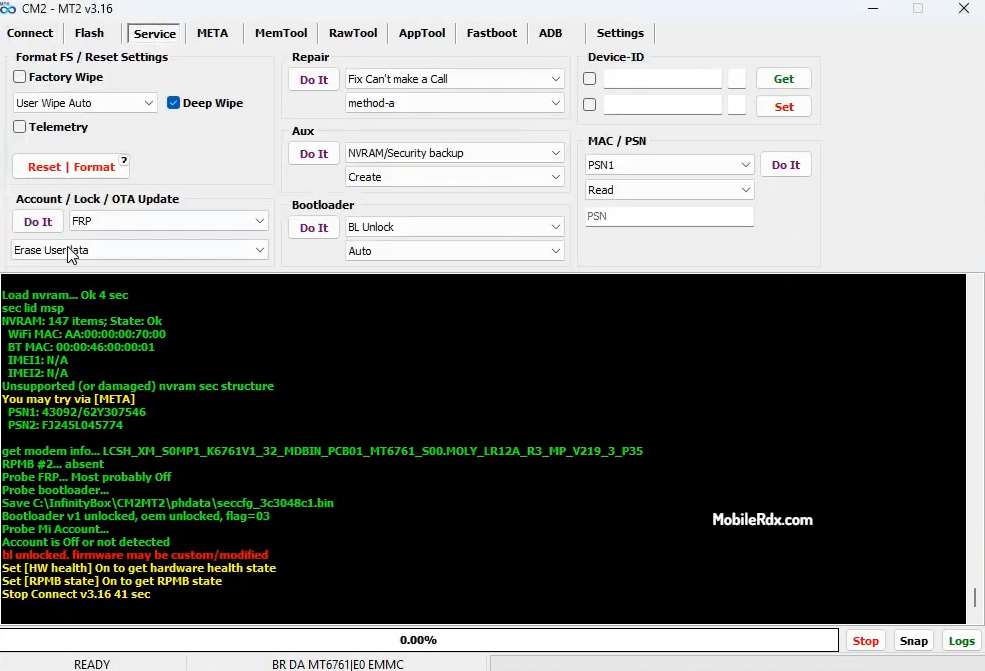
Features of the Infinity CM2MT2:
Firmware flashing: The Themodule features the firmware flashing process on MTK-based devices, which allows users to update or delete the firmware on their device, fix devices stuck in boot loops, as well as other software issues.
IMEI Repair: Facing IMEI 0 or Null? Then the tool has capabilities to repair IMEI issues easily.
Unlocking: The module allows unlocking of MTK-based devices locked to a carrier or network.
Rooting: The module supports rooting MTK-based devices to give users administrator control and load a custom ROM.
MDM Unlock: infinity CM2MT2 Setup allows users to unlock MDM (mobile-device-management) locks on MediaTek-based Android smartphones and tablets.
Overall, the Infinity Chinese Miracle-2 MTK module is a comprehensive and useful tool for servicing and fixing MTK-based devices. It is commonly used by mobile repair shops and technicians worldwide.
The Infinity-Box Dongle also comes with additional software, hardware, and support features, which include:
- GSM and CDMA model software
- Famous Chinese Miracle software for MTK / MediaTek and other models
- Famous Chinese Miracle-2 software for MTK / MediaTek, SPD / Spreadtrum, RDA / Coolsand, and more
- Smart-Card for protection
- USB Smart-Card reader
- Access to support area (software, flash files, drivers, manuals, updates, bugs, and more)
- Smart-Card upgrade server access
- Support through email
- Access to support forums.
Infinity #CM2MT2 v3.20 – Changelog
MT2 Tool Latest Update – Changelog
- Bug Fixes: Many reported issues have been fixed.
- MT6835 Support: MT2 versions released before August 2026 may have issues with generic MT6835 devices such as Oukitel. If the phone gets stuck on the boot logo after reset, flash it with the factory firmware. Use the latest MT2 version for better results.
- Boot Process: The boot process has been updated for many devices.
- FRP & META Mode: Adjustments have been made for many latest Tecno, Infinix, Itel, and Villaon devices.
- META Mode: Added the ability to read Userdata and LK in META mode on some supported devices.
- AppTool: Fixed issues with different new firmware types.
- New DA: A new DA has been added to the boot pack.
Core Updates
SoC & Mutant detector database updated
Boot process for BROM with external EM files fixed for several models
Special thanks to Mr. Alexandr for reporting the issue
🔧 Updates & Fixes
[OS startup logs] function updated for latest devices
[RawTool] improved for easier image reading by parts
Boot issue fixed for legacy devices with Online/Digital licence
Auto Head Units device detection methods enhanced
PRELOADER parsing updated for multiple preloader structures
[META] model connection updated for latest devices
[Slots] menu added to [Service] tab
[Userdata] menu added to [Service] tab
DA database updated for Oppo, Cubot, Xiaomi, Lava, Oblue
Fixed issue with preloader structure detection (thanks to Mr. Muhammad)
GUI changes applied (thanks to Mr. A)
🔧 Improvements & Fixes
- [AppTool] Added Load list to Disable option
- Allows loading previously stored app lists.
- Apps can be unchecked once, saved to file, and reused as a template for other devices.
- [META Mode] Updated Restore proinfo option.
- BOOTROM Mode Boot process updated for improved stability.
- FRP Reset Enhanced for latest Itel, Infinix, and Tecno devices to avoid reset issues.
- Bootpack Structure Optimized for faster loading.
- Models Database Structure and list updated for quicker access.
- Bug Fix Manual DA file selection issue (found in v3.06) resolved.
- Interface Update Simplified manual DA selection UI.
Download Infinity Chinese Miracle-2 MTK V3.20 Setup
We provide direct download links for all versions of the latest Chinese Miracle 2 MTK setup tool for free. You must use a CM2 dongle to run the tool without any interruptions. We will keep updating the download links whenever a new version is released.
Password for archive: 12345678
Download_Infinity Chinese Miracle-2 MTK V3.20.zip – Latest – Password: 1111
How To Install Infinity CM2MT2 Setup
Dongle firmware version required: 0170
-Once downloading is finished, extract the downloaded file from the WinRAR archive.
-Go to the extracted folder and right-click on the “.exe” file, and then click to “run as administrator”.

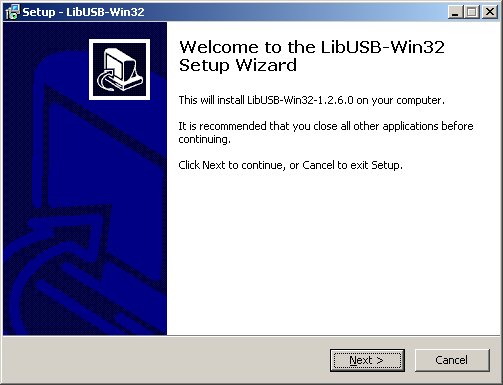
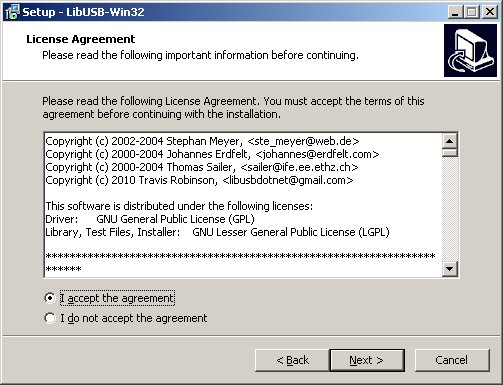
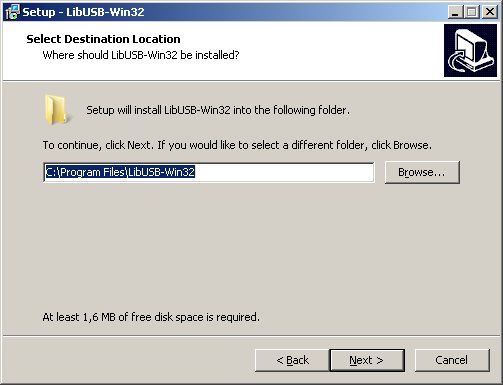
Important step!

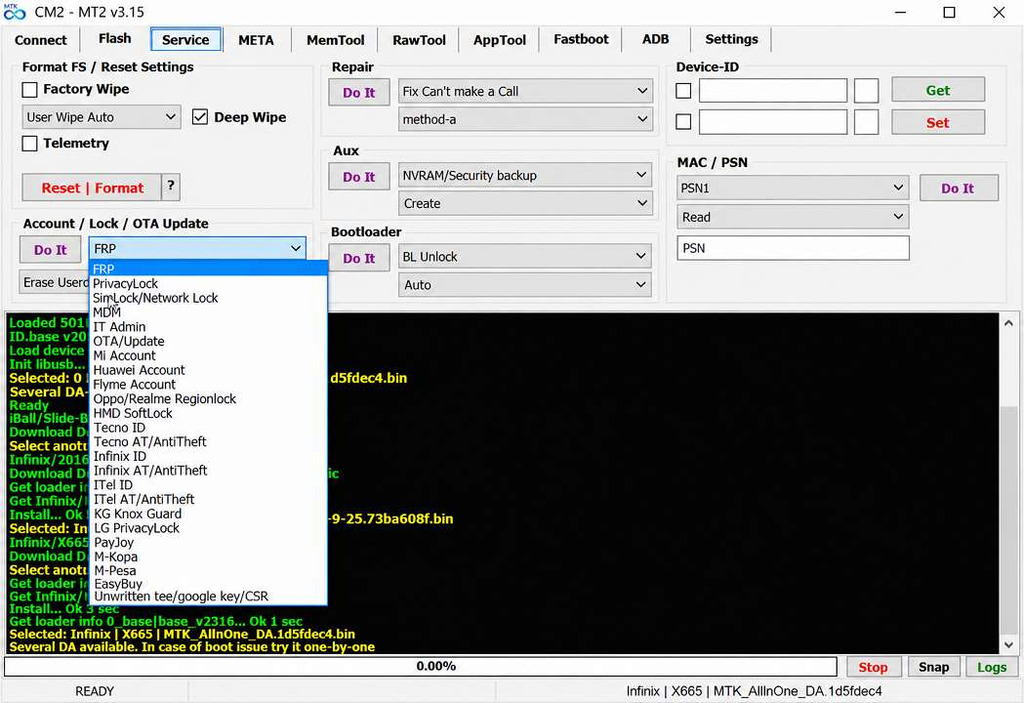
How To Use Infinity CM2MT2:
Follow the steps below to flash firmware, repair IMEI, unlock SIM networks, or reset FRP on MTK devices with the Infinity CM2MT2 module:
- Install and run the Infinity Chinese Miracle-2 software as Administrator.
- Select the CM2MT2 (Chinese Miracle-2 MTK) module from the main interface.
- Connect your MTK device to the PC with a USB cable and install the required MTK VCOM drivers.
- Click Detect or Read Info to confirm the device is recognized.
- Choose the operation you need — Flash Firmware, Read/Write IMEI, SIM Unlock, or Reset FRP.
- Load the scatter or firmware file when prompted and start the operation.
- Wait for the progress bar to finish, then disconnect and reboot the device.
- That’s it.
Frequently Asked Questions
A: Infinity CM2MT2 v3.20 is a professional mobile servicing tool for flashing and servicing/unlocking on MediaTek-based devices.
A: Updates to the new devices are added to your tool from Oteeko, Yestel, Oukitel, Mobiwire, W&O, and many other new brands.
A: Yes, the tool itself is much more stable and reliable than it was previously, with bug fixes and general optimizations.
A: No, unfortunately, you will only be able to use the new models and capabilities by updating to v3.18.