Download MDM Fix Tool v1.1.0.1 – [Latest Version]
If you’re experiencing an issue with the Samsung KG Lock on your device, this guide is here to help. Discover how to solve the KG lock and repair your Samsung phone with the MDMFix tool. Say farewell to the Samsung KG Lock Lock Tool with this easy solution and liberate your tool. This approach is 100% effective for Samsung phones locked with KG lock, finance lock, IT admin lock, or MDM lock. Tested and demonstrated through UFixer Lab, you may buy it with self-assurance.
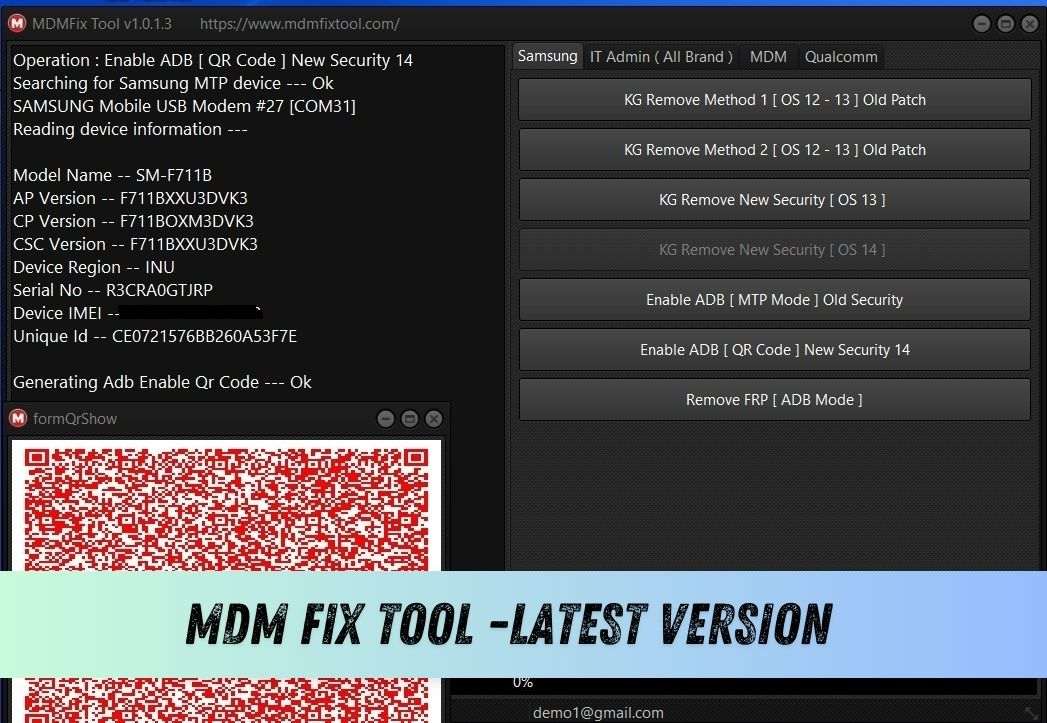
The MDM Fix Tool, developed by ufixer, is a small Windows utility designed to help users remove MDM and KG locks, disable IT admin, enable ADB, and bypass FRP on Android phones. Note that this is a paid tool, and an activation purchase is required.
What Is MDM Lock
The MDM lock, or Mobile Device Management lock, is a security feature designed to protect corporate devices. It is commonly used in workplaces or educational institutions to manage and control device settings remotely. However, this lock can be inconvenient for personal users, limiting their ability to customize their devices to their preferences.
Features
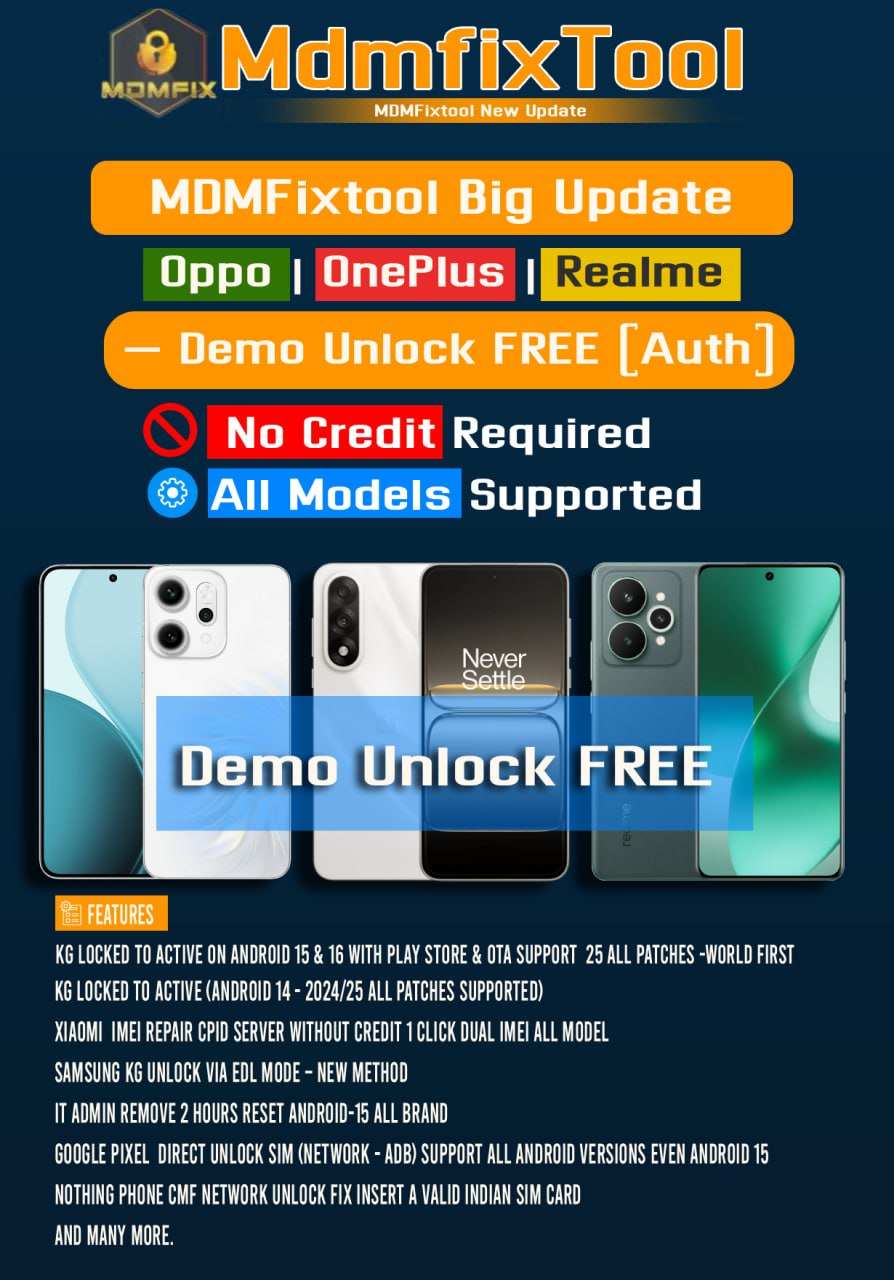
- World First KG Unlock for Android 16 in EDL Mode!
- Directly Change Serial No. in EDL Mode – World’s First!
- Android 14 ADB Enable QR Added – No Credit Needed, Free!
- Free Xiaomi Auth Model Factory Reset | Erase FRP Flash | |Reset Mi Account | Disable MiCloud
- AntiRelock |
- Fixed MDM “Can’t Download Pit” Error
- KG Unload Flashing for KG Locked Devices
- Remove Factory Reset & FRP
- IT Admin 2 hours Reset Android-14 All Brand Android 11 to 14
- Samsung Qualcomm Partition Manager
- Reset FRP in ADB Mode
- Enable ADB through Test Mode *#0#
What’s New in MDM Fix Tool v1.1.0.1 Update
Samsung:
Samsung Exynos – FRP Remove (Odin Mode)
Samsung Exynos – Enable ADB (Odin Mode)
Samsung Exynos – FRP Remove (ADB Mode)
Added support for Exynos 850, 980, 990, 1280, 1330, 1380, 1480 and 1580 processors
Added support for Exynos 2100, 2200, 2400 and 2500 processors
Added support for Exynos 7570, 7870, 7880, 7884, 7885 and 7904 processors
Added support for Exynos 8890, 8895, 9610, 9611, 9810, 9820 and 9825 processors
Added support for Exynos W920, W930 and W1000 wearable chipsets
1. Xiaomi Remove Mi Account + Global Convert (MTK)
- Patch: cust / opcust
- China to Global Convert
- Mi Account Permanent Remove
- No Bootloader Unlock Needed
2. Xiaomi Remove Mi Account Anti-Relock (Qualcomm)
- Patch: modem
- Anti-Relock Fixed
- Mi Account Patch Added
3. Persist Patch
- Reset Mi Account
Download MDM Fix Tool v1.1.0.1 – Latest Version
The latest updates to the MDM Fix Tool add new features and support many recent Xiaomi Qualcomm-powered Android devices. You can now unlock screen locks, reset factory settings, bypass FRP, and flash firmware without authorization. Below is the link to download the latest version for your Windows computer.
File Name: MDM_Fix_Tool.zip
File Size: 112MB
Free or Paid: It’s premium software that requires a purchase before use.
- MRST Unisoc SPRD V1.0 Tool Download (Free Tool)
- Download MRST Pro Tool v1.3.3 [Latest Version] – FRP & Flashing Tool
- Download Android Win Tool v2.2.4 – Flashing, FRP & Repair Tool
How To Use the MDM Fix Tool
- Download and extract the MDM Fix v1.0.9.7 tool to your computer.
- Run the MDMTool.exe file as an administrator.
- The tool will open.
- Click on “Register” and sign up on the tool’s server.
- Activation: Buy the activation.
- Buy Tool: https://mdmfixtool.com/distributors_and_resellers
- Wait for the HWID activation to complete.
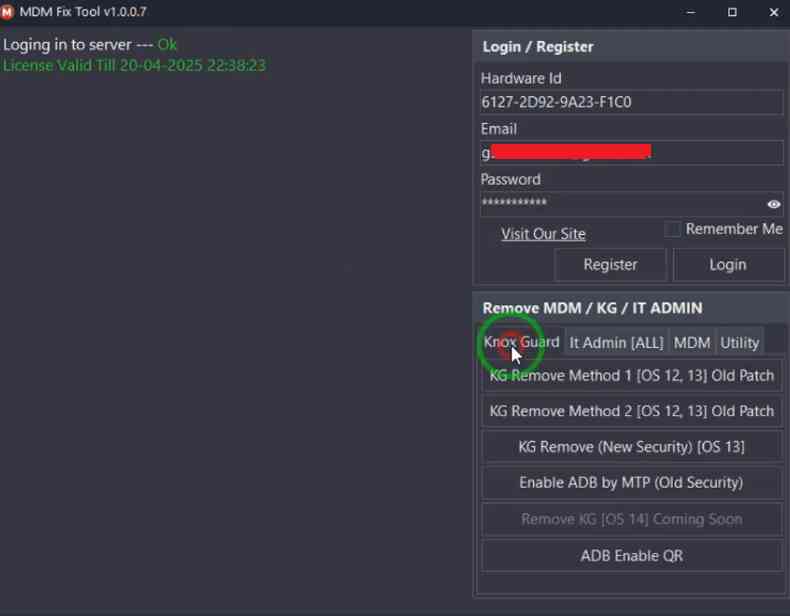
- Once the tool is open, choose the function you need.
- Then, follow the on-screen steps to connect your phone correctly.
- Make sure to install the USB driver first.
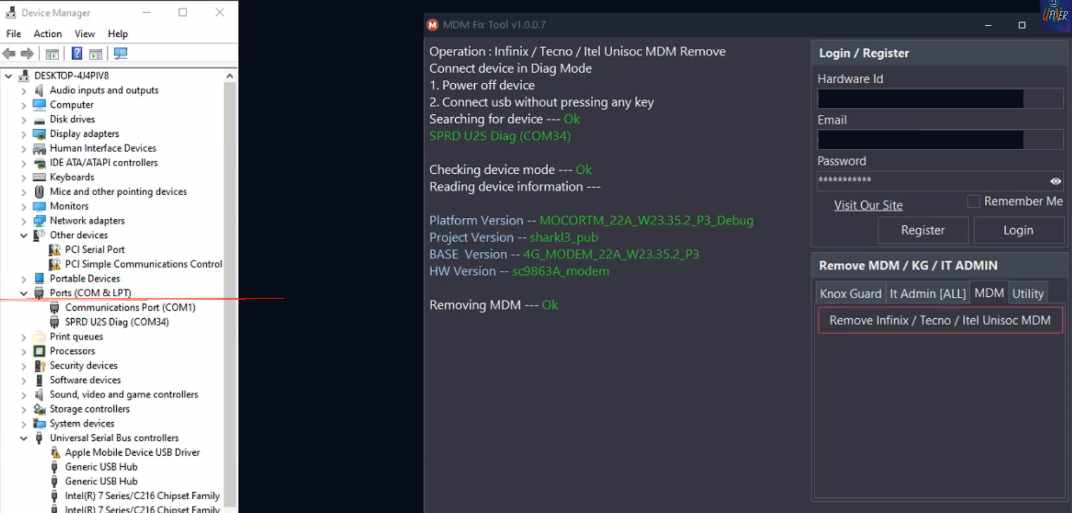
- Check the tool’s log screen for phone detection and start the process.
- Wait for it to complete.
6. That’s all!