Download GAPRO Login Tool V2.2 Setup [Latest Version]
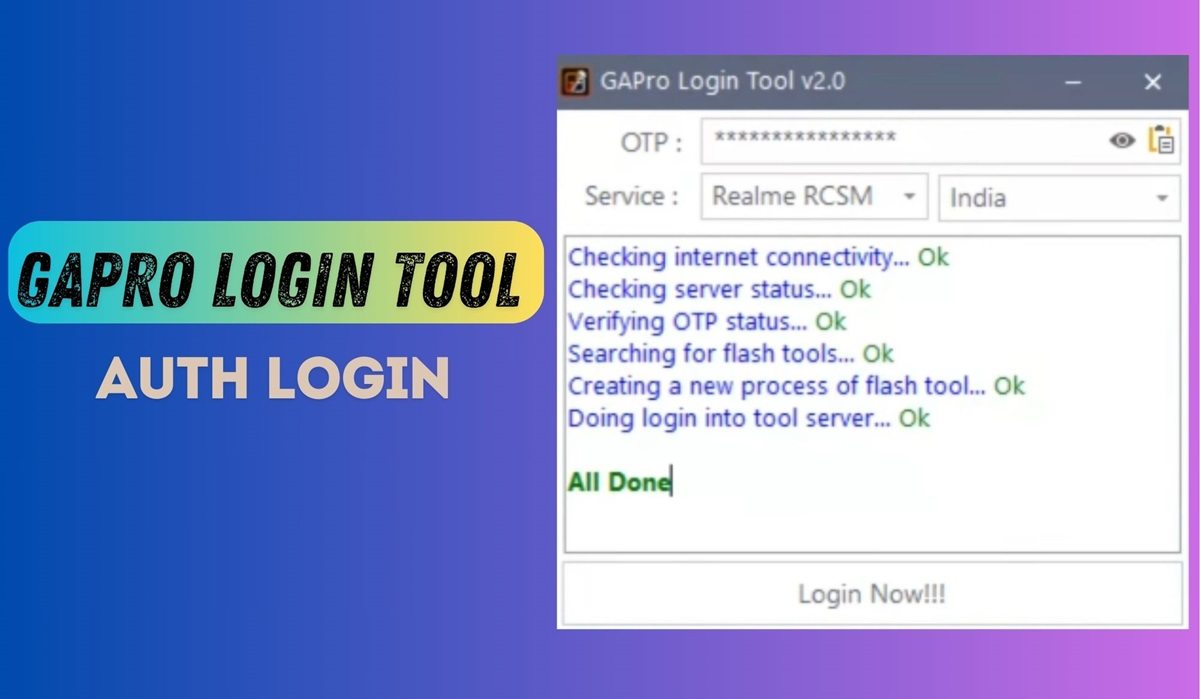
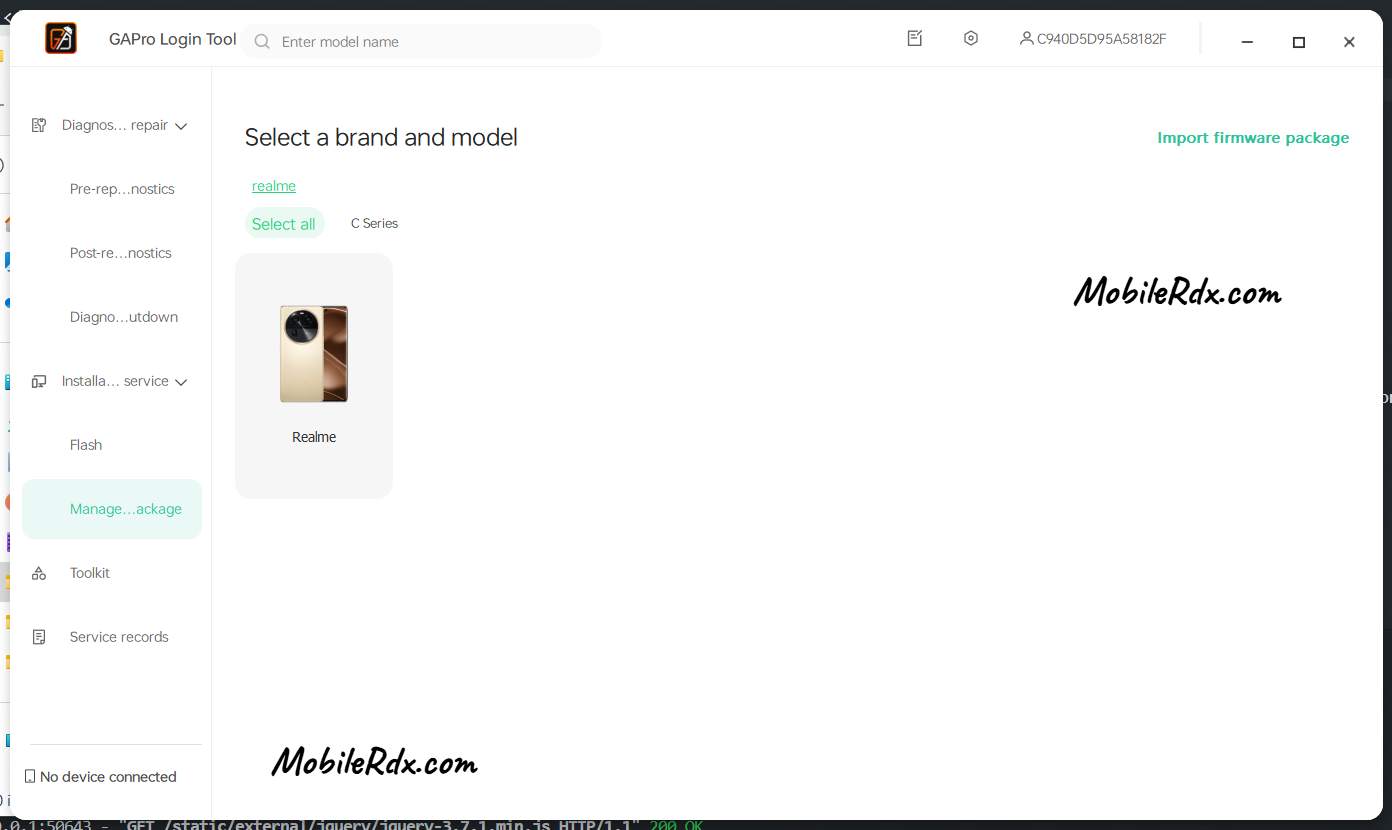
The GAPRO Login Tool V2.2 OTP (One-Time Password) is a software tool specifically designed to access and authenticate flashing tools for certain Android devices, notably Realme and OnePlus.
If you’re looking to flash or unlock your Oppo, Realme, or OnePlus phone using the official flashing tool, you might encounter an authentication login requirement. In such cases, the GAPRO Login Tool OTP can bypass this login process with an OTP, allowing you to proceed with flashing your phone.
What Is GAPRO Login Tool
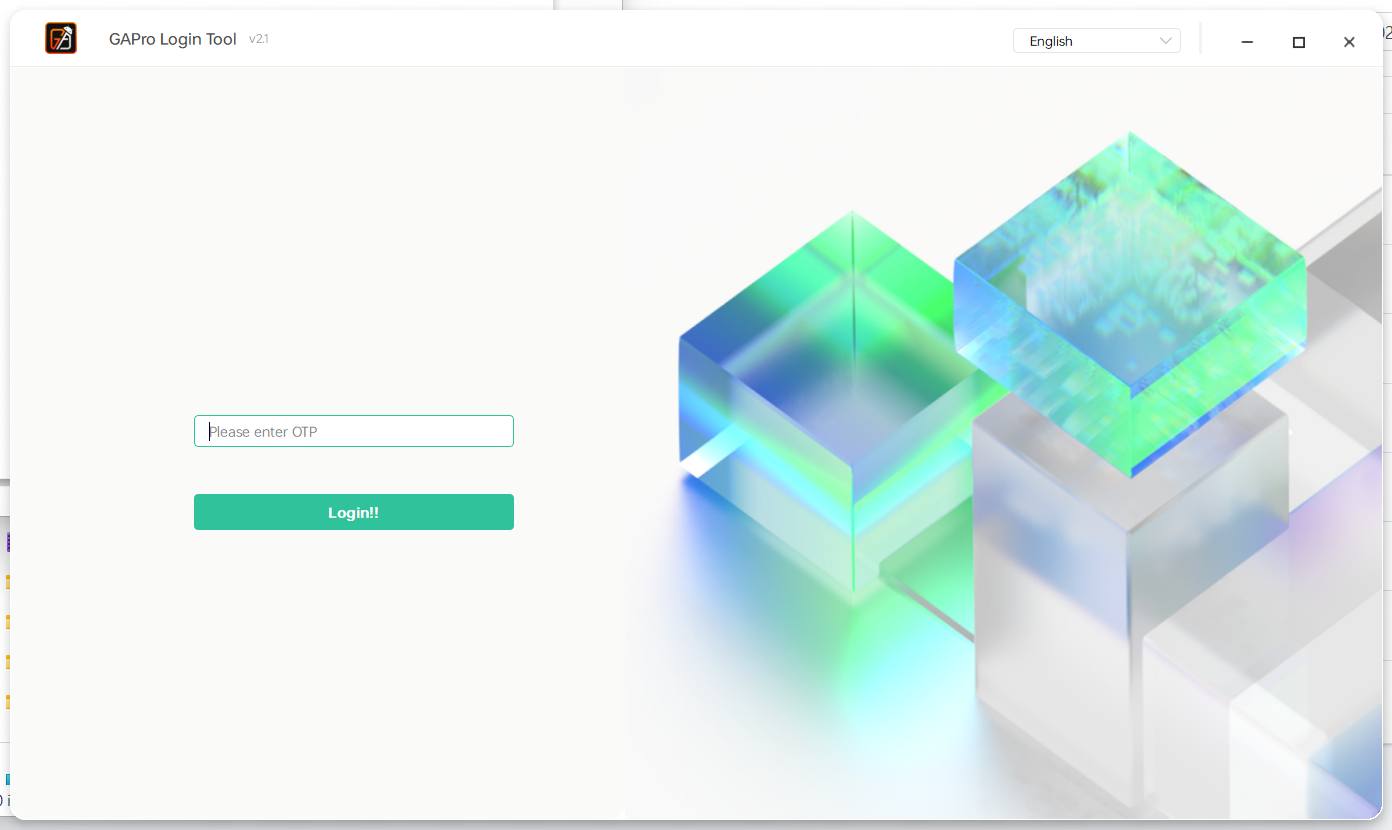
The GAPRO Login Tool V2.2 OTP is a premium authentication tool designed to bypass authorized login in MSM Download tools, allowing technicians to flash firmware on Realme, Oppo, and OnePlus devices. This software requires users to purchase a one-time password from authorized resellers on the official website, then enter it into the tool to unlock the flashing process. Once authenticated, the tool automatically launches the appropriate flashing utility, allowing users to drag and drop .ofp firmware files and start the flashing process.
Supported Devices
- Realme: All RCSM (Regional Customer Service Management) devices, Both MTK and Qualcomm variants
- OnePlus: Complete lineup requiring authentication for flashing
- Oppo: Full range of devices using Oplus Flash Tool and related utilities
Chipset Support:
- Qualcomm platforms via MSM Download Tool
- MediaTek (MTK) platforms via DownloadTool
- Unisoc platforms via UpgradeDownload.exe
Download GAPRO Login Tool Setup – Latest Version
The GAPRO Login Tool OTP is a premium service that allows you to bypass the authorized login protection in the MSM Download tool, making it easy to flash Realme, Oppo, and OnePlus devices. However, it’s essential to note that you’ll need to purchase an OTP from an authorized reseller before using the tool.
Download_GAProLogin_Tool_v2.2.zipHow to Use the GAPRO Login Tool
- Download and Prepare:
- Download the GAPRO Login Tool and the necessary flashing tool for your device.
- Download and extract the stock firmware file for your phone.
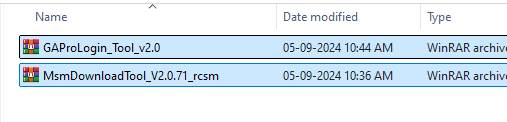
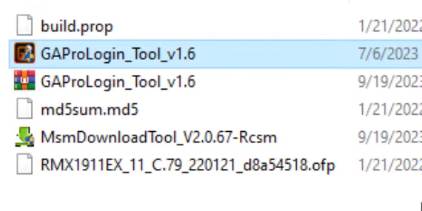
- Copy both the GAPRO Tool and the Flash Tool into the same folder as your extracted firmware.
Launch the Tool:
- Extract the GAPRO Tool files.
- Run “Meow.exe” as an administrator.
Get an OTP:
- Purchase an OTP from an official reseller listed on the GAPRO website: https://www.gaprologin.com/resellers
Log In:
- Paste the purchased OTP into the GAPRO tool.
- Click “Login”. The flashing tool will automatically open.
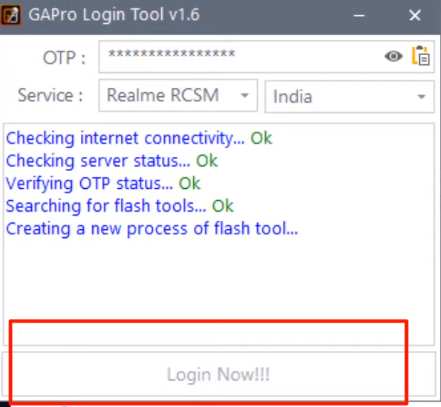
Flash Your Phone:
- Drag and drop the .ofp firmware file into the flashing tool.
- Click “Start” to begin the flashing process.
- Power off your phone and connect it to your PC using a USB cable.
- The tool will detect your phone and start the flashing process.
- Important: Do not close the OTP Tool while flashing.
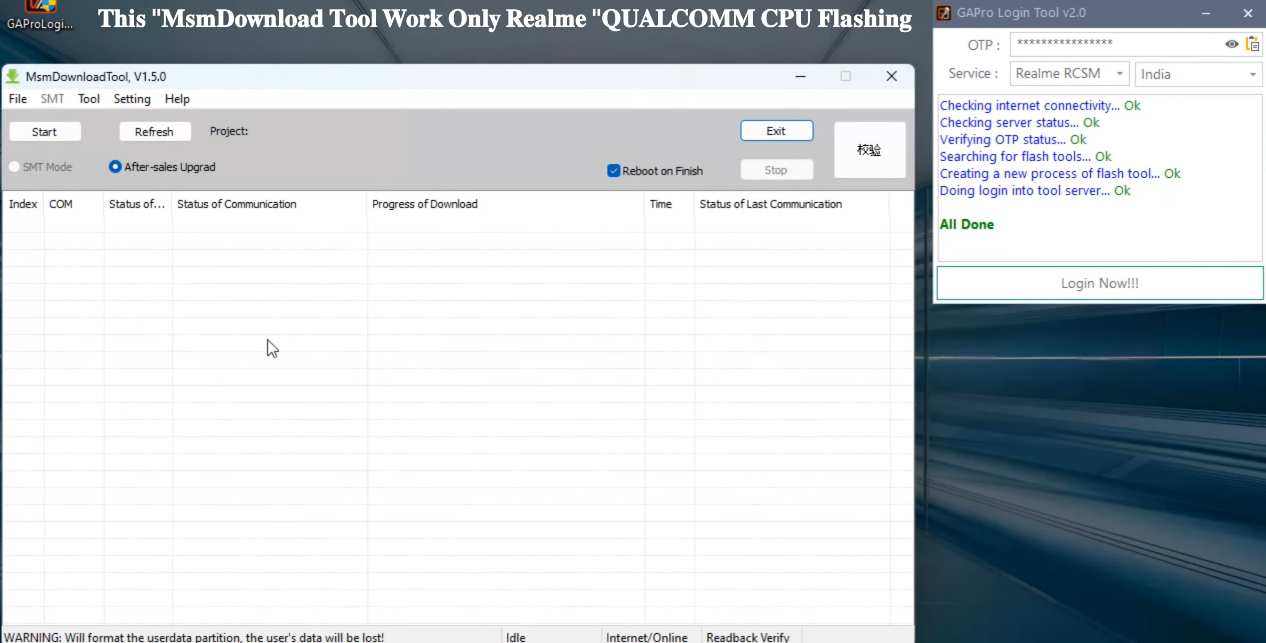
Finish:
- Once flashing is complete, disconnect your phone and power it on.
- You’re all set! Your phone is now flashed with the new firmware.
Read Me:
Device Owner Only: This method is strictly for the legal owner of the device. Attempting to bypass FRP on a stolen device is a serious offense and may result in legal consequences.
Educational Purposes Only: The method is intended for learning and experimentation, not for malicious activities.
No Liability for Damage: MobileRdx.com will not be held liable for any damage to your device that may occur during the process. You are solely responsible for any risks.
USB Drivers Required: Before using the FRP unlock tool, make sure you have the correct USB drivers installed on your computer. Visit the provided links to download drivers for MTK, Qualcomm, or Oppo devices.