Infinity Kleister and PDT Platform Detector v1.15 – Free Tool
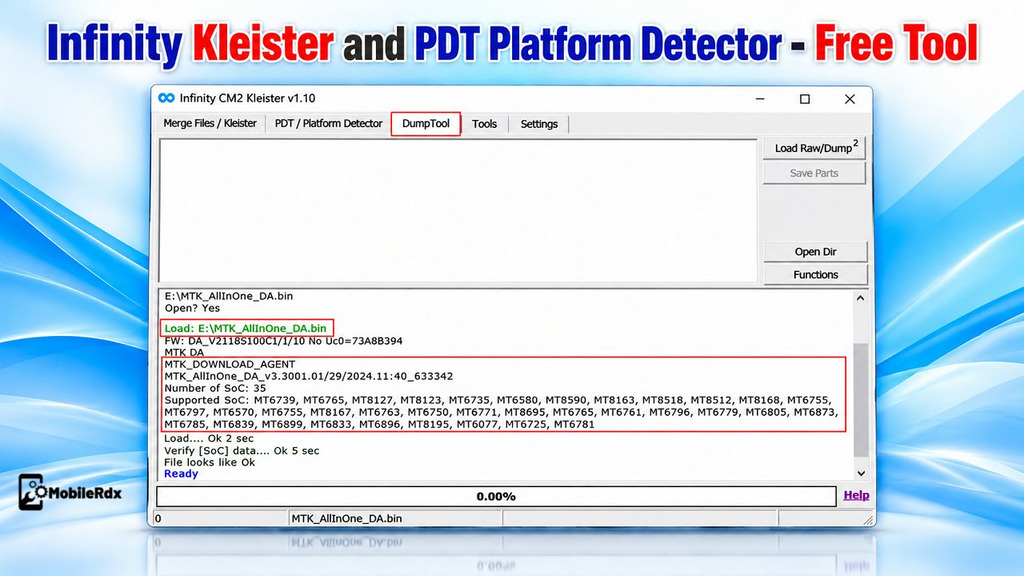
If you work with ISPs, eMMC, UFS and you need to inspect files including dumps, firmware and partition information you can use Infinity DumpTool/PDT or Kleister v1. 15. This tool helps you to read OS information, load partition files and to inspect dumps and to identify hardware that is supported beforehand for repair work.
The tool has key features for dump analysis, partition checking, and platform detection. Additionally, v1.15 allows you to read OS information from separate boot or partition files. Below, we listed the main features and setup steps of Infinity DumpTool/PDT/Kleister:
What is Infinity DumpTool/PDT/Kleister?
Infinity DumpTool PDT and Kleister are free Windows utilities for mobile technicians and ISP engineers. PDT section works with raw or DUMP images and DumpTool identifies supported platforms. Kleister deals with dump and partition information.
You can use it before writing firmware or restoring storage data. Load the file, check the partition structure, read the available operating-system details, and keep the original backup safe. For related Rockchip work, also read our Infinity CM2AW Allwinnert guide.
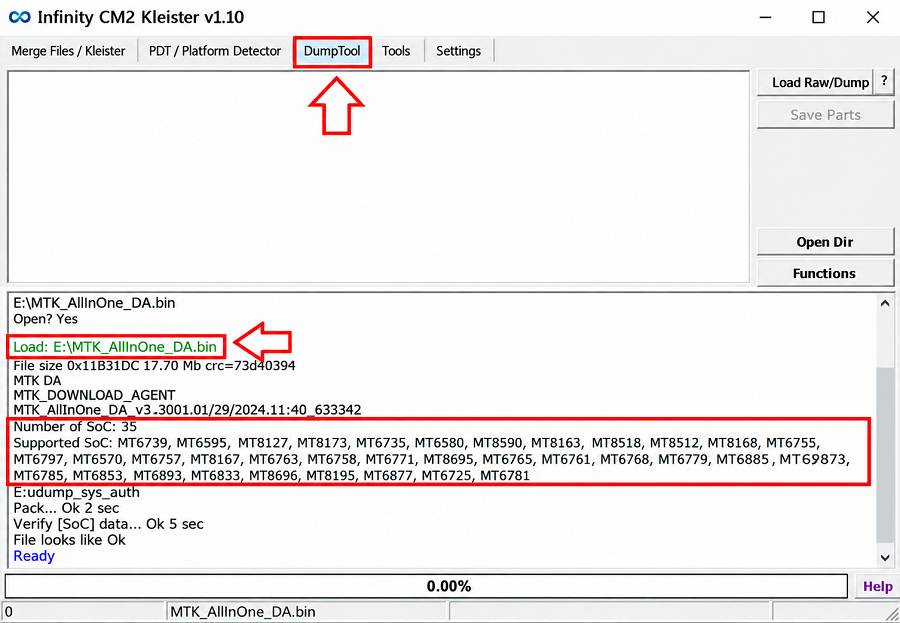
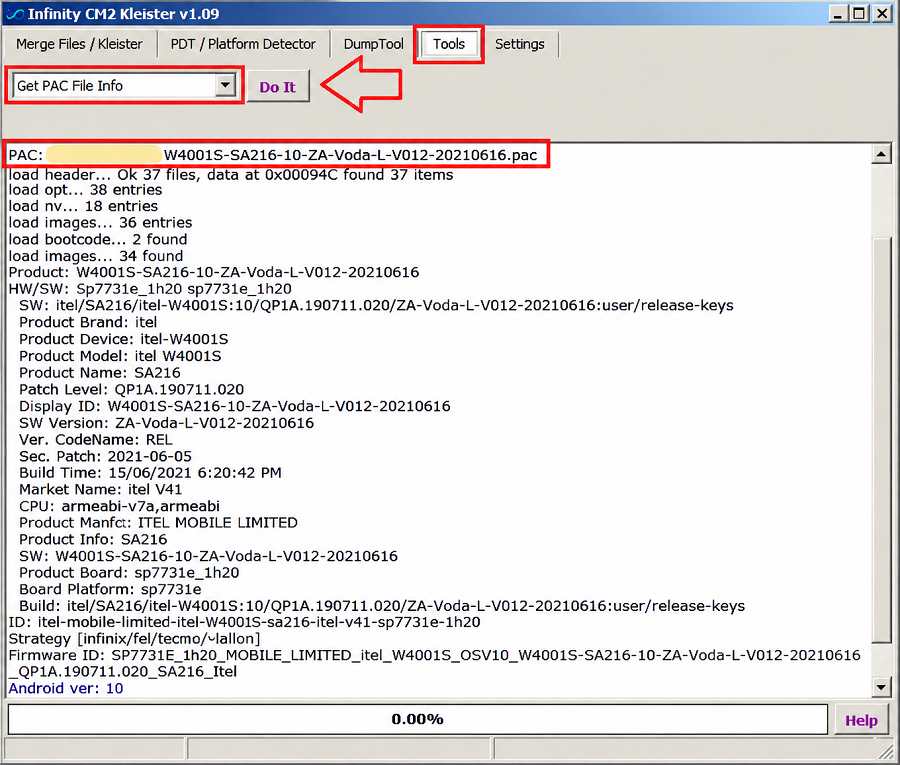
Features of Infinity DumpTool/PDT/Kleister v1.15
DumpTool
- Load raw and DUMP image files
- Read dump structure and available partitions
- Open a partition file separately
- Parse boot and other partition files
- Read operating-system information
- Inspect files before writing them to a device
- Work with ISP and soldering repair backups
PDT Platform Detector
- Detect supported hardware platforms
- Identify newer hardware through updated detection support
- Help match a dump or partition file with the target platform
- Support hardware analysis before storage repair
Kleister and Image Support
- Work with supported image and dump formats
- Read EXT_CSD-related information where supported
- Show firmware and Android details from supported packages
- Support Allwinner car-radio images reported in earlier releases
- Inspect partition files before an ISP write operation
Do read our Honor X6e eMMC ISP guide for an example of how technicians prepare storage-level repair work.
What’s New in v1.15?
- Read OS information from separate boot partition files.
- Read OS information from other supported partition files.
- Load partition files in the same way as DUMP images.
- Parse loaded partition files for available system information.
- Administrator privileges are no longer required for normal use.
- PDT detection was improved in earlier updates for newer hardware.
- More image types were added in earlier releases.
Download Infinity DumpTool PDT Kleister v1.15
Infinity DumpTool/PDT/Kleister v1.15 is promoted as a free tool for ISP and soldering engineers. You don’t need a license or activation; it’s totally free.
Tool Name: Infinity DumpTool/PDT/Kleister v1.15
Platform: Windows PC
Type: Free dump and platform utility
Use: DUMP analysis, partition parsing, OS information, PDT detection
Administrator: Not required for normal v1.15 use according to the release note
Audience: ISP, eMMC, UFS, and soldering technicians
If you need another multi-brand Android repair tool after analysing your file, check our TSM Tool Pro latest setup guide.
How to Install Infinity DumpTool/PDT/Kleister
- Download the Infinity DumpTool PDT and Kleister tool to your Computer.
- Extract the tool using Windows Extractor, 7-Zip, or WinRar.
- Run the tool with administrator permissions.
- Open the DumpTool, PDT, or Kleister utility.
- Keep your original DUMP and partition backups in a separate folder.
- That’s it.
How to Use Infinity DumpTool/PDT/Kleister
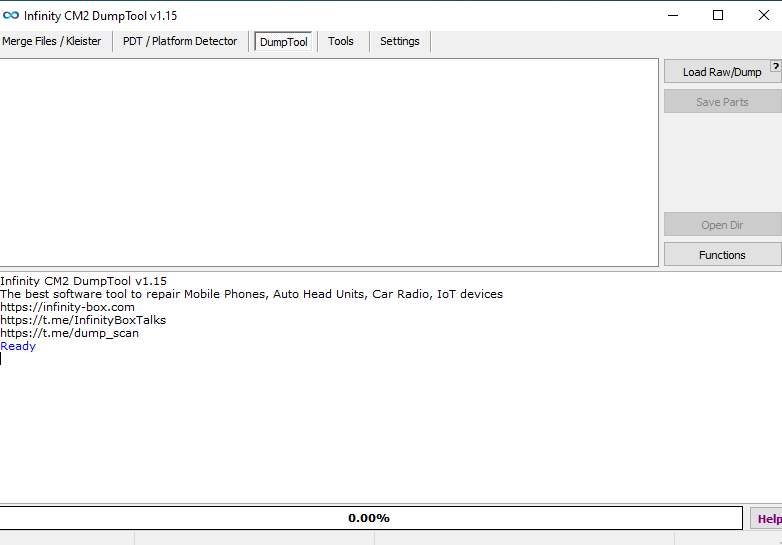
Load a DUMP File
- Open the DumpTool section.
- Click Load Raw or Load Dump.
- Select the backup image from your computer.
- Wait while the tool reads the file structure.
- Check the detected partitions and available details.
- Save the required information before further repair work.
Load a Boot or Partition File
- Open the partition loading option.
- Select the boot or other partition file.
- Load it through the same method used for a DUMP image.
- Wait for the file to be parsed.
- Read the available Android or OS information.
- Compare the output with the device model and firmware source.
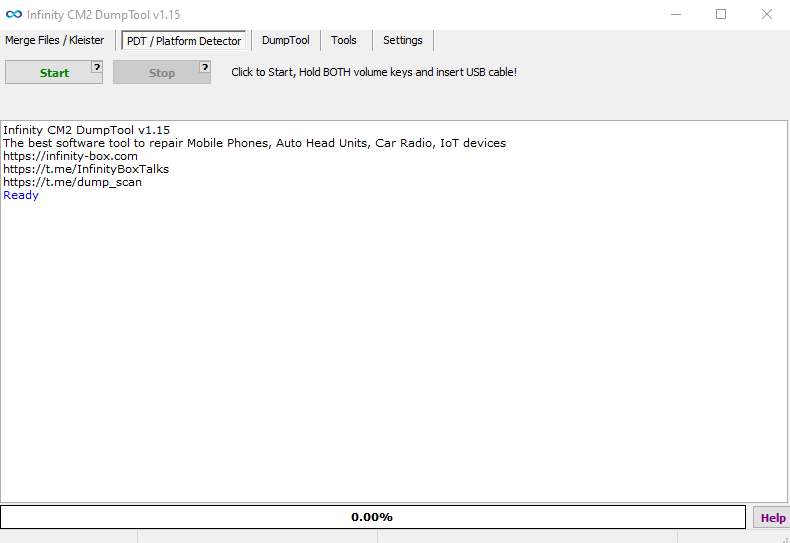
Use PDT Platform Detector
- Open PDT from the tool package.
- Connect supported hardware or load the related file.
- Start the detection process.
- Check the detected platform information.
- Confirm the result with the physical board and firmware details.
Important Notes
- Keep the original DUMP file untouched.
- Do not rename or write partitions without knowing their purpose.
- Confirm the storage type and device model before using any file.
- Use stable power during ISP reading or writing.
- Check eMMC/UFS voltage before connecting the hardware box.
- Never interrupt an active write operation.
- Use the tool only for authorised repair and data recovery.
Frequently Asked Questions
It is a free Infinity utility group for analysing DUMP files, parsing partitions, reading OS information, and detecting supported platforms for ISP and soldering work.
The update reads OS information from separate boot and partition files, loads partition files like dump images, parses them, and removes the normal administrator requirement.
Yes. The v1.15 release notes mention OS information reading from separate boot and other partition files.
The release is described as a free tool for engineers. Connected-device operations can still depend on the hardware and selected repair workflow.
No. It helps to check dumps and platform information. Complete repair requires the correct backup, hardware, wiring, firmware, and writing procedure.