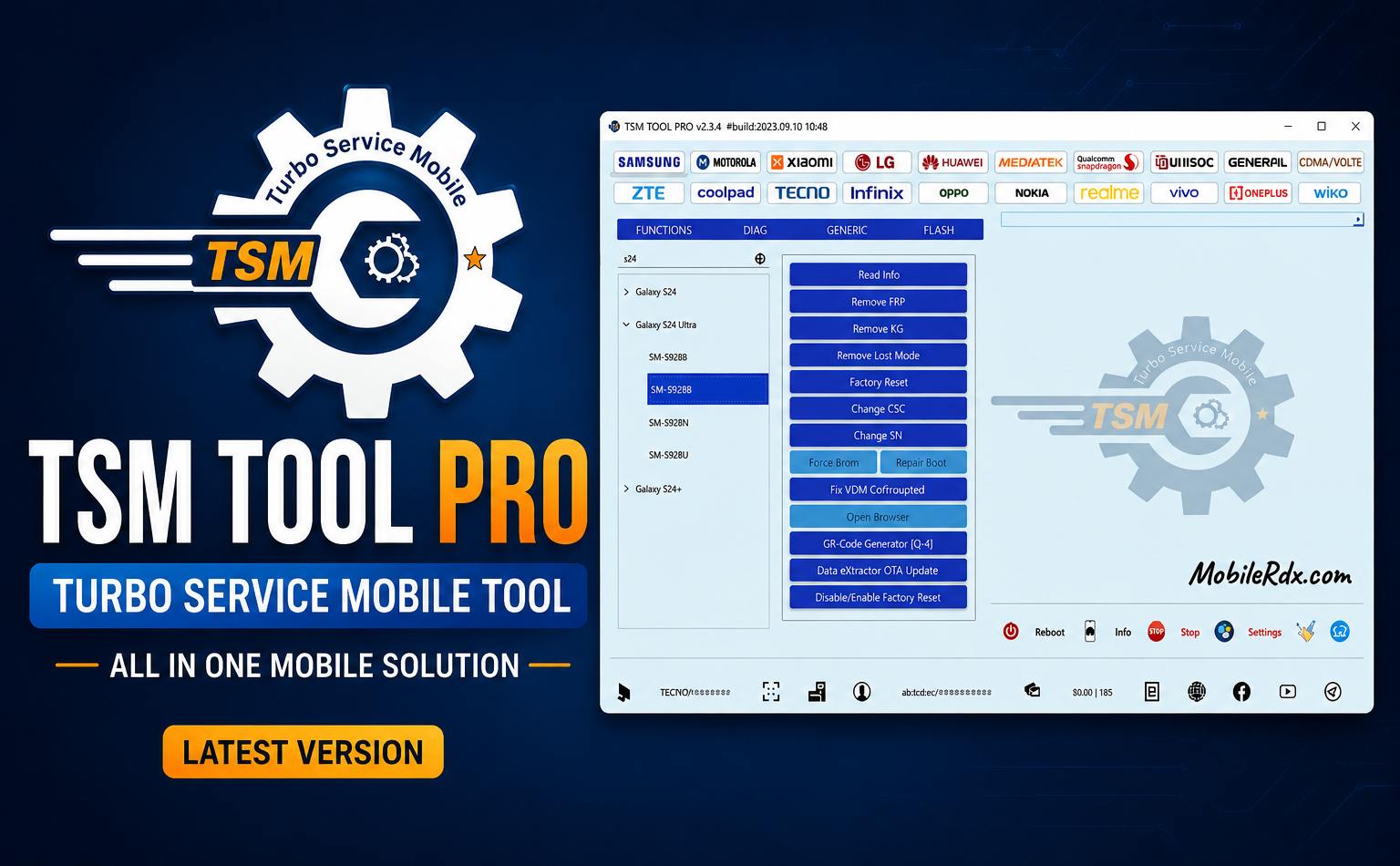
TSM Tool Pro is your complete toolbox for GSM phones. It supports Qualcomm, MediaTek, Samsung and SPD chipsets. Download latest version V2026.10.27 to unlock, flash, repair IMEI and remove FRP from phones and tablets.
This tool lets you remove FRP locks for Samsung and bypass Mi Accounts; it backs up NV data and performs factory resets. It works on most Android models and receives regular security updates.
If you are a mobile phone technician with a repair shop, you likely use paid mobile repair tools. TSM Tool Pro is a premium software. With this tool, you can flash, unbrick, unlock, reset FRP, remove Samsung KG locks and MDM profiles. There are many tools available on the market, such as Unlock Tool, UMT Tool, and Hydra Tool.
What is the TSM Tool Pro
TSM Tool is a user-friendly, simple, Windows-based mobile repair tool for repairing Android smartphones. It is an “all-in-one” solution intended to handle all types of software tasks that no free tool can handle.
It supports a wide range of chipsets, primarily MediaTek (MTK), Qualcomm, and Spreadtrum (SPD)-based devices, as well as major brands such as Samsung, Xiaomi, Oppo, Vivo, and Realme.
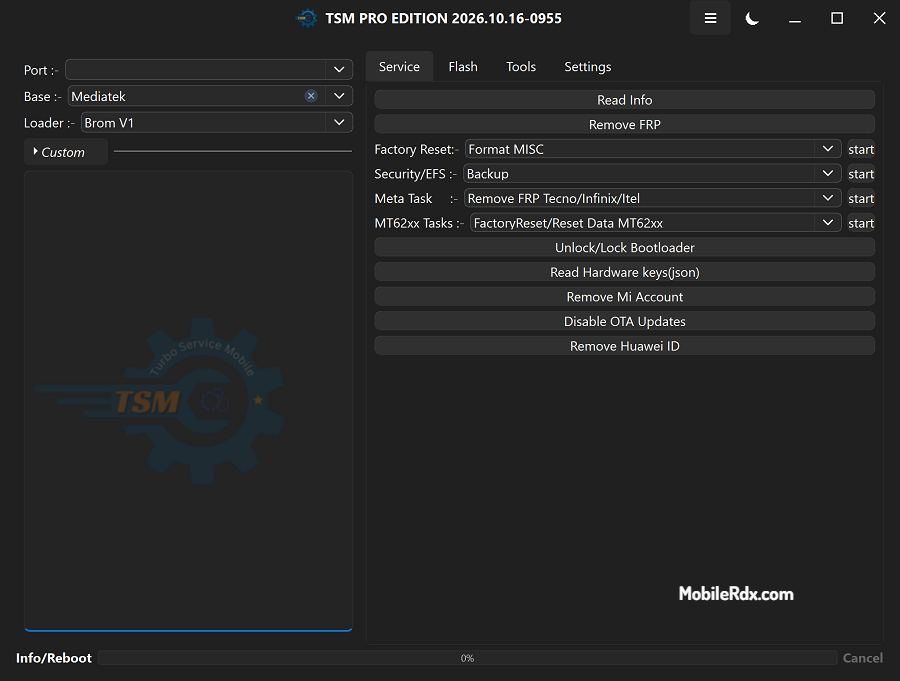
TSM Tool Pro Features
- Read / Write Firmware
- Backup / Restore NV / QCN
- IMEI Repair in Diag / EDL Mode
- Backup / Reset / Restore Security (EFS)
- Reset FRP (Factory Reset Protection) in ADB / Fastboot / MTK / EDL
- Format Userdata / Factory Reset (without full flashing)
- Read / Remove Screen Lock on supported Android versions (PIN / Pattern / Password)
- Enable Diag / USB Debug and switch USB modes on supported models
- Reboot to EDL / Fastboot / Recovery from a single click
- Remove / Disable Mi Account on supported Xiaomi devices
- Advanced Security Enhanced Knox Guard (KG), FRP, MDM/KG removal.
- Samsung Android 14: Full support for Samsung devices on the latest Android versions.
- Universal CPU Support: Exynos, Unisoc, MediaTek (MTK), Qualcomm.
- QR Code Integration Streamlined KG removal with QR code and ADB support.
- EDL & ADB Mode: Advanced diagnostics and functionality.
- Xiaomi Enhancements Remove Mi-Account via EDL, Free FRP Auth via Sideload.
- Repair the network by writing QCN / Patch certificates on compatible devices
TSM Tool Pro Supported CPU
One of TSM Tool Pro’s strengths is its wide range of compatibility:
- CPUs: Qualcomm Snapdragon, MediaTek (Dimensity & Helio), Spreadtrum/Unisoc, and HiSilicon (Kirin).
- Brands: Samsung, Xiaomi (Redmi/Poco), Vivo, Oppo, Realme, Huawei, Infinix, Tecno, and many more.
TSM Tool Pro V2026.10.27 Changelogs:
Release Date: 27 October 2026
Added New Exynos Devices By [EUB+DL Mode]
- Remove FRP
- Repair Boot/Exit EUB
Added Supported:-
Galaxy A30s [SM-A307FN] :-
fw version: A307FNXXU4AWH1
Galaxy XCover Pro [SM-G715FN] :-
fw version: G715FNXXUDAXA1
Galaxy XCover Pro [SM-G715A] :-
fw version: G715AUCUEAXA2
Galaxy XCover Pro [SM-G715U] :-
fw version: G715USQUHAXA2
Galaxy XCover Pro [SM-G715W] :-
fw version: G715WVLUDAWJ1
#Note before preform FRP operation flash mentioned fw version
Updated Change Boot slot Fastboot to manual mode
Download TSM Tool Pro V2026.10.27
The new update features several enhancements and supports a wide range of new Samsung models. It can remove FRP, fix Samsung baseband issues, and remove Knox Guard. You can find the download link and details of what’s new below.
Tool Name: TSM_SetupV2026.10.27.exe
File Size: 40Mb
Developer: TSM Tool Team
Compatible OS: Windows 7, 8, 8.1, Windows 10, Windows 11
How to Use and Install:
1. Download & extract the TSM tool setup to your computer.

2. Now, click Next and install the setup.
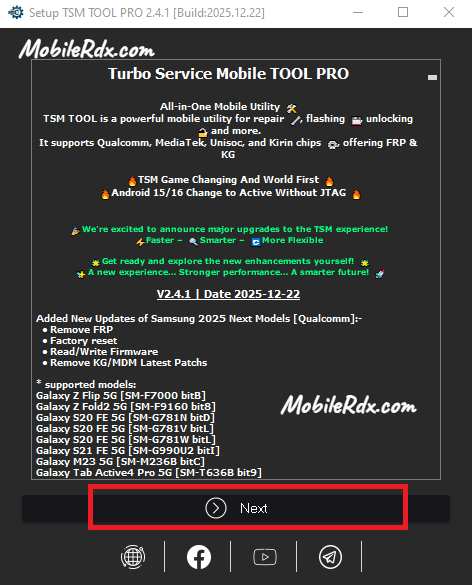
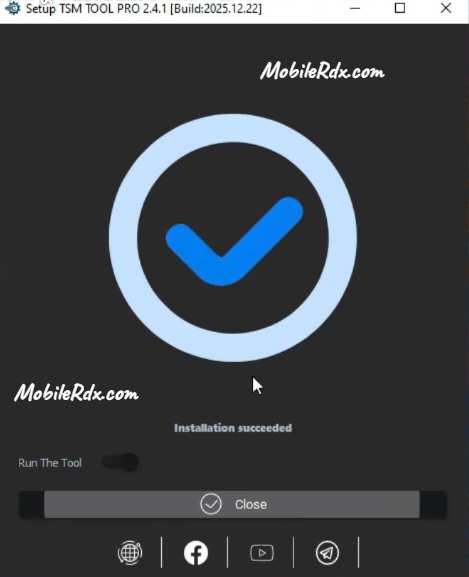
3. Wait a few seconds for it to open.
4. Next, fill your username and password, & Click log in.
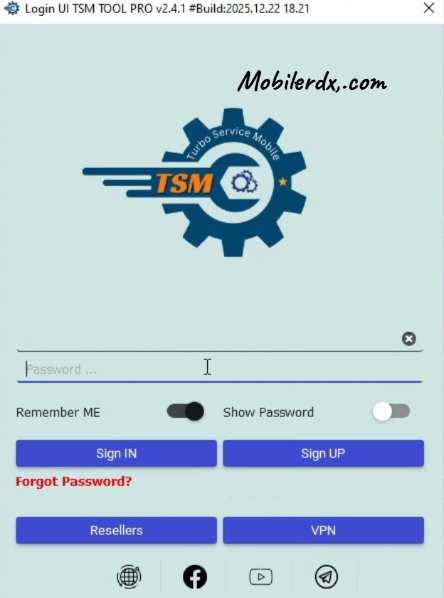
5. After that, the tool will open.
6. Once the tool is open, choose the function you need.
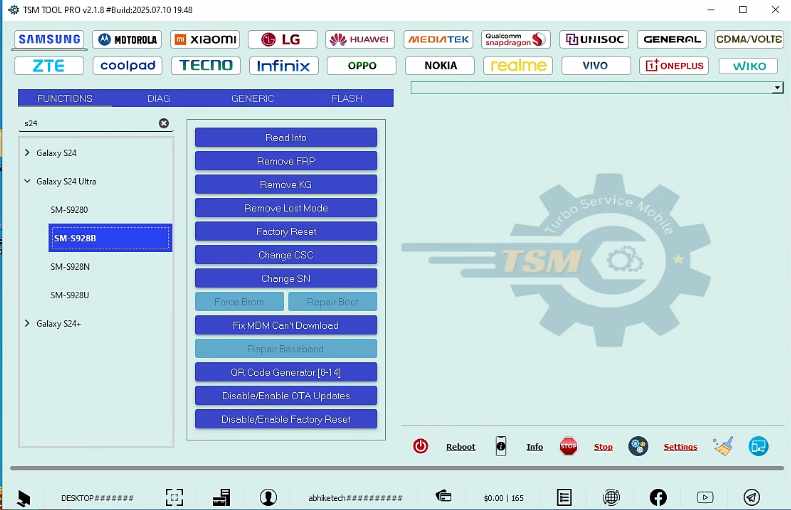
7. Then, follow the on-screen steps to connect your phone correctly.
8. Ensure that you install the USB driver first.
9. Check the tool’s log screen for phone detection and start the process.
10. That’s it.
FAQs
It is a professional Windows software used by mobile repair shops or technicians to flash, unlock, and repair Android smartphones.
Yes, it features advanced tools to remove Knox Guard (KG), MDM profiles, and FRP locks on the latest Samsung models
Yes, it provides full support for Samsung Android 14 and includes MTP mode FRP removal for newer versions.
Key features include IMEI repair, NV data backup, firmware flashing, factory resetting, and Mi Account removal.
No, it is a premium (paid) tool. You can purchase access through local markets or online GSM servers.