E-GSM Key is a simple and paid Windows program specifically for Xiaomi devices that allows easy bypassing of Mi Account, removal of FRP locks, flashing firmware and unlocking of bootloaders. If you are looking for a solution to handle service jobs for Xiaomi Qualcomm, MediaTek or Unisoc then you can use this tool to fix problems easily.
The tool includes key features for Xiaomi servicing and also lets you back up and restore EFS for Qualcomm devices, flash preloaders for models from MediaTek and also convert from fastboot to EDL. Key features of this tool are detailed below.
What is E-GSM Key?
E-GSM Key is a mobile service platform for Xiaomi devices from the E GSM family. The same team that developed E GSM Tool is behind it. It runs on Windows with a login interface and supports 217 models across Qualcomm, MediaTek and Unisoc chips.
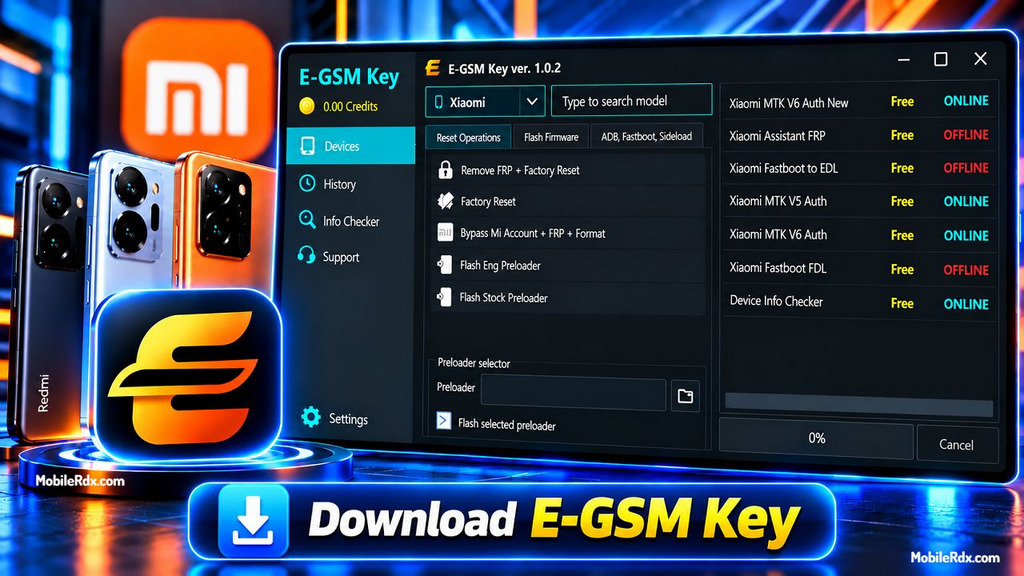
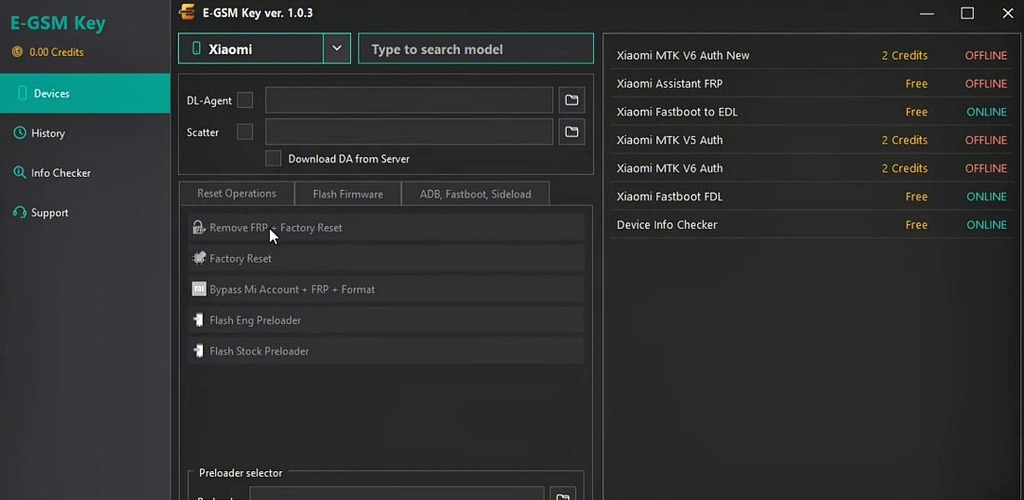
The most recent v1.0.4 release contains 26 tool operations. The left menu has Devices, History, Info Checker, Support and Settings and main working area changes with selected mode. What distinguishes this release is free lineup of online authentication services now: Xiaomi MTK V6 and V5 Auth free and online, also FRP Assistant and Fastboot FDL and Fastboot to EDL.
Key Features of E-GSM Key:
Qualcomm:
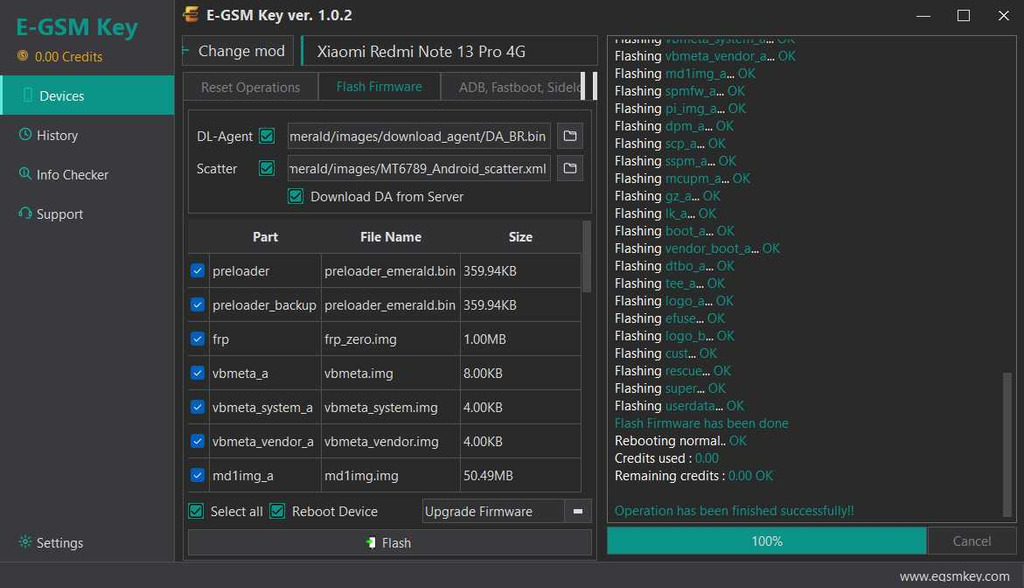
- Firmware flashing
- Device info reading
- FRP removal
- EFS backup, restore, and wipe
- Mi Account bypass
MediaTek:
- Firmware flashing
- FRP removal
- Factory reset
- Mi Account removal
- Preloader flashing (engineering, stock, or selected preloader)
Fastboot:
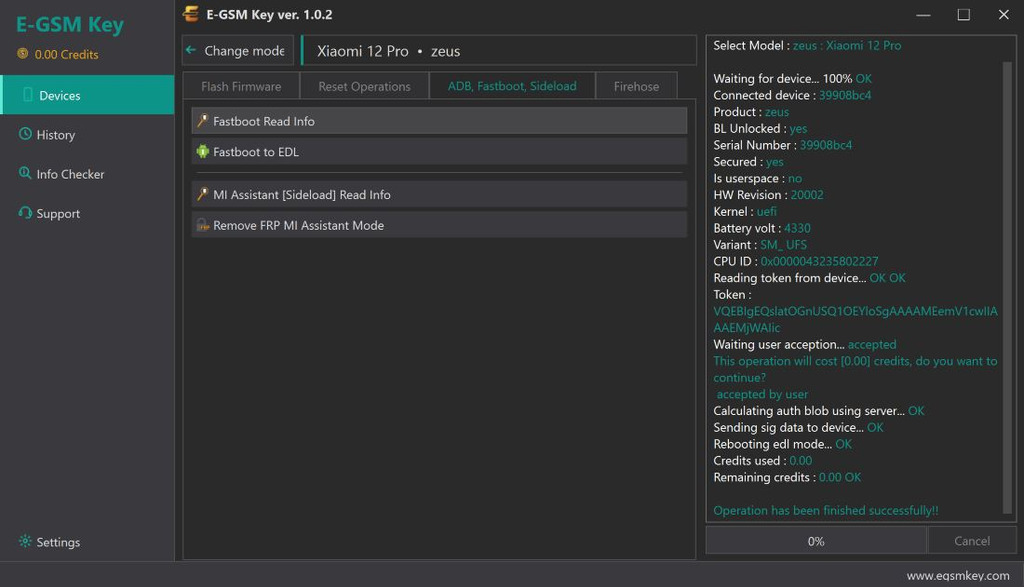
- Device info reading and firmware flashing
- Xiaomi Flash
- FRP removal and FRP format
- Bootloader unlock and lock
- Factory reset
- Fastboot to EDL
Sideload & ADB:
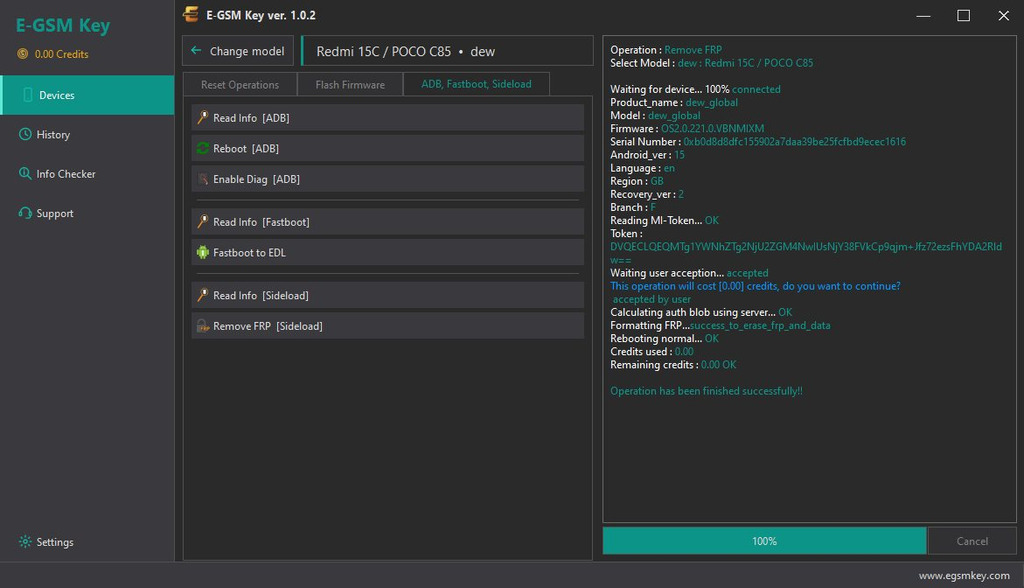
- Sideload FRP removal (Redmi Note 14 5G, Redmi 13, Redmi 15C confirmed working)
- ADB device info reading, reboot, and Diag mode
Xiaomi Auth (Free & Online):
- Xiaomi MTK V6 Auth New
- Xiaomi MTK V6 Auth
- Xiaomi MTK V5 Auth
- Xiaomi Assistant FRP
- Xiaomi Fastboot FDL
- Device Info Checker
What’s New in E-GSM Key:
- Latest release: v1.0.4 on the official site (v1.0.2 was the Sep 29, 2026 build)
- Xiaomi MTK V6/V5 Auth available free and online
- Xiaomi Assistant FRP free and online
- Fastboot-to-EDL conversion free and online
- FRP and factory reset added for latest MTK models
- PIN prompt and EDL loader bugs fixed
- World-first lock bypass support across major chipsets
Supported Devices — Xiaomi Models:
Qualcomm:
Xiaomi 15 (Dada), Xiaomi 14 (Aurora), Xiaomi 17 Max (Byron), Xiaomi 10 Ultra (Cas), Mi 11 Lite (Courbet), Poco F1 (Beryllium), Poco F3 / Redmi K40 (Alioth), Poco F8 Pro / Redmi K90 (Annibale), Poco M7 / Redmi Note 17 Pro Max 5G (Brussels), Redmi Note 14 Pro Plus (Amethyst), Redmi Note 9 Pro / 9S (Curtana), MIX Flip 2 (Bixi), Mi Pad 5 Pro 12. 4 (Dagu) and many more.
MediaTek:
Xiaomi 14T Degas, Xiaomi 13T Aristote, Xiaomi 13T Pro / Redmi K60 Ultra Corot, Xiaomi 11T Agate, Xiaomi 17T Chagall, Redmi A3 / POCO C61 Blue, Redmi 12C 5G Air, Redmi Note 14 5G / Poco M7 Pro 5G Beryl, Redmi Note 15 Pro 4G Charoite, Redmi K80 Ultra Dali, Redmi Turbo Max 5 / POCO X8 Pro Max Dash, Redmi 15C / POCO C85 Dew and more.
Unisoc:
Redmi A7 Pro / POCO C81 Pro (arctic), Redmi A3x / Redmi A5 (missi).
E-GSM Key Download Link and File Details:
| Software Name | E-GSM Key |
| Version | v1.0.4 |
| File Size | ~50 MB |
| Platform | Windows |
| Developer | egsmkey.com (E-GSM family) |
| License | Free operations — login required |
| Models | 217 Xiaomi models |
| Operations | 26 tool functions |
How to Login & Use E-GSM Key:
- Download the setup from the official site and extract all files to Drive C.
- Disable Windows antivirus before running the installation.
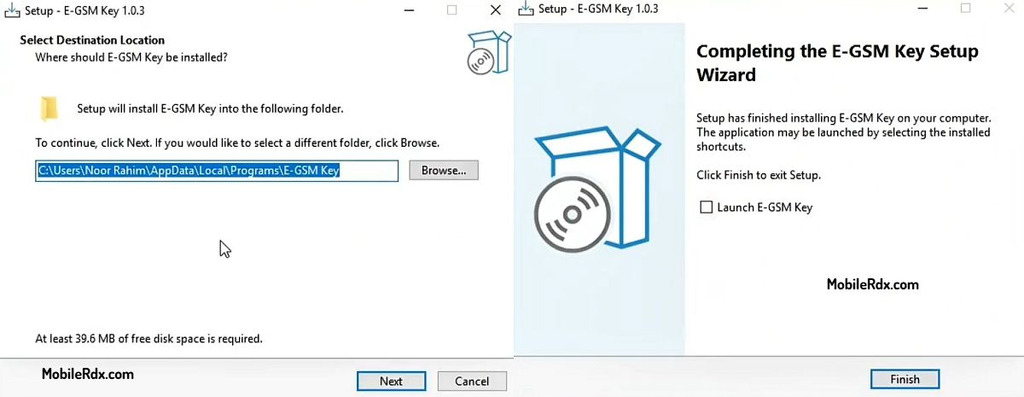
- Install the main setup file with the basic instructions.
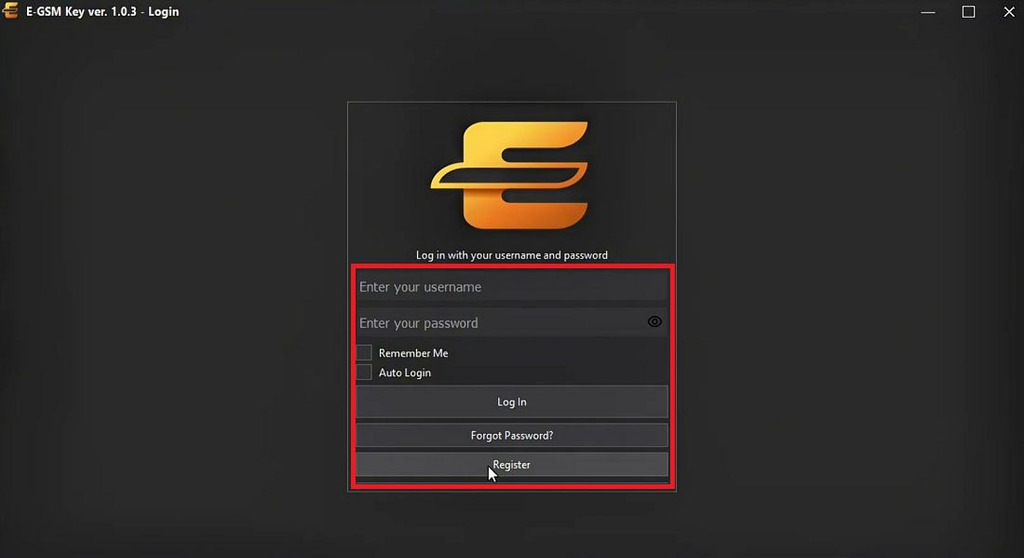
- Start E-GSM Key from the desktop shortcut and enter your registered email in the username field.
- Enter your account password, then select Remember Auto Login if you want to save the details.
- Click Log In and wait for the software to authenticate and load the main interface.
- Install the required USB drivers if not already done.
- Select the device mode — Qualcomm, MediaTek, Unisoc, Fastboot, Sideload, or ADB.
- Connect the phone and run the operation you need.
- Check the History tab to confirm completed jobs.
- That’s it.
Frequently Asked Questions
E-GSM Key is a Windows servicing tool for Xiaomi devices with 26 operations across Qualcomm, MediaTek, Unisoc, Fastboot, Sideload, and ADB modes. It handles Mi Account bypass, FRP removal, firmware flashing, and bootloader unlock on 217 supported models.
The current release keeps the Xiaomi auth lineup free and online — MTK V6/V5 Auth, Assistant FRP, Fastboot FDL, and Device Info Checker all run without payment. Device operations may need credits depending on the model.
MTK V6 Auth is the latest MediaTek authorization for Xiaomi phones. E-GSM Key runs it free and online, which lets technicians service newer MTK models without buying separate auth credits.
The catalog lists 217 Xiaomi models, including Xiaomi 15, 14, 17 Max, POCO F8 Pro, Redmi K90, Redmi Note 14/15 series, Redmi 15C, and Redmi A7 Pro across Qualcomm, MediaTek, and Unisoc chipsets.
Final Thought
E-GSM Key provides free service jobs for Xiaomi such as MTK V6/V5 Authentication, Fastboot to EDL and FRP Assistant which are normally charged. The catalog of 217 model with clear board code names makes matching devices easy. EFS backup option added by Qualcomm also adds an extra safety feature usually not included in free tools. Watch out for the restriction for Chinese devices and this tool stands alongside E GSM Tool on bench PCs.